Virtual try-on
Real-time AR
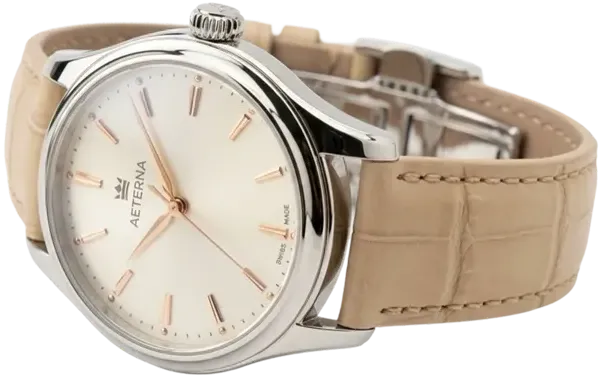
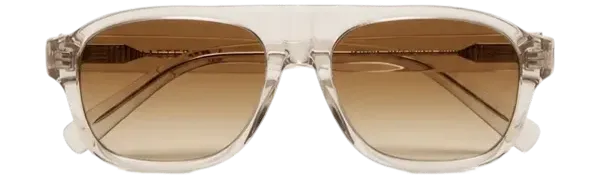
Customers point their camera — products appear on their face or wrist live. Most accurate for fit-critical items: eyewear and watches. Earring, necklace and bracelet AR is in beta.
AI Photo Swap
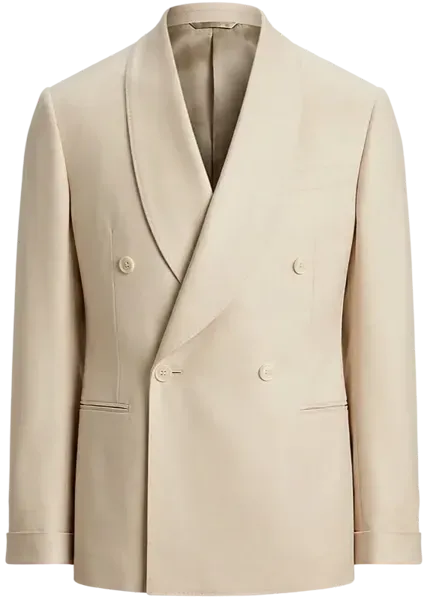
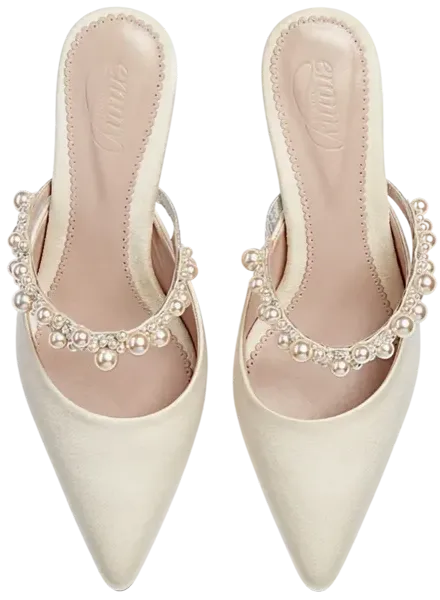
Customers upload a photo, AI composites the product onto them. No 3D models required — your existing product images are enough. Works for any wearable category.
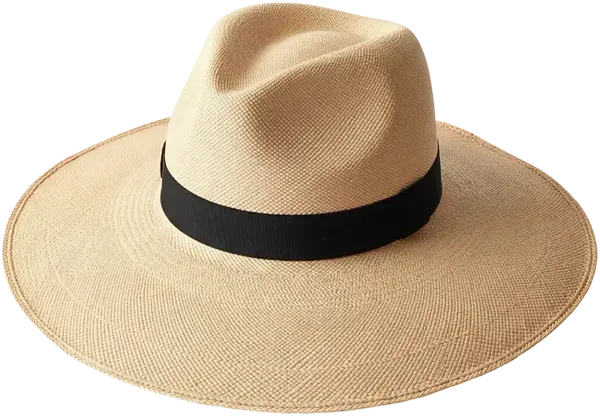

Virtual Try-On Gallery



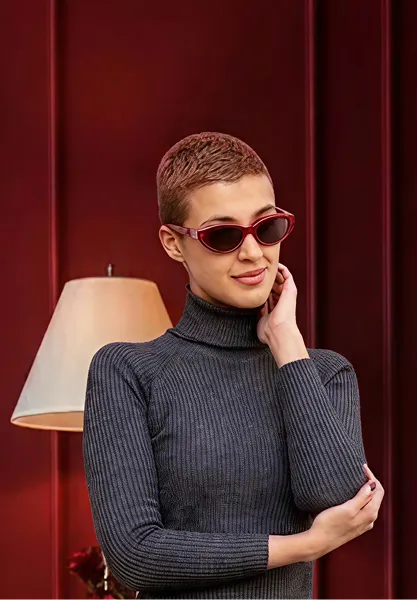
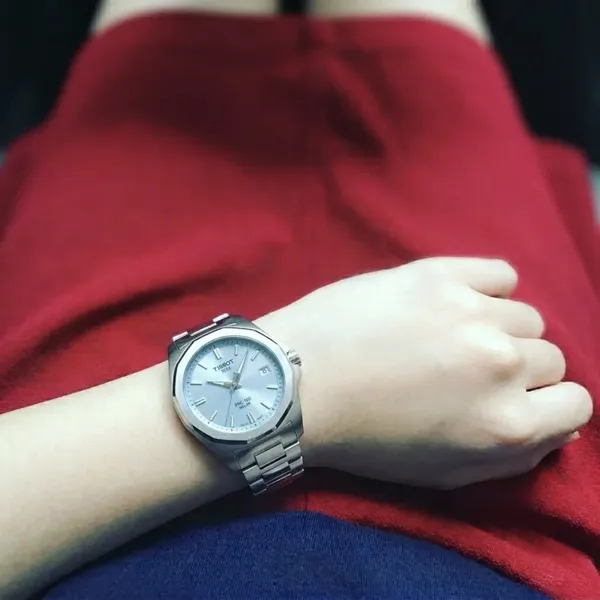


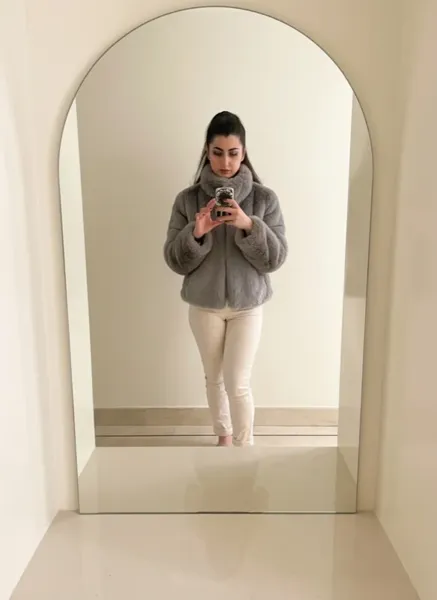
Virtual Try-On
Gallery
Try virtual try-on live
Upload your photo. Select one of the products below. See how it looks on you, typically in 10–20 seconds.
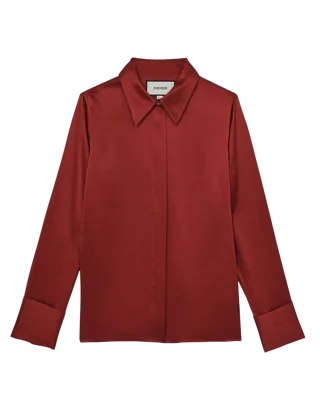
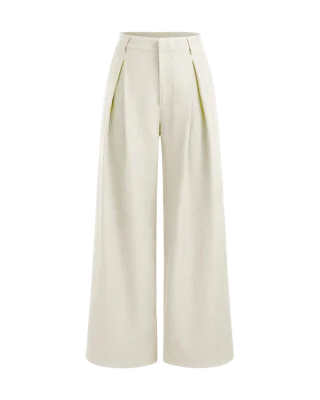
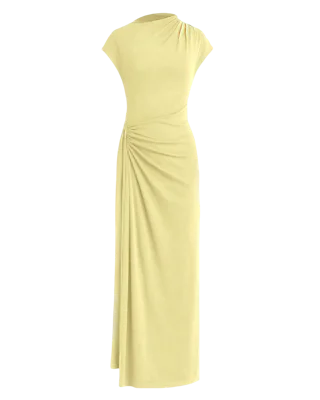
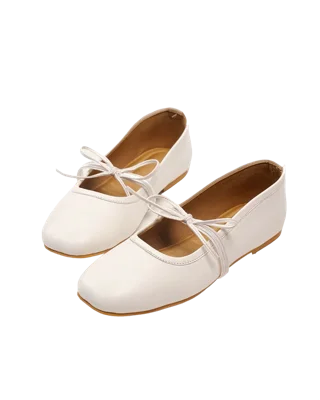
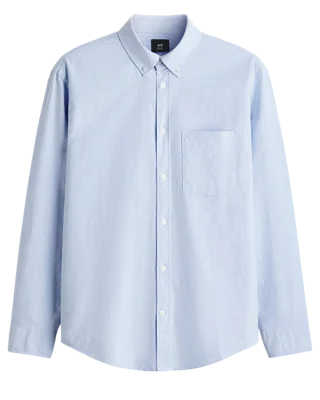
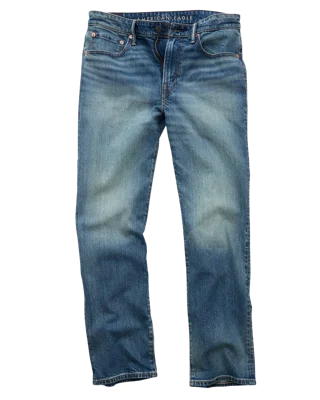
Drop your photo here
We'll help you put it on
Select one product to try on
Powered by TryOn Virtual
Try virtual try-on live
Upload your photo. Select one of the products below. See how it looks on you, typically in 10–20 seconds.
Drop your photo here
We'll help you put it on
Select one product to try on
Powered by TryOn Virtual
How to set up virtual
try-on
Install the app
One-click from the Shopify App Store.
Upload your products
Your existing product photos work immediately.
Go live
Try-on is live on your product pages. No code required.
Virtual Try-On Pricing
All charges are billed in USD. Recurring and usage-based charges are billed every 30 days. Shopify merchants choose Starter, Essentials, Growth, or Scale inside the TryOn Virtual app — every charge, including pay-as-you-go overage for extra sessions and 3D generations, is processed through Shopify's Billing API. The Custom plan is a sales-led, contract-based offering for retailers on non-Shopify platforms (custom-built storefronts, WooCommerce, Magento) and offline/brick-and-mortar stores. It is not offered to, or billed to, Shopify stores.
What is virtual try-on?
Virtual try-on lets a shopper see a product on their own face, wrist, or body before they buy, right on your product page. There are two ways to do it, and the right one depends on what you sell. Real-time AR opens the shopper's camera and tracks their face or wrist live, so they can turn their head and judge fit and angle. It is the right choice for eyewear and watches. AI photo swap takes one photo of the shopper and renders the product onto it, typically in 10–20 seconds. It suits clothing, shoes, and jewelry, where drape and scale matter more than live movement. Both run in the shopper's browser with nothing to download. You don't need 3D files to start: TryOn Virtual generates AR models from your product photos, and photo swap uses the product images already in your catalog.
Frequently
Asked
Questions
Ready to add try-on to your store?
Join innovative brands using TryOn Virtual to deliver unforgettable shopping experiences.