Virtual Try-On for Jewelry Brands
Let shoppers see rings, necklaces, earrings, and bracelets on themselves before they buy. AI photo try-on that works from the product images you already have — on Shopify or any store, free to start. Earring, necklace and bracelet real-time AR is in beta.
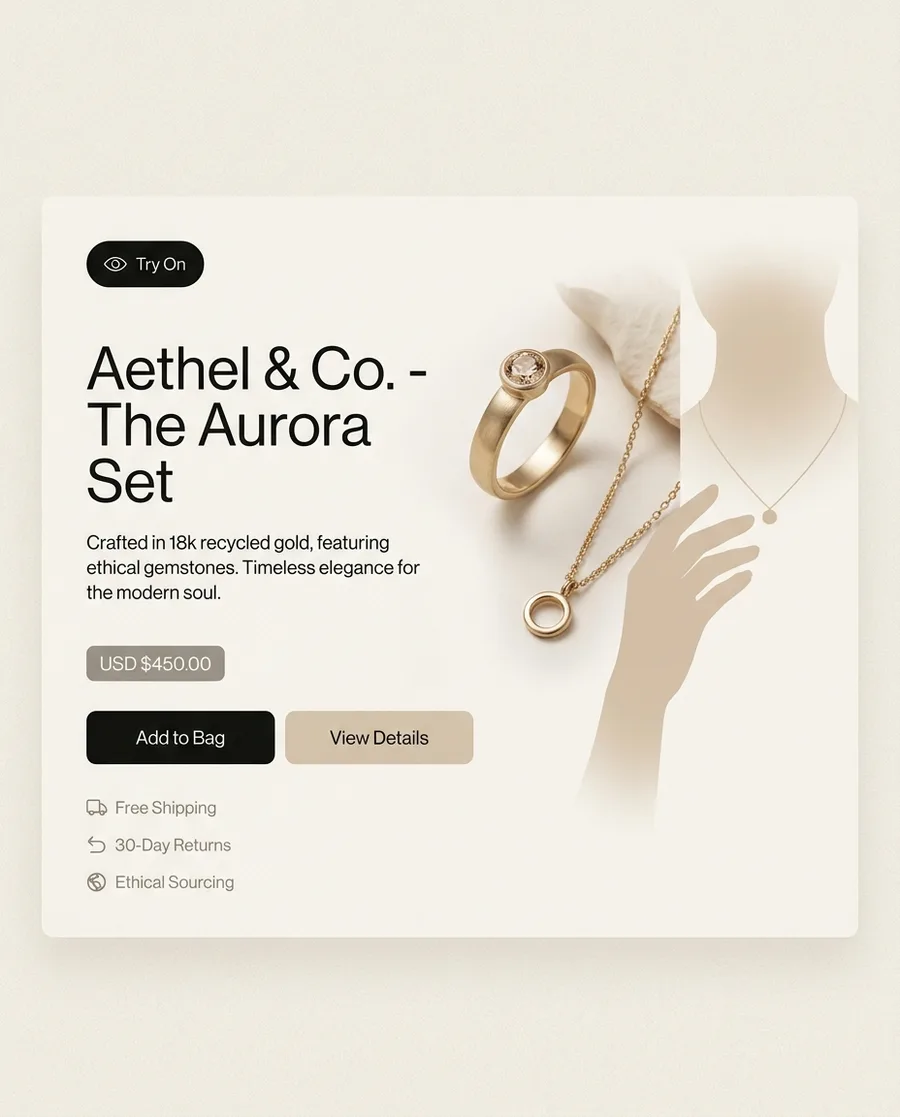
Built for Jewelry Retail
Try On Rings, Necklaces & Earrings
Customers upload a photo and see your jewelry on their hand, neck, or ears. Our AI detects hand position, skin tone, and finger proportions to place rings accurately. Necklaces drape naturally along the neckline. Earrings align with ear position detected from the photo.
- Rings: placed in proportion to the shopper’s hand
- Necklaces: neckline drape with pendant positioning
- Earrings: ear detection for studs, hoops, and drops
Realistic Material Rendering
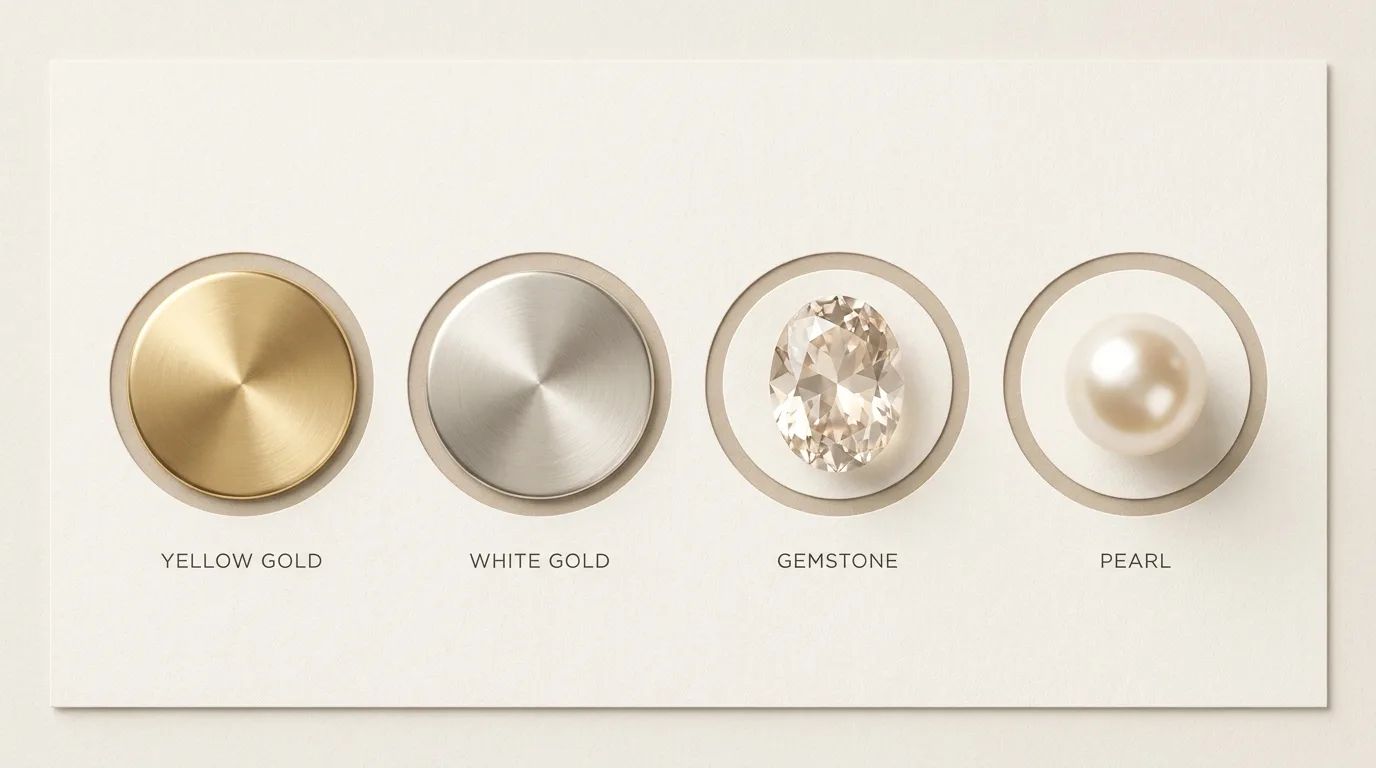
Gold, silver, platinum, rose gold — each material reflects light differently. Our AI preserves material properties in the try-on output, so yellow gold looks like yellow gold, not a flat overlay. Gemstone sparkle, pearl luster, and diamond brilliance are handled accurately.
- Accurate gold, silver, and platinum tones
- Gemstone color and facet rendering
- Pearl luster and matte material support
Drive Conversions for High-Value Products
Jewelry has naturally high hesitation rates because customers cannot see scale, proportion, or how a piece complements their skin tone without trying it on. Virtual try-on removes that hesitation. Shoppers who can see a piece on themselves have fewer reasons to hesitate — and fewer reasons to send it back.
No 3D Models Required
AI photo try-on works from your existing product photography. Upload the flat image you already have for your product listing — no 3D modeling agency, no special photography setup.
- Works with standard product photography
- Supports JPEG, PNG, and WebP formats
- No 3D modeling pipeline needed
Screenshot & Share for Social Proof
Jewelry try-on results are highly shareable. Customers who share their ring or necklace try-on with friends create organic word-of-mouth and return for purchase after getting positive responses.
Built for Fine Jewelry & Fashion Accessories
Whether you sell fine jewelry, fashion accessories, or custom pieces, TryOn Virtual adapts. The same integration supports engagement rings, fashion earrings, and statement necklaces across price points and styles.
- Fine jewelry: accurate scale and proportion
- Fashion accessories: fast turnaround, any style
- Custom jewelry: works with rendered product images
Try-on for every piece you sell
Each piece answers a different question a product photo can’t. For the full breakdown, read our guide to virtual jewelry try-on.
See the stone at its real size
The ring is placed on the shopper’s own hand in proportion to their fingers, so a solitaire reads delicate or dramatic the way it will in person.
- Engagement and fashion rings
- Bands, solitaires, stacks
Show where the chain actually falls
Chain length is abstract until you see it. The necklace drapes along the shopper’s neckline, with the pendant where it would really sit.
- Chains, pendants, chokers
- Layered and statement pieces
Judge proportion before buying
Studs, hoops, and drops are aligned to the ears detected in the photo, so shoppers can tell whether a bold earring flatters or overwhelms.
- Studs, hoops, drops
- Climbers and huggies
Check presence on the wrist
Cuffs, chains, and tennis bracelets sit on the shopper’s wrist at believable scale — the same wrist-scale problem our watch try-on solves.
- Cuffs, bangles, tennis bracelets
- Charm and chain bracelets
How jewelry virtual try-on works in four steps
Use your product photos
Try-on works from the catalog images you already have — JPEG, PNG, or WebP. No 3D modeling and no special photo shoot.
Shopper taps Try On
A Try On button appears on the product page. The shopper accepts the consent screen and uploads or takes a photo.
AI places the piece
The AI finds the hand, neckline, ears, or wrist and places the jewelry with matching scale, angle, and lighting.
They see it — and buy
The shopper sees the piece on themselves, typically in 10–20 seconds. Their photo is deleted within 24 hours and never used to train models.
Technical Specifications
Built with industry-leading technologies for performance and reliability.
Frequently Asked Questions
Turn Browsers Into Jewelry Buyers
Jewelry is one of the hardest categories to sell online. Virtual try-on changes that — giving customers the confidence to buy without seeing it in person.