How Virtual Try-On Works
Virtual try-on is AI-powered technology that lets online shoppers see how products look on them in real-time through their webcam. Powered by advanced face tracking and 3D rendering, it runs directly in the browser — no app download, no plugins, just instant visualization.
What Is Virtual Try-On?
Virtual try-on is technology that lets shoppers see a product on themselves before buying, bridging the gap between online shopping and the in-store experience. In real-time AR mode, your device's camera overlays a photorealistic 3D model of a product — like glasses or a watch — onto your live video feed. In AI photo swap mode, used for clothing, shoes, and jewelry, you upload a photo and AI renders the product onto it, typically in 10–20 seconds.
The magic happens through a combination of computer vision, AI-powered face tracking, and real-time 3D rendering. By detecting 468 facial landmarks and tracking your head movements with sub-50ms latency, virtual try-on creates an experience that feels natural and responsive.
Unlike traditional AR filters that simply overlay 2D images, TryOn Virtual uses physically-based rendering (PBR) with HDR lighting to ensure products look exactly as they would in real life. The result? Customers can confidently purchase online knowing exactly how the product will look on them. Learn more about the technology.
How the Technology Works
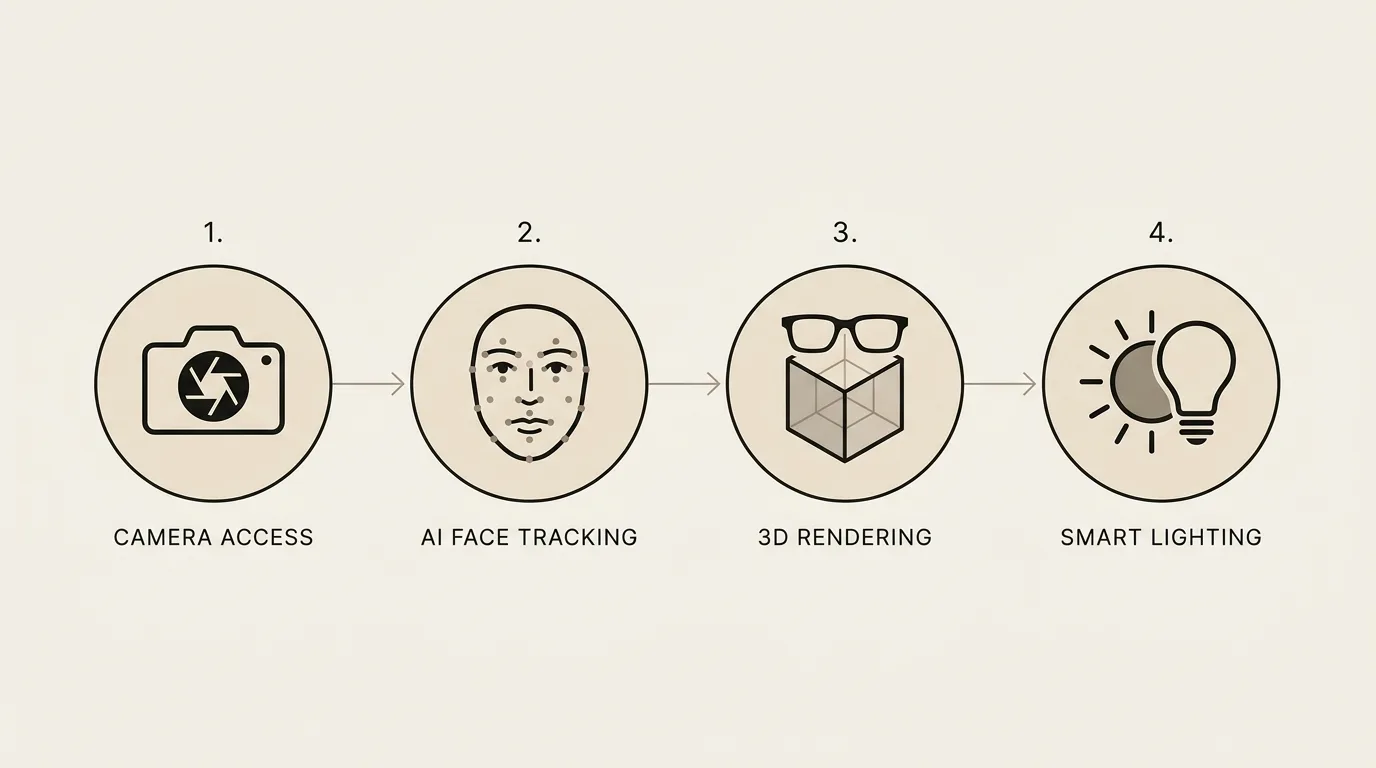
From camera access to photorealistic rendering, here's the four-step process that powers every virtual try-on session.
Camera Access
Secure webcam access is requested once. All processing happens locally on the user's device — no video is ever sent to servers.
AI Face Tracking
468 facial landmarks are detected in real-time by our AR engine. The AI tracks head position, rotation, and facial features with 99.2% accuracy.
3D Rendering
Photorealistic PBR (physically-based rendering) with HDR lighting renders the product in WebGL. Products look exactly as they would in real life.
Smart Lighting
Auto-exposure adapts to the user's lighting environment. Whether they're in sunlight or indoors, the product always looks natural.
Why It Matters for E-commerce
Virtual try-on solves the biggest challenge in online retail: the "can't try before you buy" problem. By letting customers visualize products on themselves instantly, merchants see dramatic improvements in conversion, engagement, and customer satisfaction. The results speak for themselves.
Conversion, return-rate, and engagement figures are TryOn Virtual merchant data. See more use cases.
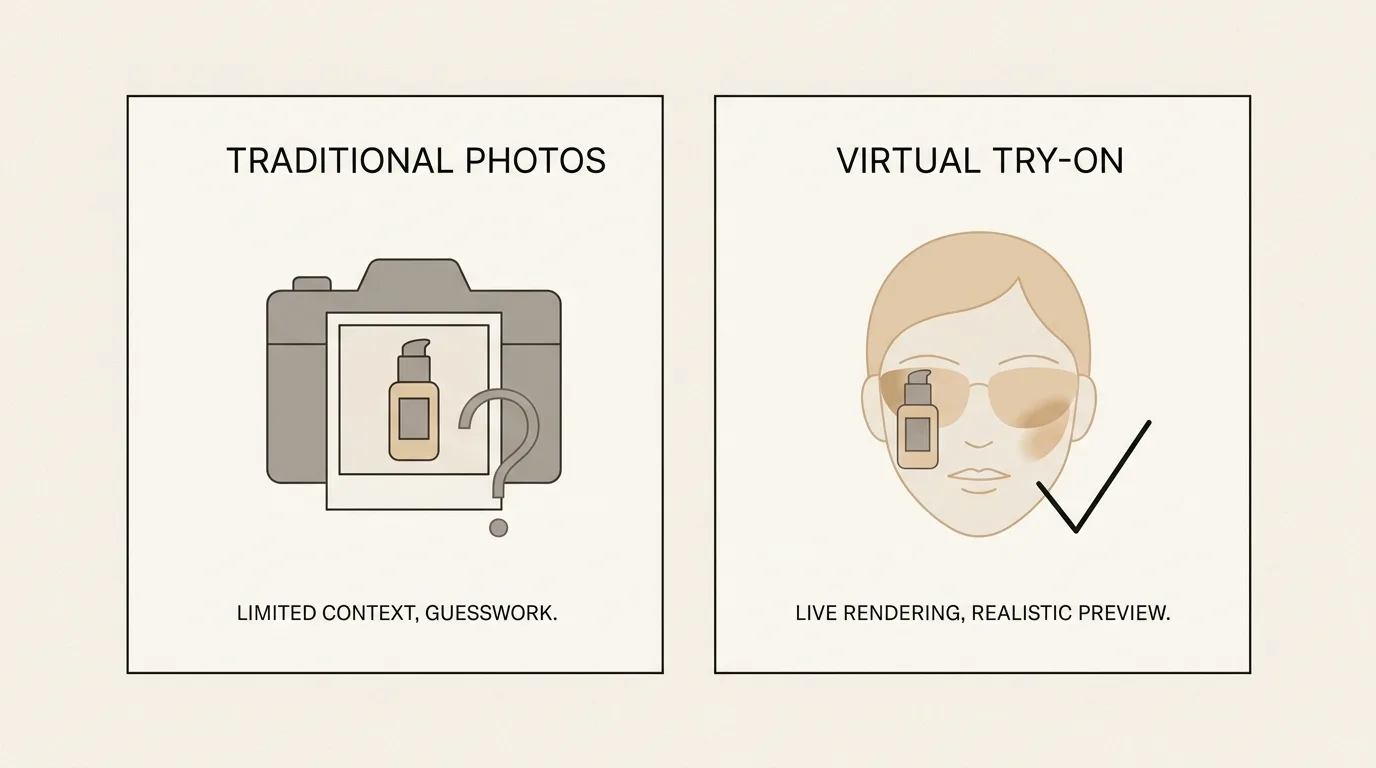
Virtual Try-On vs Traditional Product Photos
Static product images have served e-commerce well, but virtual try-on takes the experience to the next level. Here's how they compare across key metrics that matter to both merchants and customers.
Try It Yourself
Experience virtual try-on firsthand with our live demo. No signup required — just tap the button and see how it works in seconds.
Frequently Asked Questions
Ready to Add Virtual Try-On?
Join the roughly 400 stores using TryOn Virtual to increase conversion and reduce returns. Install in one click, or book a personalized demo to see it in action.
For more details on implementation, check out our Shopify merchant guide or explore eyewear-specific features.
Building a custom storefront? Storefront integration docs →