Merchant Panel for Any E-Commerce Platform
Manage your virtual try-on experience from a standalone dashboard. Upload 3D assets, configure AI swap, invite team members, and embed the widget on any storefront — not just Shopify.
One Panel for Every Storefront
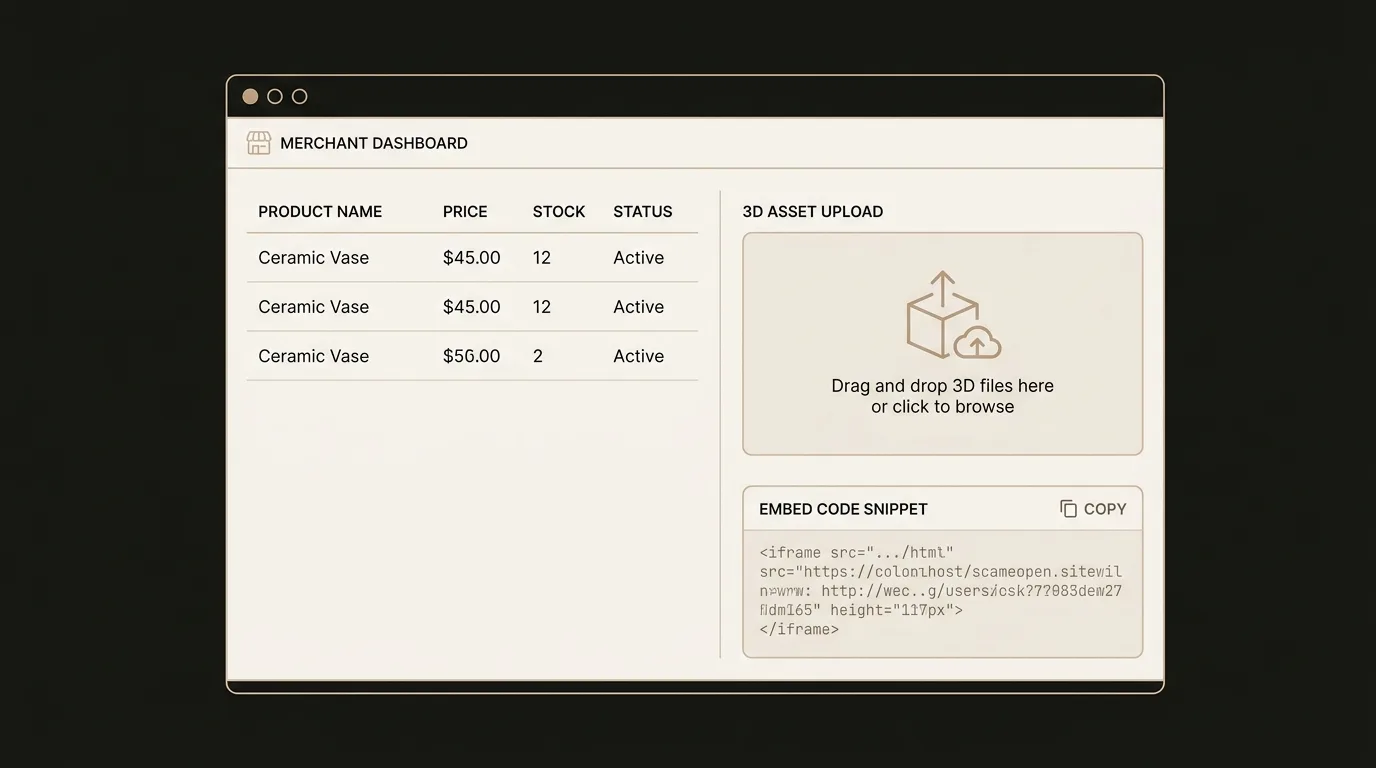
Product Management
Add, organize, and configure your product catalog from a clean dashboard. Map each product to its 3D model or AI swap configuration, set variant options, and control visibility — all without touching code.
- Create and organize products with variants
- Map products to 3D assets or AI swap images
- Control which products have try-on enabled
3D Asset Upload & AI Swap
Upload GLB, GLTF, USDZ, SPZ, or PLY models directly through the panel. For AI swap, upload product reference images and the system handles the rest. Assets are automatically optimized for web delivery.
- Drag-and-drop 3D model upload with format validation
- AI swap setup with product reference images
- Automatic asset optimization and CDN delivery
Embed on Any Storefront
Generate a single embed snippet and paste it into your storefront template. The widget auto-detects the environment and renders the try-on button on the right product pages. Works on WooCommerce, Magento, Squarespace, or any custom-built store.
- One script tag — no build tools or dependencies
- Auto-detects product pages and renders try-on buttons
- Customizable button style and placement
Team Management
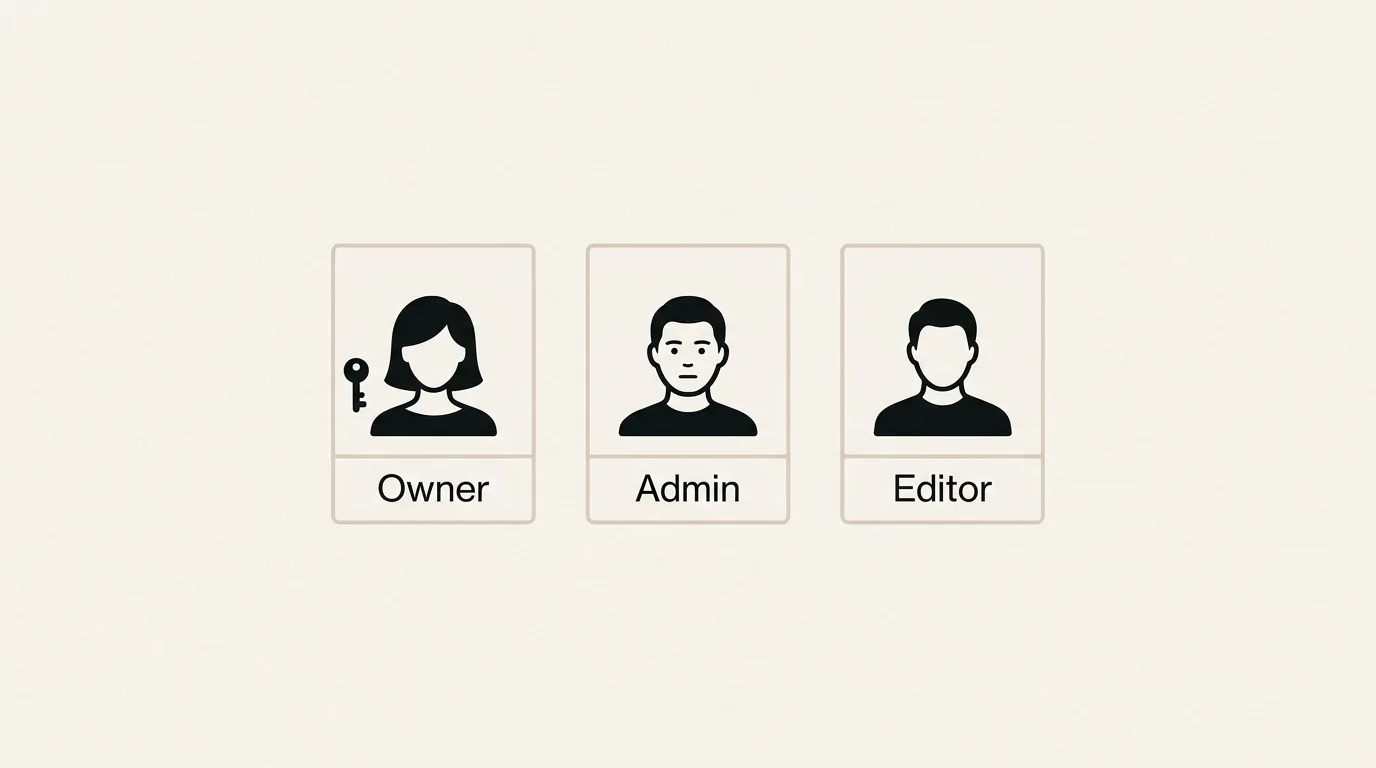
Invite team members with role-based access. Owners have full control, admins manage products and settings, and editors handle day-to-day asset uploads. Keep your workflow organized as your team grows.
- Owner, admin, and editor roles
- Invite via email with role assignment
- Activity log for audit and accountability
Analytics Dashboard
Track try-on sessions, widget opens, camera grants, saved looks, and add-to-cart events in real time. Understand which products drive the most engagement and measure the ROI of virtual try-on across your entire catalog.
Platform-Agnostic Design
The merchant panel works independently of any e-commerce platform. Whether you are migrating from Shopify to a headless setup, running WooCommerce, or building a custom storefront, your try-on configuration stays the same.
- No platform lock-in — switch storefronts without reconfiguring
- REST API access for headless and custom integrations
- Same panel manages multiple storefronts if needed
Technical Specifications
Built to integrate with any e-commerce stack, from turnkey platforms to fully custom builds.
Try-On for Every Platform
Whether you sell on WooCommerce, a custom storefront, or multiple channels — the merchant panel gives you full control.
Already using the panel? Panel user guide →