Let me save you a few weeks of confusion.
If you've installed a virtual try-on app on your Shopify store and you're not seeing meaningful results, the problem almost certainly isn't the technology. It's one of four things — and all of them are fixable.
I've worked with a lot of Shopify merchants across eyewear, jewelry, watches, and clothing. The ones who see real results aren't necessarily using better technology. They just avoided the mistakes that make most implementations quietly fail.
Here's what actually determines whether virtual try-on works for your store.
The number that gets misquoted — and what it actually means
You've probably seen this stat: customers who use virtual try-on convert at 2–3× the rate of customers who don't.
That's true. But there's a gap between what that means and what most merchants assume it means.
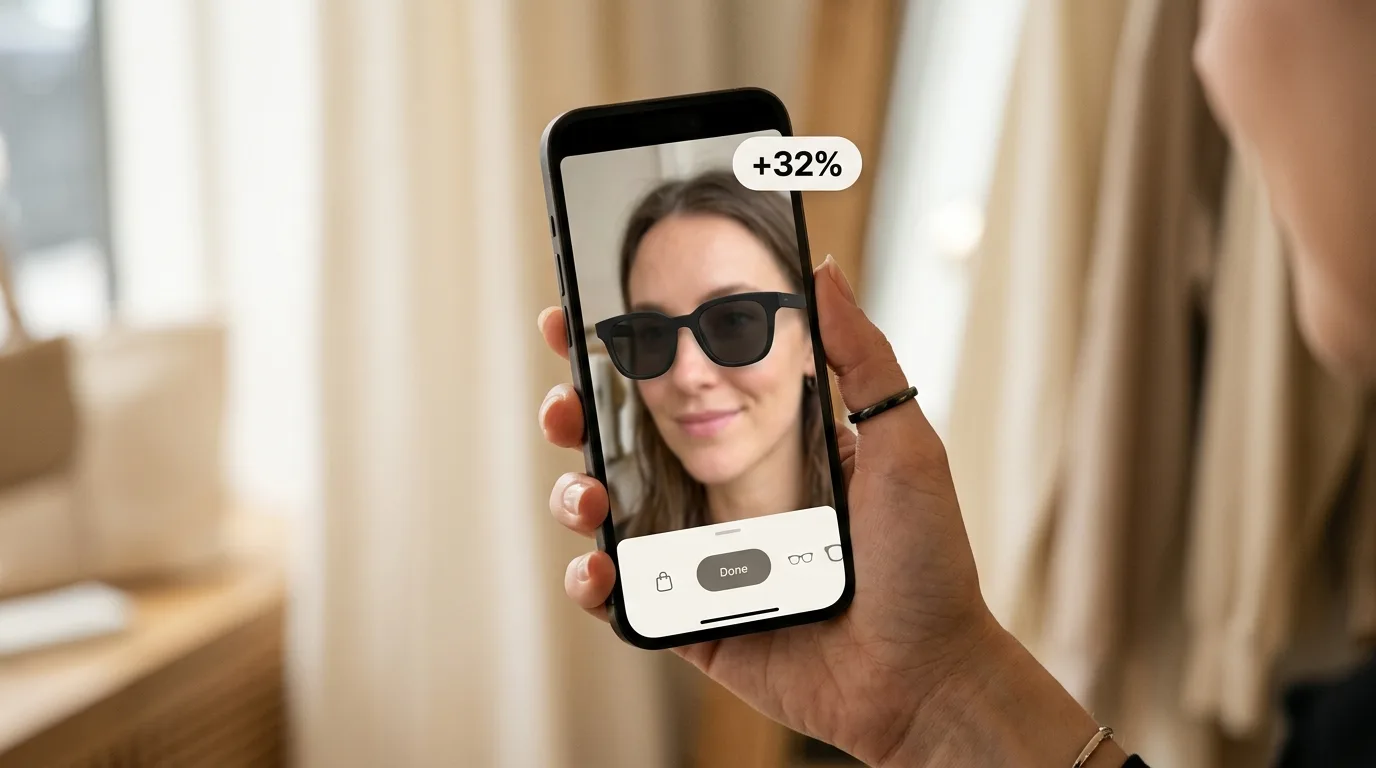
That 2–3× lift applies to the customers who actually engage with the feature — who click the button, activate the camera or photo mode, and try something on. It doesn't mean your store's overall conversion rate will 2–3× overnight.
What determines your actual lift is much simpler: what percentage of your visitors are engaging with the feature at all?
A healthy engagement rate is 8–15% of product page visitors. Below 5%, something is wrong — usually placement. Below 2%, the feature might as well not exist.
If you're not measuring this, you're flying blind. Most analytics setups don't track try-on engagement separately, so merchants just watch their overall conversion rate and wonder why nothing changed.
The placement mistake most merchants make
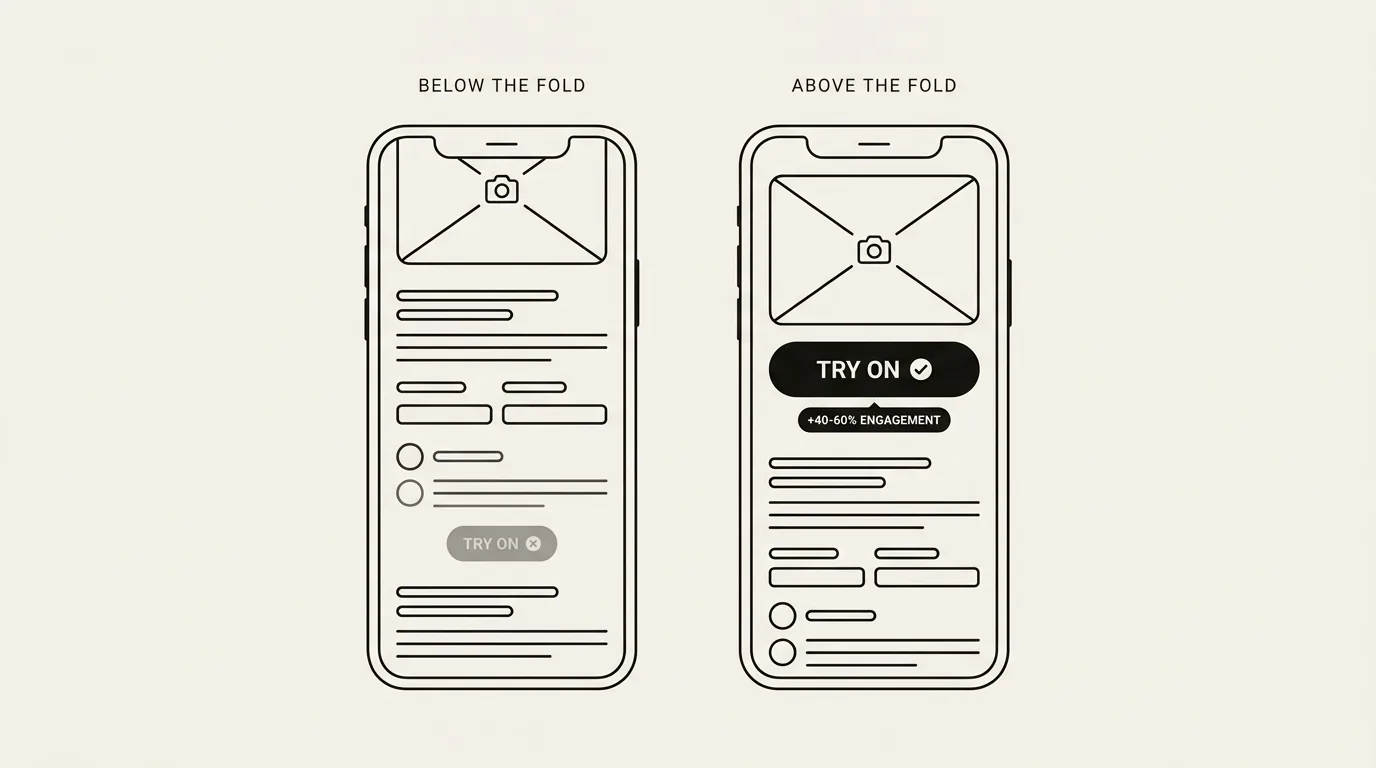
I've seen the same two implementations of virtual try-on produce completely different outcomes based on one variable: where the button is on the page.
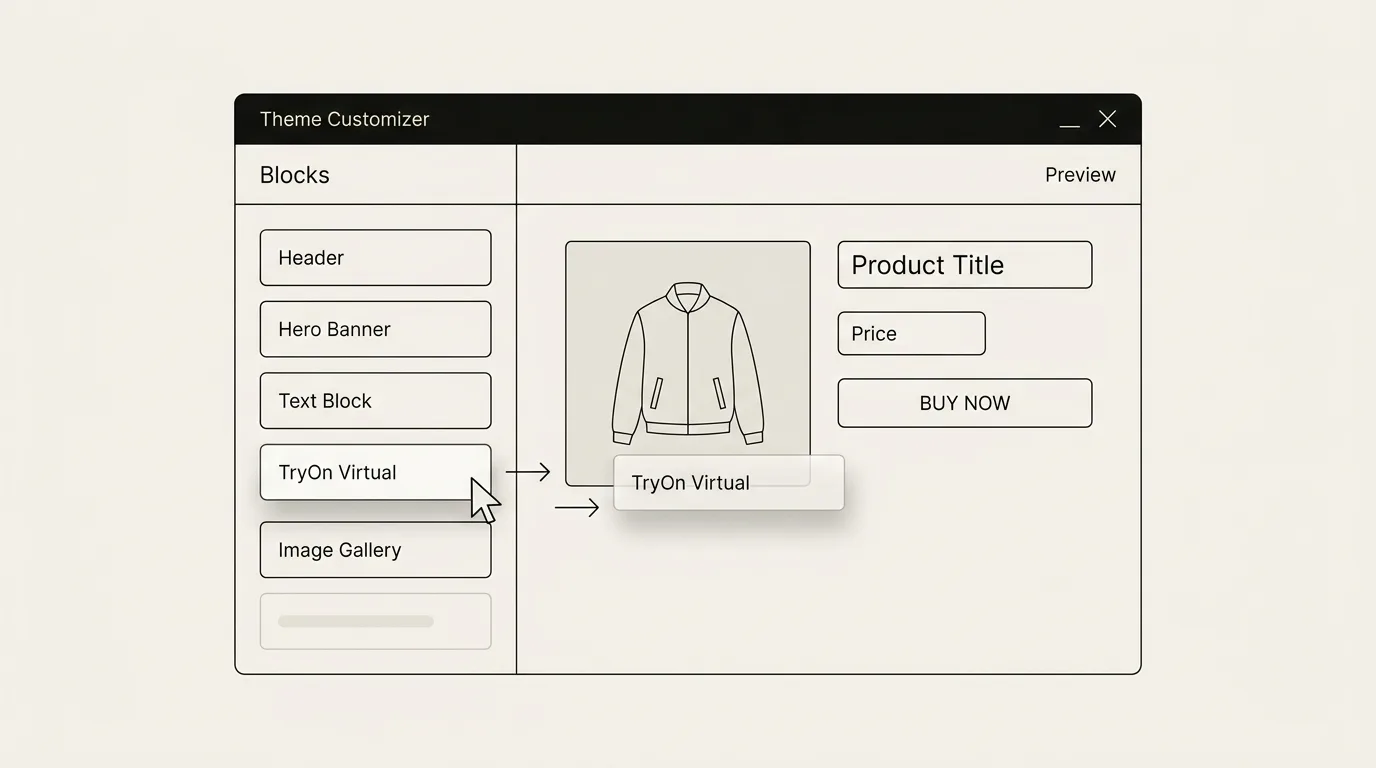
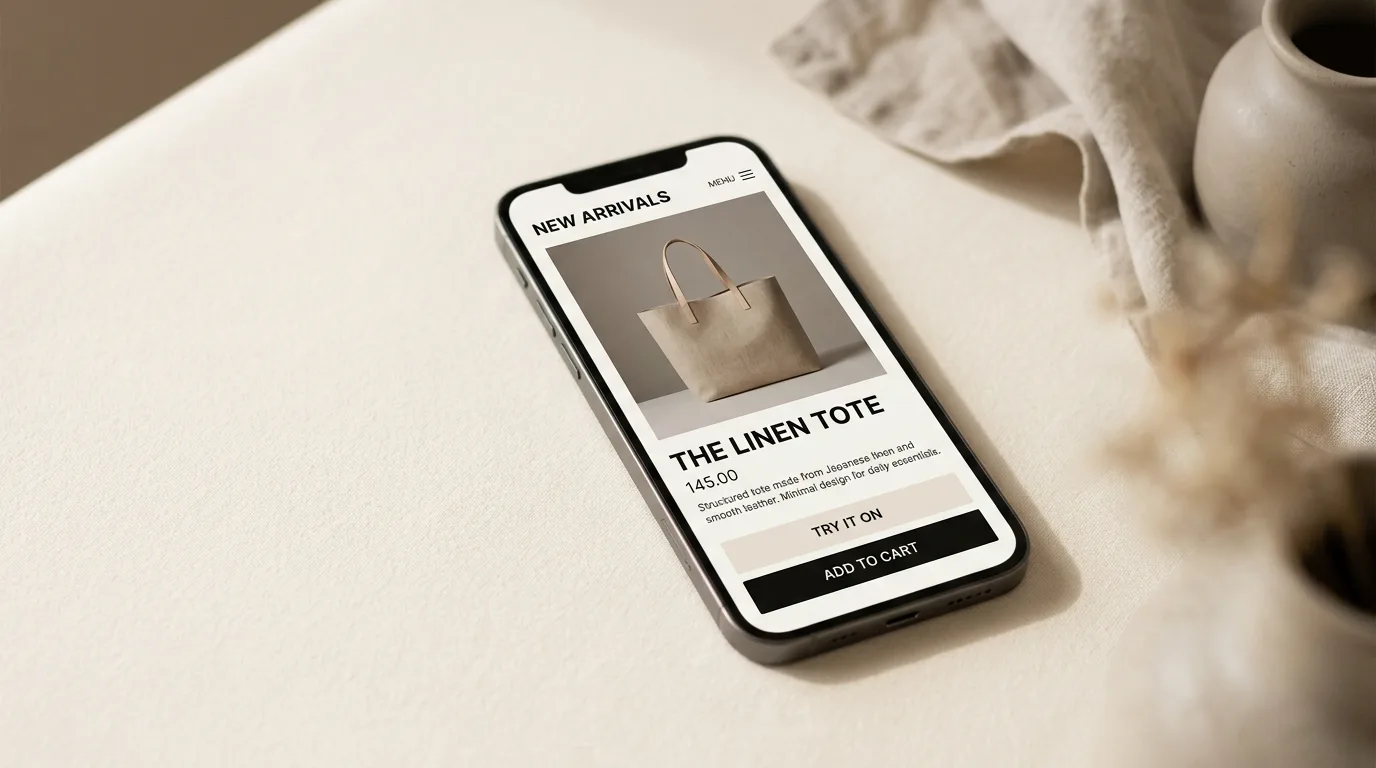
Merchants who place the try-on button prominently — directly below the product images, above the add-to-cart button — see 40–60% higher engagement than merchants who put it in a secondary tab or below the fold.
Think about how your customers browse. They land on a product page, scroll maybe halfway down before they start making a decision. If the try-on button isn't visible in that window, most customers will never see it.
The best-performing stores treat try-on as a primary call-to-action — not a supplementary feature you discover later. "Try it on yourself" should be right there next to the product images, not buried under the shipping policy.
This is the most common implementation mistake, and also the easiest to fix. Check where your button is sitting right now.
Privacy is a real barrier — and it's easy to address
A meaningful portion of customers won't activate a camera-based feature without reassurance. If your product page doesn't address this clearly, you'll lose people at exactly the wrong moment — when they're already considering a purchase.
The fix isn't complicated. A single line near the try-on button is enough: "No photos are stored. Your camera feed is processed locally." Clear, factual, and it removes the hesitation for most people.
Merchants who add this typically see a noticeable lift in engagement, especially for female shoppers who are more privacy-conscious about camera features.
The return rate story — and why it often closes faster
Most merchants come to virtual try-on because they want to sell more. That's the obvious angle.
But if your engagement rate is modest, the conversion lift math gets complicated. What doesn't get complicated is the return rate math.
Fashion return rates average 24–30%. Processing a single return costs $10–$25 once you account for shipping, restocking, and markdowns. For a merchant doing 5,000 orders a month at a 26% return rate, that's roughly $16,000–$32,000 a month in direct costs.
Merchants who implement virtual try-on with good visibility consistently see return rates drop 25–40% for fit-critical categories. The business case for that doesn't require high engagement — even a modest reduction in returns can outweigh the entire cost of the app.
When merchants ask me whether try-on is worth it, I ask them what their current return rate is before I answer.
Not every product should have try-on enabled
This is the thing I didn't want to say for a long time, because it cuts against my interests.
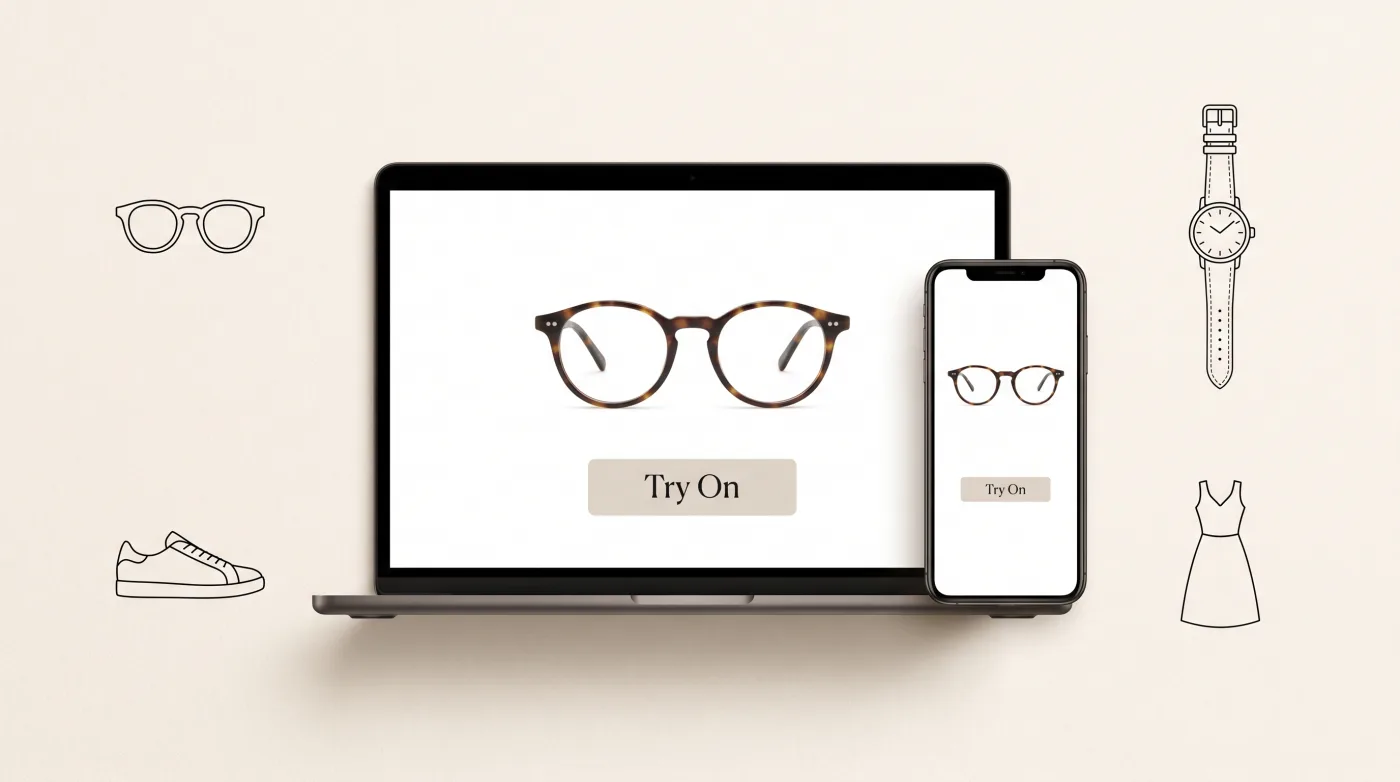
Virtual try-on delivers real value when the customer's primary uncertainty is about themselves — will this fit my face, will this look right on me, will this style work for my build. Eyewear, watches, jewelry, clothing, shoes. Categories where a customer genuinely cannot know until they see themselves wearing it.
It doesn't move the needle for products where the customer's question is "does this work?" rather than "does this work for me?" Enable it on the wrong products and you add noise, not signal.
If you're evaluating whether to enable try-on across your catalog: start with your highest-return, fit-critical products. Get data there first before expanding.
What to actually track
Here's the measurement setup that matters:
Engagement rate: Of visitors to a product page with try-on enabled, what percentage click the button? Track this as a custom event in your analytics. Target: 8–15%.
Engaged conversion rate: Of customers who use try-on, what percentage purchase? This is your per-user lift. Compare to non-engagers.
Return rate by cohort: Compare return rates for orders from customers who used try-on vs. those who didn't. This is your strongest ROI signal.
If your analytics don't break these out, you're measuring the wrong things. An overall conversion rate tick is too noisy — you need to see the funnel clearly.
The bottom line
Virtual try-on for Shopify works. The caveat is that "install and wait" doesn't work.
The merchants who see meaningful lift do the same things: they pick the right products (fit-critical, high-return categories), place the button where it gets seen, address privacy concerns explicitly, and measure engagement — not just conversion.
The technology is a solved problem at this point. The implementation is where results diverge.
If you're on Shopify and you sell products where fit or appearance is the actual barrier to purchase — eyewear, jewelry, watches, clothing — virtual try-on is worth a serious look. If you want to see how it works without any commitment, TryOn Virtual is free to start with the first 25 sessions per month included (paid plans from $15/mo): tryonvirtual.com
Sajad Baharvandi is the founder of TryOn Virtual.
This article is part of The Complete Guide to Virtual Try-On in Ecommerce — our full breakdown of try-on types, product categories, ROI, and platform options.