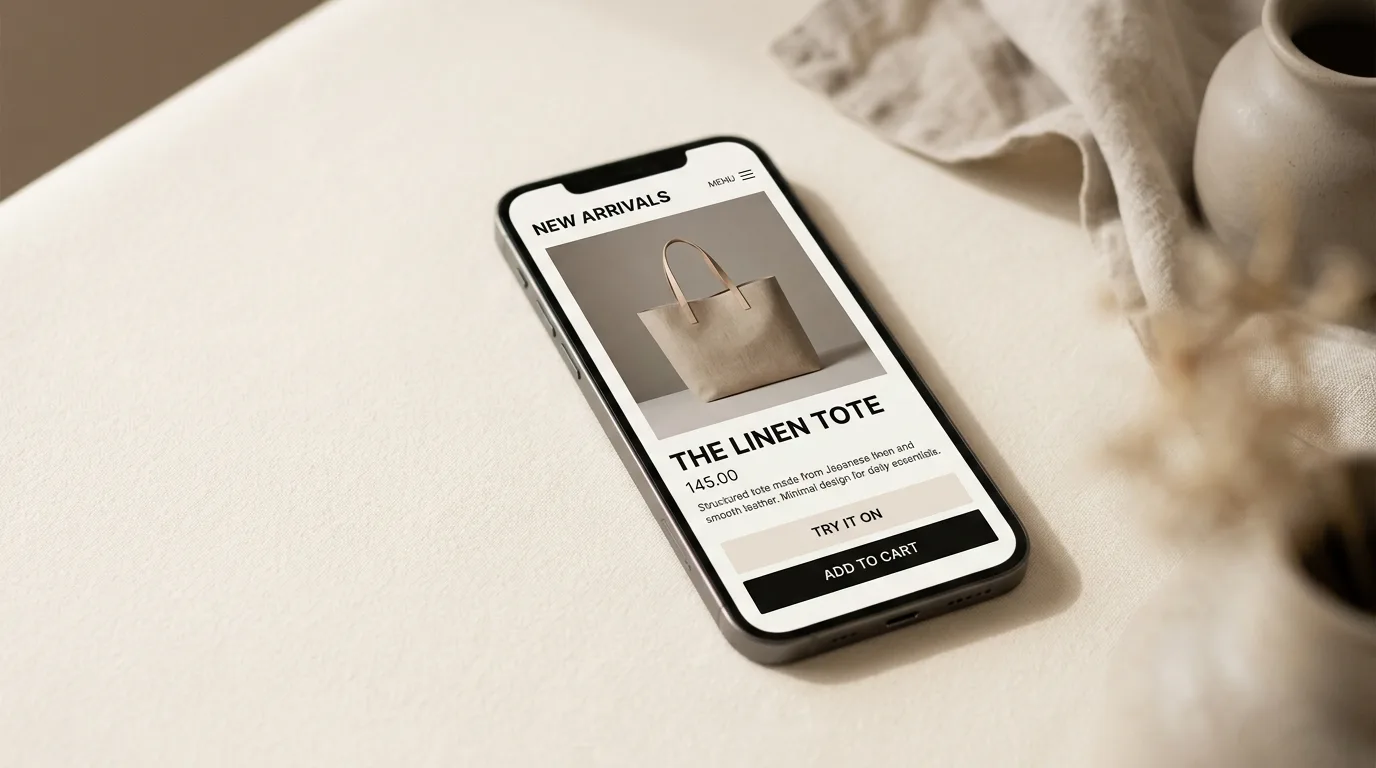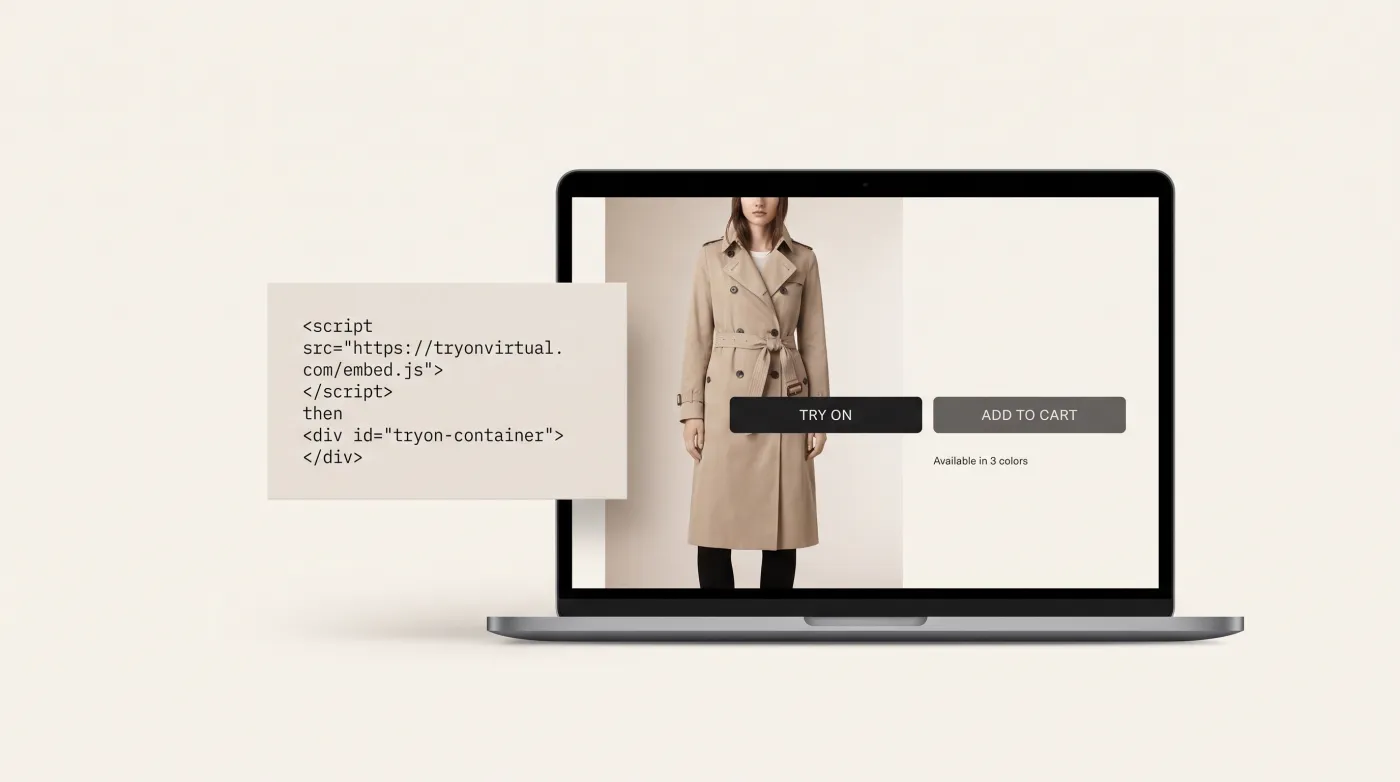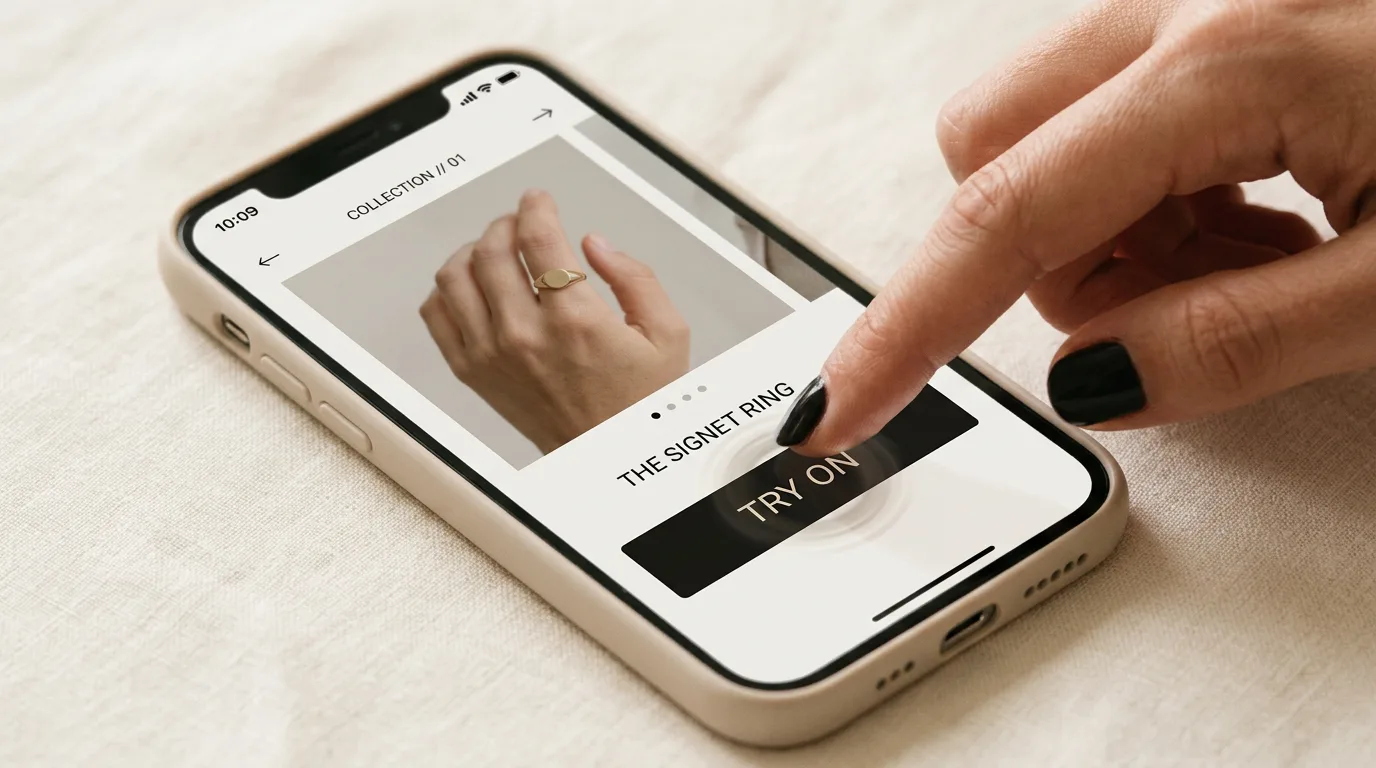
Customers abandon product pages every day because they can't answer one question: will this actually look good on me?
One-click virtual try-on answers that question in under two seconds — no app download, no account creation, no redirects. The shopper clicks a button on your product page and instantly sees the product on their face through their webcam. That's it.
This guide covers how the technology works, why the friction reduction matters so much for conversions, and how to add it to your Shopify store today.
What Is One-Click Virtual Try-On?
One-click virtual try-on is a browser-based AR experience that activates directly on a product page with a single button press. The customer sees themselves through their webcam with the product rendered on their face in real time — no third-party app, no account, no redirects.
It's the opposite of the early AR try-on experiences that required customers to leave your store, download a separate app, search for the product again, and then try it on. By step three, most shoppers were gone.
One-click try-on keeps the entire experience inside your store, on the product page where the purchase decision is made.
Why "One Click" Matters So Much for Conversions
Every additional step in a user journey causes drop-off. The research is unambiguous:
- Each extra click loses 10–20% of potential users
- 68% of shoppers abandon experiences that require an app download
- 53% leave if asked to create an account before accessing a feature
- 2.4× more customers complete a virtual try-on when it's embedded vs. redirect-based
One-click try-on eliminates every one of these barriers. The customer is already on your product page, already interested — the try-on button simply lets them confirm their decision without leaving.
The Old Way vs. The New Way
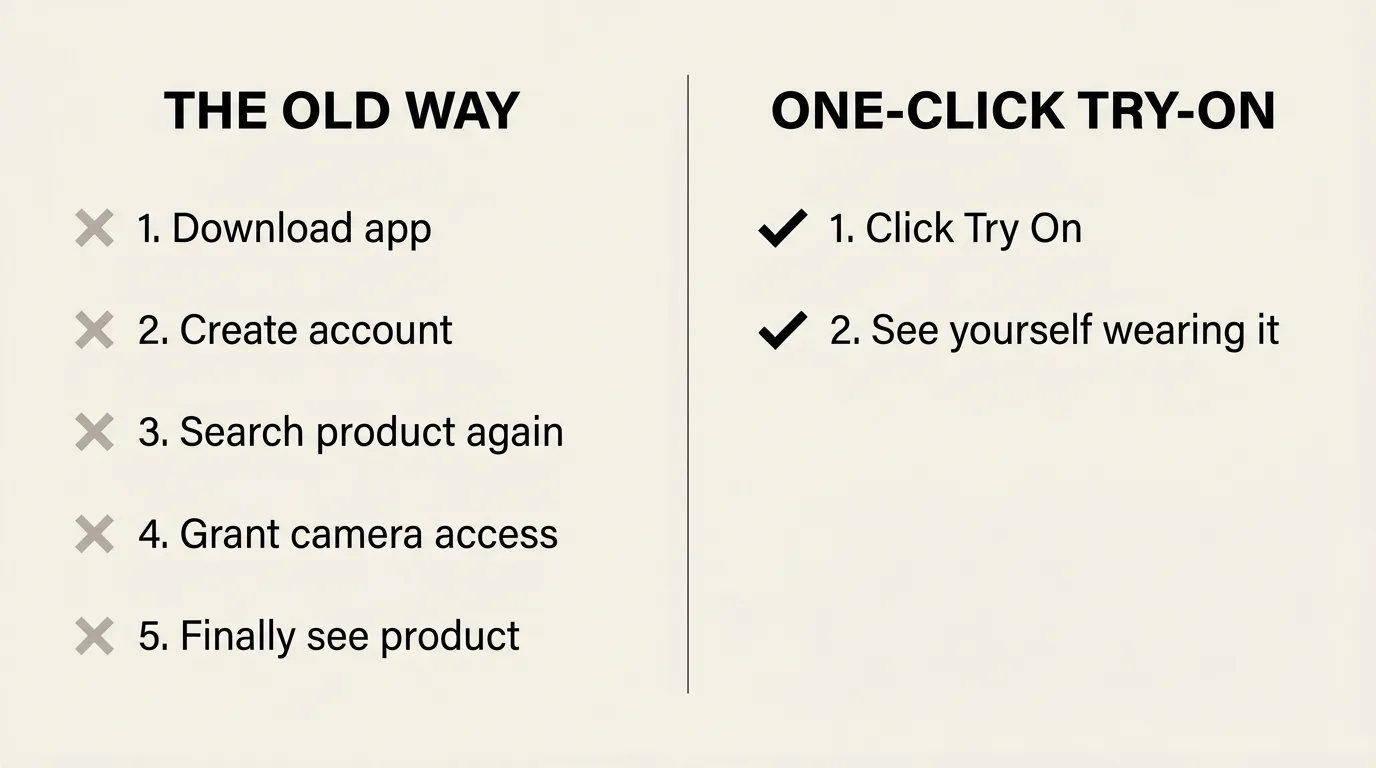
Traditional app-based AR (5 steps too many):
- Download a separate app from the App Store
- Create an account or log in
- Search for the product again inside the app
- Grant camera permissions inside the app
- Finally see the product
By step 3, most shoppers have already opened a competitor's site.
One-click virtual try-on (2 steps, including the result):
- Click "Try On" on the product page
- See yourself wearing the product
Camera access is requested once via a standard browser prompt — no different from a video call. Every subsequent try-on on that device is truly instant.
How One-Click Virtual Try-On Works Behind the Scenes
The experience feels effortless from the customer's perspective. The technology behind it is not:
1. Lazy-Loaded Widget
The virtual try-on engine doesn't load until the customer clicks the button. This means zero impact on your store's page speed — Shopify scores, Core Web Vitals, and load times are unaffected. The 3D rendering engine only initializes when someone actually wants to try on.
2. AI Face Tracking (468 Landmarks)
Once the webcam activates, our AR face-tracking engine identifies 468 facial landmarks in real time. This facial mesh captures the precise geometry of the customer's face — eye spacing, nose bridge width, temple positions, face width — everything needed to place eyewear accurately and at the right scale.
The tracking updates at 60fps, so the product moves naturally as the customer turns their head, looks up, or smiles.
3. Real-Time 3D Rendering with PBR Materials
The selected product's 3D model is rendered using PBR (Physically Based Rendering) — the same rendering standard used in AAA video games and visual effects. Accurate materials, reflections, and surface properties mean the frame looks as realistic as a studio photograph, not like a flat image pasted on a face.
4. Smart Auto-Lighting
Our auto-lighting system analyzes the ambient lighting in the customer's environment and adjusts the 3D rendering to match. Whether they're in direct sunlight, a dim room, or office fluorescents, the glasses look naturally lit — no ghosting, no uncanny valley effect.
5. On-Device Processing — Camera Frames Never Leave the Browser
For live AR try-on, everything happens in the browser. Camera frames are processed on the shopper's device and never leave it; no video is recorded or transmitted, and no biometric data is stored. This architecture eliminates network latency (no round-trips = instant response) and keeps the camera side of try-on simple from a GDPR/CCPA standpoint.
AI photo swap, used for clothing, shoes, and jewelry, works differently: the shopper's chosen photo is uploaded, processed by our AI providers (OpenAI, Google Gemini) to generate the result, and deleted within 24 hours. Each mode shows its own consent screen first.
The Conversion Impact
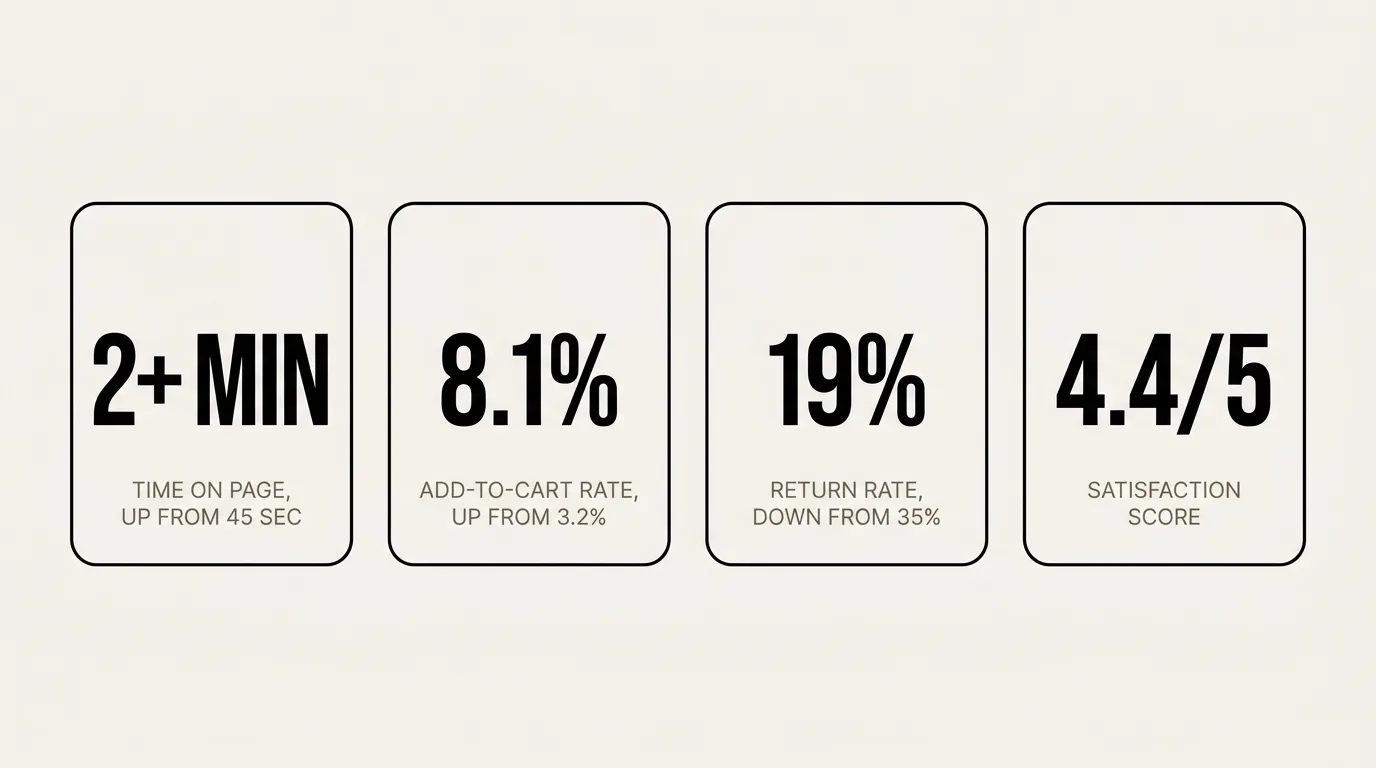
When virtual try-on is one click away, usage rates increase dramatically — and usage directly drives sales. TryOn Virtual merchant data shows up to 32% higher conversion, up to 45% fewer returns, and 2.5x longer engagement. The illustrative table below shows what that pattern looks like on a typical eyewear product page:
| Metric | Without Try-On | With One-Click Try-On |
|---|---|---|
| Product page time on site | 45 seconds avg. | 2+ minutes avg. |
| Add-to-cart rate | 3.2% | 8.1% |
| Return rate | 35% | 19% |
| Customer satisfaction score | 3.6 / 5 | 4.4 / 5 |
| Try-on feature usage rate | — | 34% of visitors |
The key insight isn't just that virtual try-on helps — it's that friction kills it. The same technology deployed as a redirect-based experience (one where customers leave the product page) generates a fraction of these results because most customers don't bother to follow through.
One-click keeps the experience where the purchase happens.
One-Click Try-On for Different Product Categories
Eyewear — Available Now
Glasses and sunglasses are the ideal category for one-click virtual try-on. Customers have three questions before buying frames: does the shape suit my face, does the color complement my skin tone, and is the size right? One-click try-on answers all three in real time.
See our eyewear virtual try-on →
Watches — Available Now
One-click wrist try-on renders watches on the customer's wrist in real time, at true scale relative to their wrist, with realistic metal, strap, and crystal rendering.
See watch virtual try-on details →
Clothing, Shoes & Jewelry — Available Now via AI Photo Swap
The same one-click pattern extends to categories where a live overlay can't show drape or scale. The shopper uploads a photo and sees the product on themselves, typically in 10–20 seconds. Earring, necklace and bracelet real-time AR is in beta. See all supported categories →
How to Add One-Click Try-On to Your Shopify Store
If you're on Shopify, setup takes under 5 minutes and requires no developer or custom code:
- Install TryOn Virtual from the Shopify App Store
- Upload or generate your product 3D models (GLB, GLTF, USDZ, SPZ, or PLY supported — or use our AI to generate them from product photos)
- Enable the theme extension — the "Try On" button appears automatically on product pages, styled to match your theme
The free plan includes 25 try-on sessions per month and 3 free AI-built 3D models — enough to see the widget working on real shoppers — and the $15/mo Essentials plan covers 150 sessions once you want to measure conversion impact at volume.
Frequently Asked Questions
Does one-click virtual try-on slow down my store? No. The try-on engine is lazy-loaded — it only initializes when a customer clicks the button. Your store's page load speed and Core Web Vitals scores are not affected.
Does it work on mobile? Yes. The try-on experience works on iOS Safari, Android Chrome, and all major desktop browsers. No app download required on any platform.
Is camera data stored or sent to any server? Not for live AR. Face tracking and rendering happen entirely in the customer's browser; camera frames never leave the device, and no video or biometric data is transmitted or stored. AI photo swap (clothing, shoes, jewelry) is different: the photo the shopper chooses to upload is processed by our AI providers and deleted within 24 hours.
How accurate is the sizing? Our AI face tracking maps 468 facial landmarks in real time, allowing for accurate placement and proportional sizing of frames relative to the customer's actual face geometry. It's significantly more accurate than photo-based or avatar-based try-on.
What file formats are supported for 3D models? GLB, GLTF, USDZ, SPZ, and PLY. If you only have product photos, our AI can generate production-ready 3D models automatically. See 3D model generation →
Can I customize how the "Try On" button looks? Yes. The button can be styled, repositioned, and relabeled to match your store's branding and theme.
Do I need a developer to set it up? No. Installation is done through the Shopify App Store and a theme extension toggle. No code required.
The Bottom Line
One-click virtual try-on removes the biggest barrier to AR adoption in ecommerce: friction. When trying on is as easy as clicking a button — no apps, no accounts, no leaving the product page — customers actually do it. And when they see how a product looks on them, they buy with confidence.
Higher conversions. Fewer returns. Happier customers.
Try it on your store → or see it live →
This article is part of The Complete Guide to Virtual Try-On in Ecommerce — our full breakdown of try-on types, product categories, ROI, and platform options.