Virtual try-on has moved from novelty to a measurable conversion and returns lever for online stores. But "virtual try-on" now covers several different technologies, works differently across product categories, and lives on different platforms — so choosing and implementing it well takes more than installing an app.
This guide is the map. It walks through what virtual try-on actually is, the types, how it behaves by category, the technology underneath, the business case, your platform options, and how to choose a solution — linking out to deeper guides on each along the way.
What is virtual try-on?
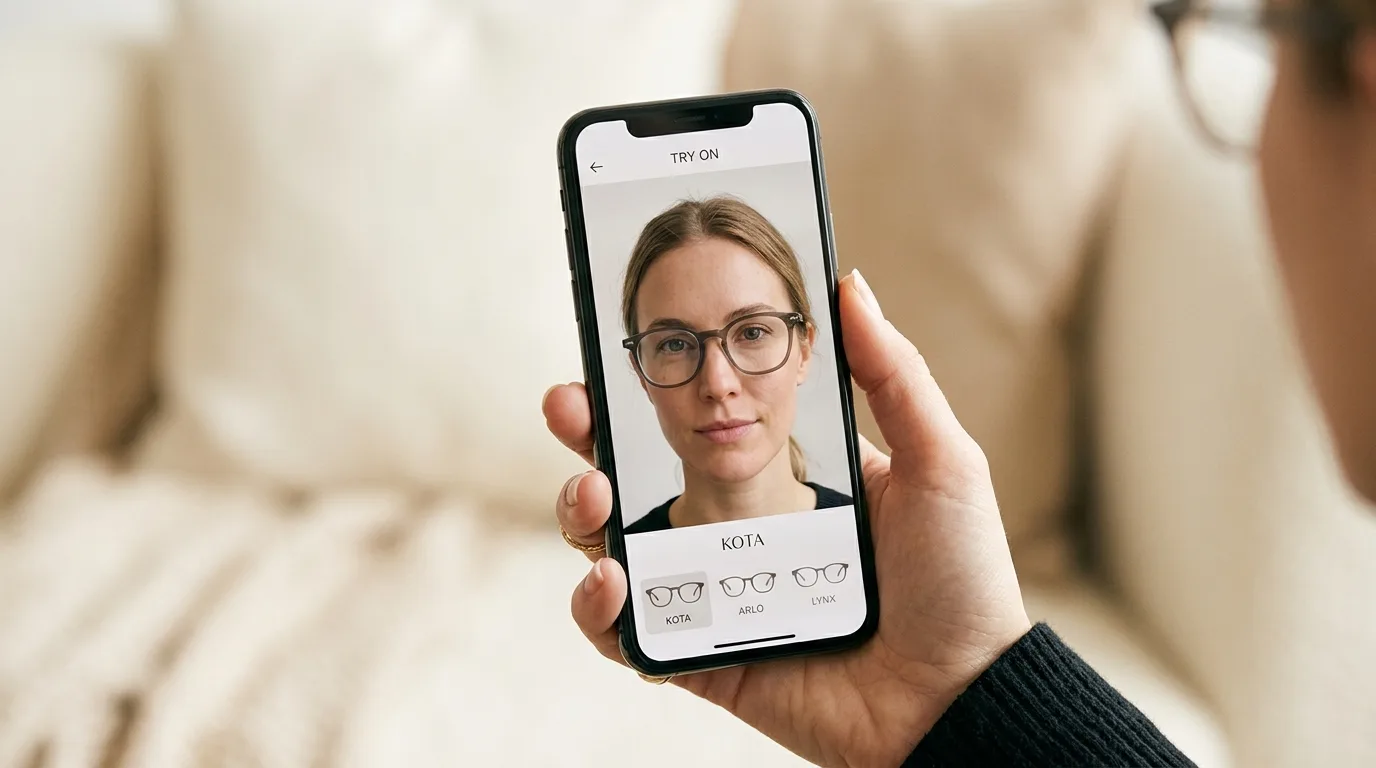
Virtual try-on is technology that lets an online shopper see a product on themselves before buying — either live through their camera (augmented reality) or by rendering the product onto a photo they upload (AI photo-swap). Instead of guessing from flat product images, the shopper sees fit, scale, colour and style on their own face, wrist, or body.
The goal is simple: replace the uncertainty that drives hesitation and returns with visual confidence at the moment of decision.
The types of virtual try-on
Not all virtual try-on is the same. There are three broad approaches, and the right one depends on what you sell.
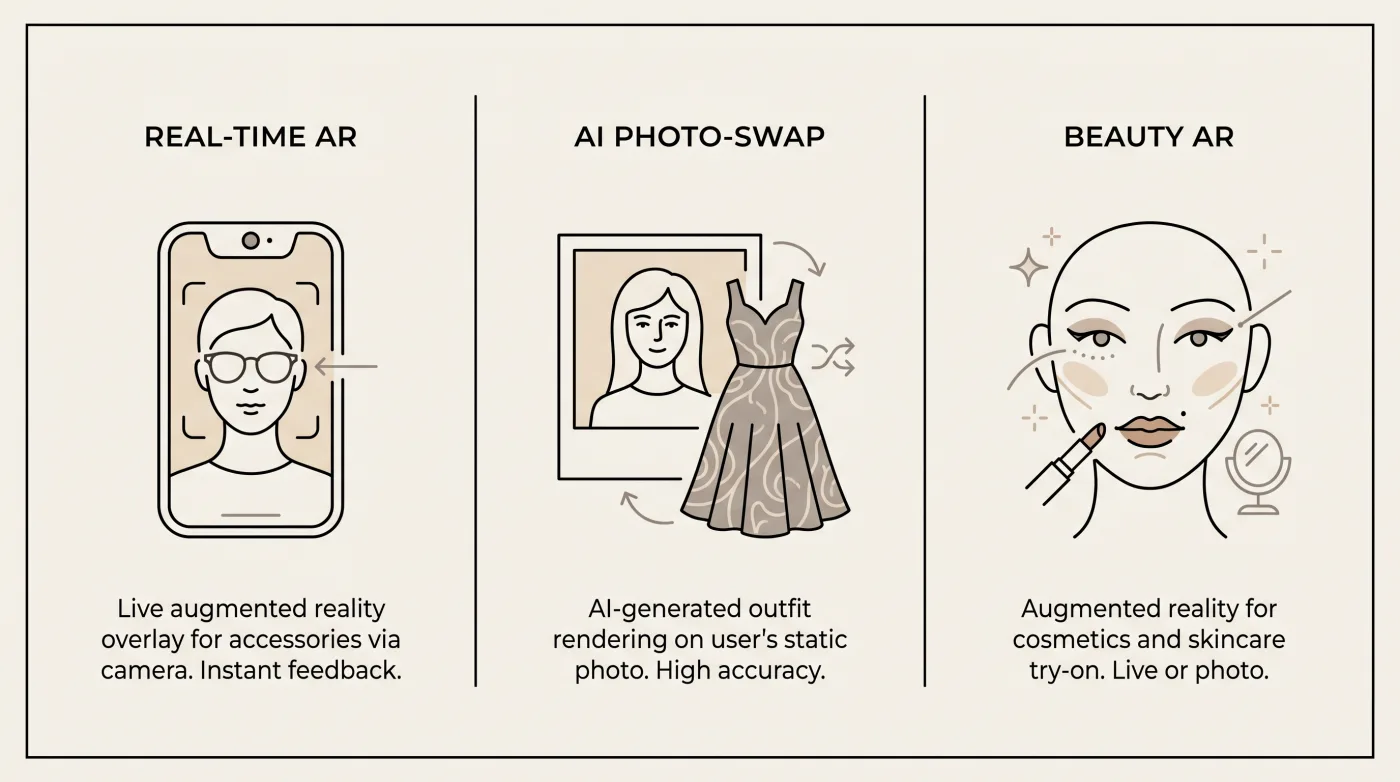
- Real-time AR — the product is overlaid live on the camera feed. Best for accessories where fit and angle matter, such as eyewear and watches (TryOn Virtual's earring, necklace and bracelet AR is in beta). See one-click virtual try-on for how the live experience converts.
- AI photo-swap — the shopper uploads a photo and AI renders the product onto them. Best for clothing and shoes, where an overlay can't convincingly show a garment on a real body. We break this down in AI Swap Virtual Try-On: How It Works.
- Semi-3D vs full 3D — within AR, there's a spectrum from lightweight 2.5D overlays to full 3D models. Each has trade-offs in realism, cost and performance — covered in Semi-3D vs Full 3D.
Virtual try-on by product category
How try-on works — and which approach wins — changes by category. Each vertical has its own guide:
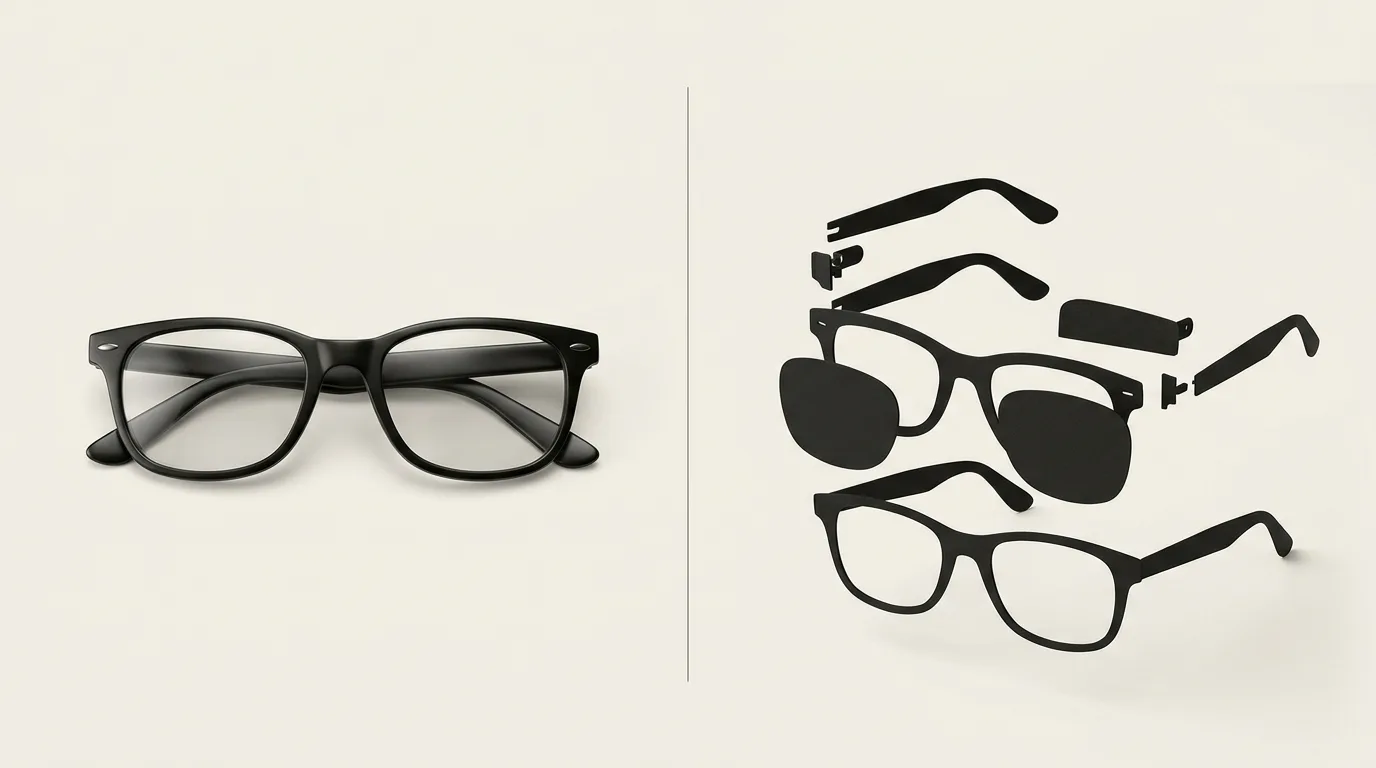
- Eyewear is the flagship AR category: precise frame alignment on 468 facial landmarks, prescription and sunglasses alike. See the eyewear try-on page and what actually works for eyewear merchants.
- Watches use wrist tracking rather than face tracking, with case-size and metal-material rendering that eyewear doesn't need — what's different for watches.
- Jewelry is mostly AI photo-swap (earring, necklace and bracelet real-time AR is in beta), where gemstone and metal rendering decide believability — the jewelry try-on guide.
- Clothing and shoes rely on AI photo-swap to render the item on the shopper — see clothing try-on and shoes try-on, plus our guides on creating a fashion try-on feature and virtual try-on for shoes.
The technology behind it
A few components separate a convincing try-on from a gimmick:
- AI face and body tracking — real-time landmark detection positions the product precisely and keeps it locked as the shopper moves.
- PBR (physically based rendering) — accurate metalness, roughness and reflections are what make a watch or a pair of glasses look real rather than pasted on. Why it matters: PBR rendering explained.
- 3D models from product photos — you don't need a 3D artist. Modern pipelines generate the model from your existing product images. See eyewear 3D models from photos.
- Privacy-first architecture — in live AR, camera frames are processed on the shopper's device and never leave it. In AI photo-swap, the shopper's chosen photo is uploaded, processed by AI providers, and deleted within 24 hours. Scoping each mode clearly keeps you GDPR-compliant and builds shopper trust.
The business case: conversion and returns
Virtual try-on earns its place by moving two numbers.
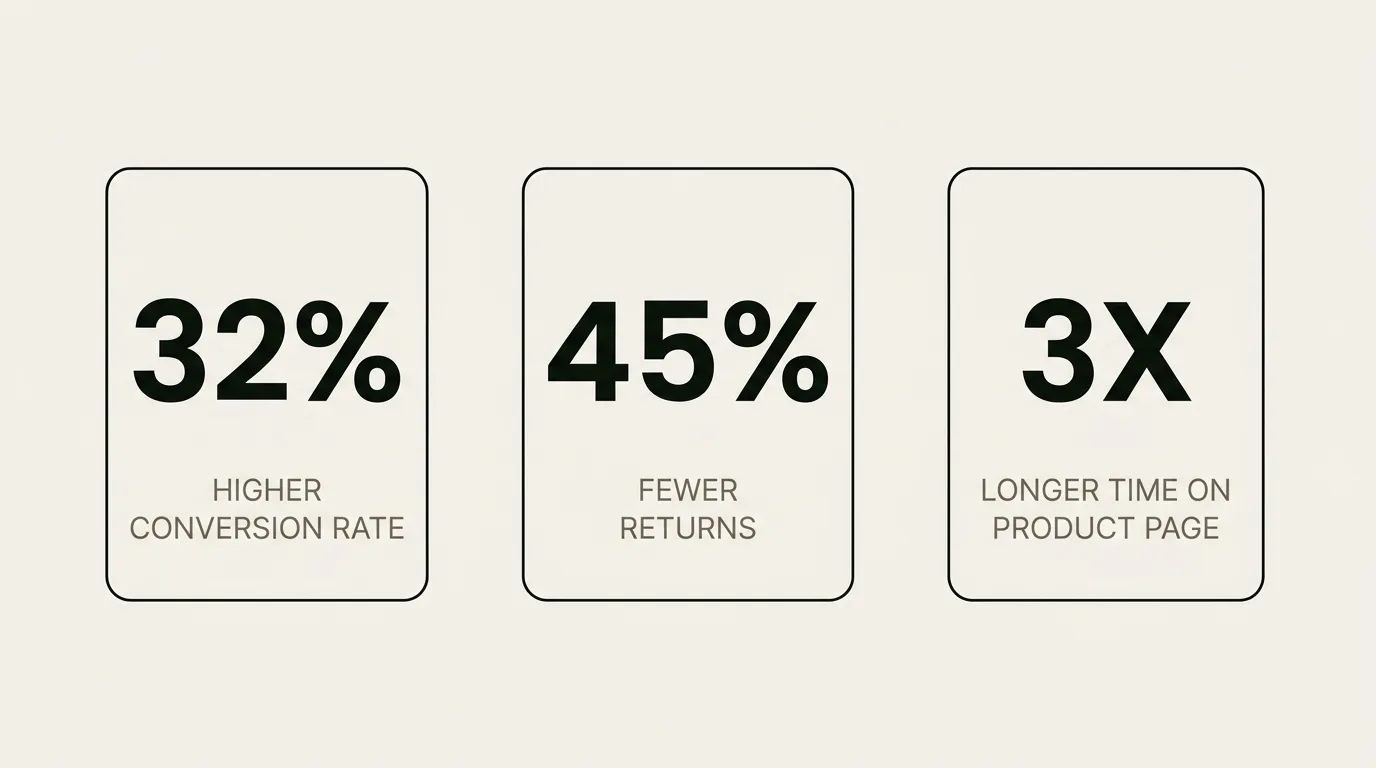
Conversion. Merchants running try-on well see meaningful conversion lift — TryOn Virtual merchant data shows up to 32% higher conversion, up to 45% fewer returns, and 2.5x longer engagement. We cover the math in Shopify Virtual Try-On: +32% Conversion Lift.
Returns. Size and fit uncertainty drives the majority of apparel returns; letting shoppers see fit before buying attacks that directly. The math and payback timeline are in Virtual Try-On Cuts Fashion Returns 45%, with the accessories angle in how try-on reduces returns for eyewear and accessories.
Actually getting ROI. Installing an app isn't the same as getting a return on it — how to actually get ROI (not just installs) covers activation, placement and merchandising. And to know whether it's working, measure it: the virtual try-on analytics guide.
Platform options: Shopify and beyond
Shopify is the fastest path — install, connect your catalog, and go live. See how to add virtual try-on to your Shopify store — four steps, free plan included.
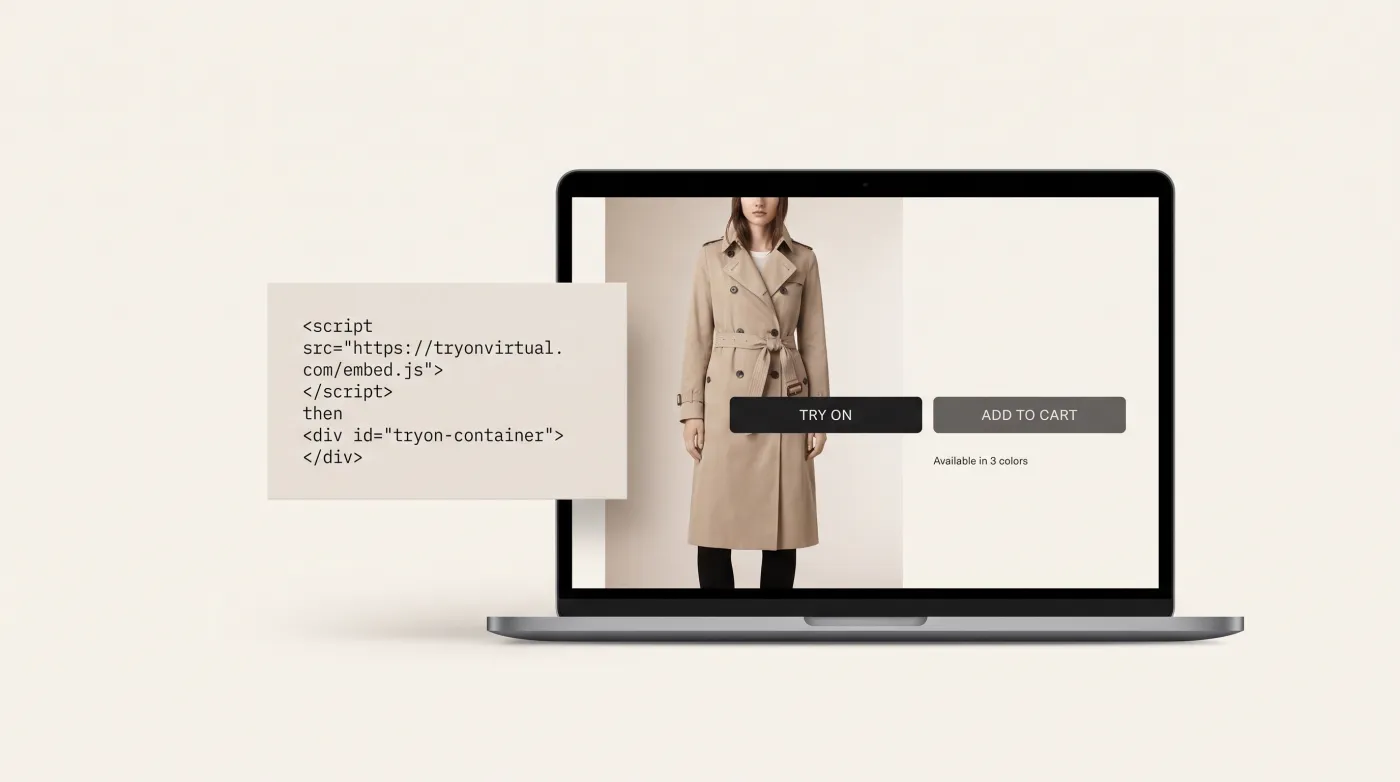
Not on Shopify? Virtual try-on works on WooCommerce, Magento and custom storefronts via a script tag or the merchant panel — see virtual try-on beyond Shopify and how to add try-on to WooCommerce or Magento.
In-store. The same engine can extend to physical retail through smart-mirror hardware. Whether you need it — and how it compares to web-based try-on — is in smart mirror vs virtual try-on, with the broader trend in the future of AR in retail.
How to choose a solution
The market has real differences — AR-only vs dual-mode, category coverage, pricing models, free tiers. Two resources to compare honestly:
- The best virtual try-on apps for Shopify (2026) — an honest roundup of the main options.
- Head-to-head comparisons: TryOn Virtual vs Camweara, vs Banuba, vs Fittingbox, and vs Perfect Corp.
When comparing, match the technology to your catalog (accessories → AR; apparel/shoes → AI photo-swap), check platform support beyond Shopify, and confirm there's a way to start without a big upfront commitment. For real numbers across vendors, see how much virtual try-on costs in 2026, or our own pricing. And as AI agents take on more of the shopping, factor in future-proofing — see agentic commerce and virtual try-on.
Getting started
Implementing virtual try-on doesn't require custom development. With TryOn Virtual you can add real-time AR and AI photo-swap to your store in minutes — across eyewear, watches, jewelry, clothing and shoes, on Shopify or any platform.
Ready to see it on your own products? Try the live demo or install on Shopify.