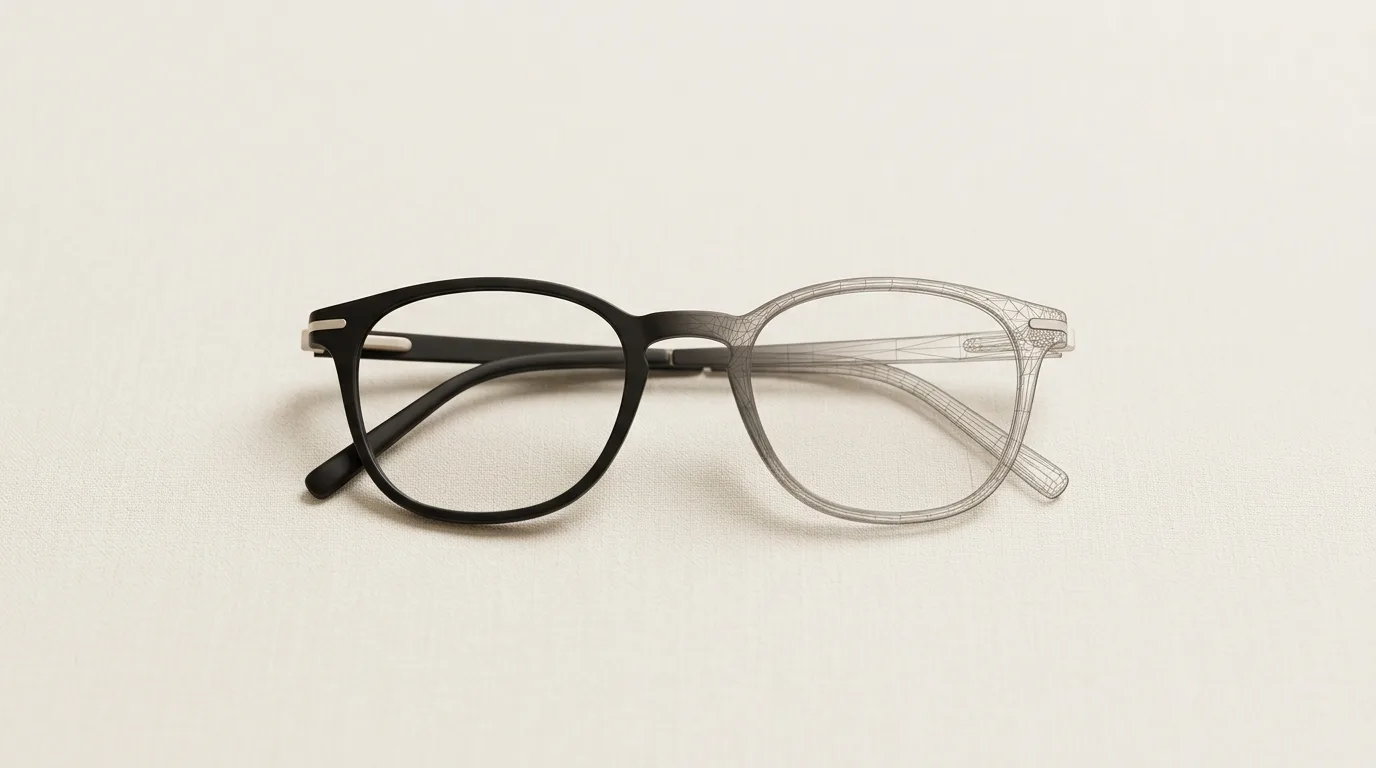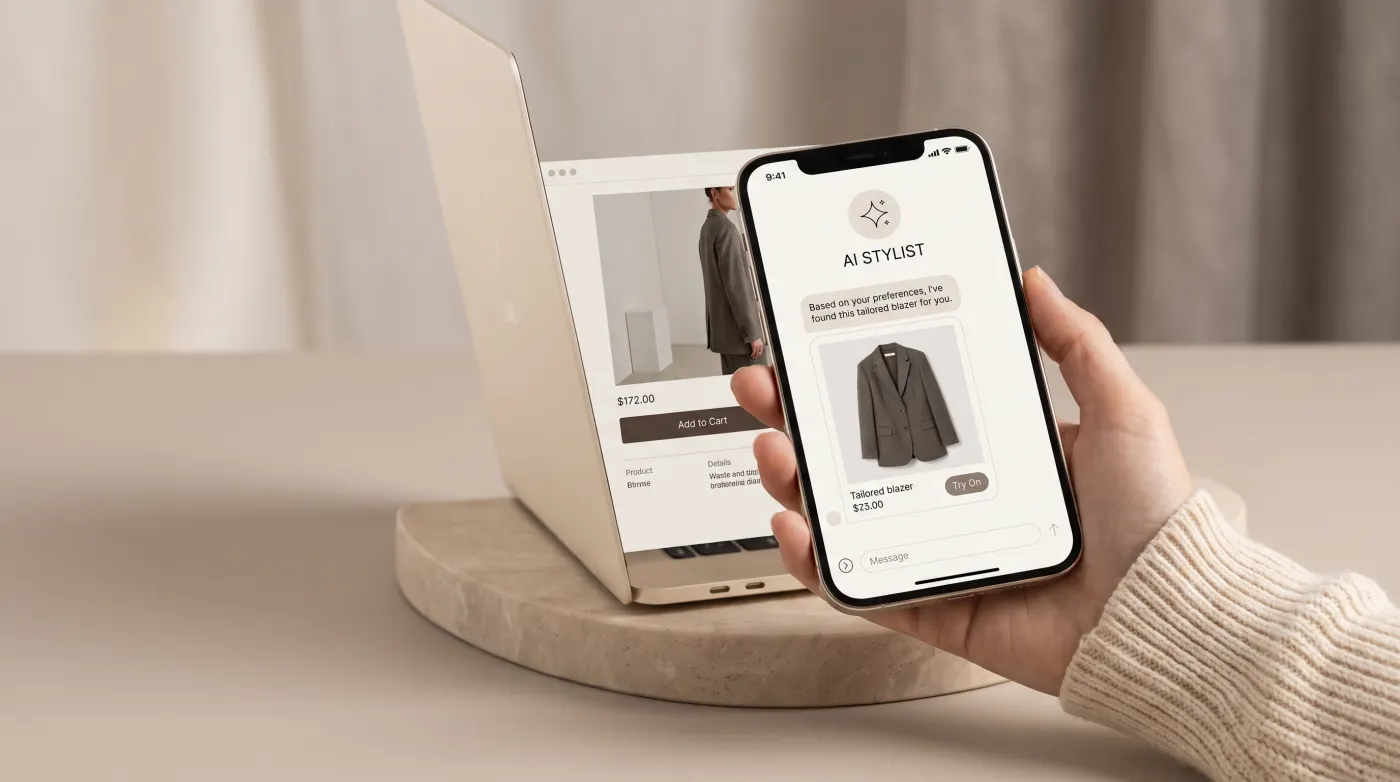
The Specific Problem With Selling Glasses Online
Clothing returns run at around 30%. Glasses returns run higher — typically 35–45% for independent eyewear brands selling online — and the reason is almost always the same: the frames looked different in real life than on screen.
Unlike a t-shirt where sizing is the main variable, glasses fail for reasons that are harder to communicate: the bridge is too wide, the temples press behind the ear, the lenses swamp a narrow face. These are fit and proportion problems that product photos — even good ones — cannot solve.
Shoppers know this. Which is why eyewear has one of the highest browse-to-abandon rates of any product category. A customer who would confidently buy a shirt in two minutes will spend 20 minutes on a glasses product page, open seven browser tabs, and still leave without buying.
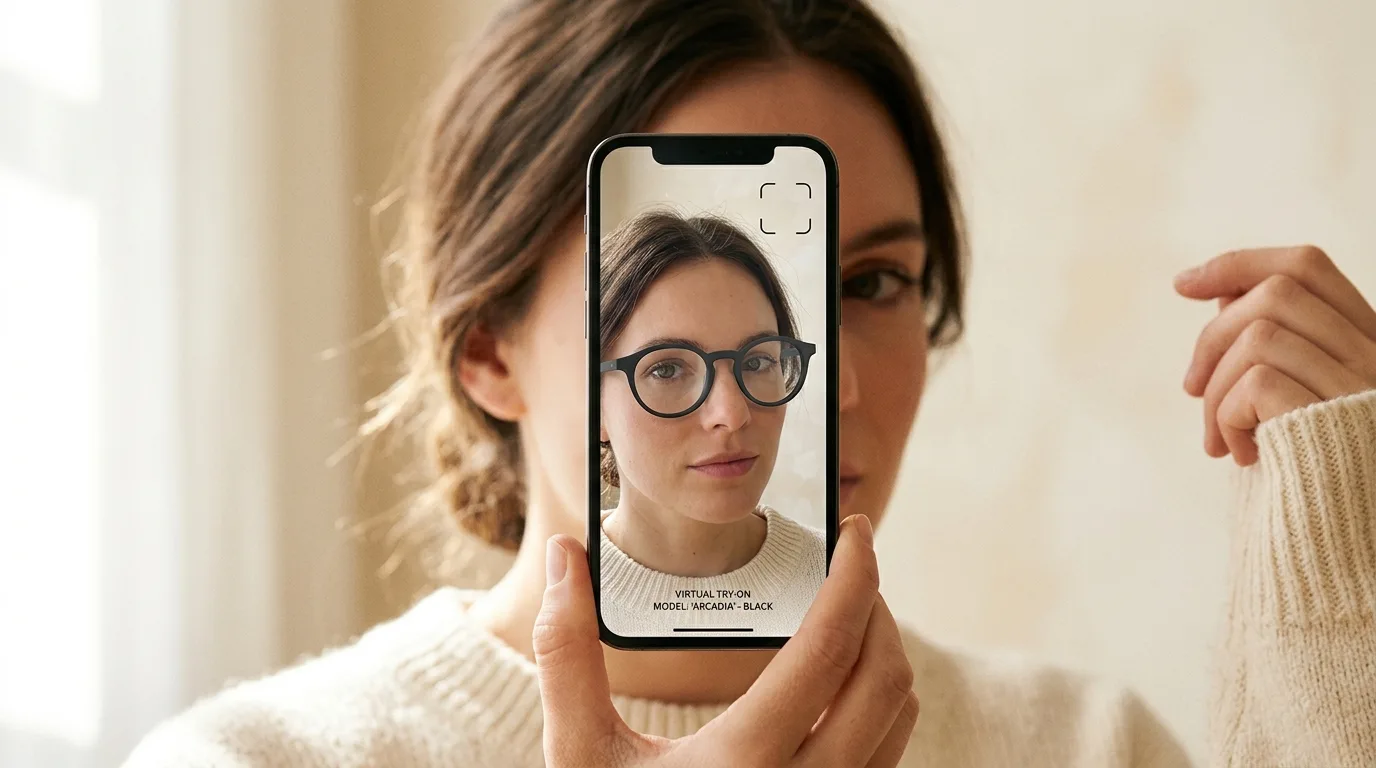
Virtual try-on for eyewear on Shopify directly addresses this. Not by making the shopping experience prettier — by making it answerable. When a shopper can see exactly how a frame sits on their own face, the decision collapses from "maybe" to "yes" or "no." Both outcomes are better than "I'll think about it."
What Good Glasses Try-On Looks Like (and What Doesn't)
Not all virtual try-on is equal. For eyewear specifically, there are two meaningful approaches:
Real-time AR via webcam places the glasses on the shopper's live face using their camera. Done well, it accounts for head movement, adjusts the frame position in real time, and renders reflections on the lenses accurately. Done poorly, it clips into the face, jumps when the head moves, or renders a plastic-looking frame that bears no resemblance to the actual product.
AI photo swap lets shoppers upload a selfie and see the glasses rendered onto their static photo. This is often more practical — no camera required, works on any device, and many shoppers prefer trying on "at their own pace" over holding still in front of a webcam.
The quality threshold that matters: the 3D model of the frame. If the model is a low-poly approximation or a flat UV-mapped image, the try-on will look unconvincing no matter how good the AR engine is. Accurate models — capturing bridge width, temple curvature, lens thickness, hinge detail — are what separate try-on that converts from try-on that gets ignored.
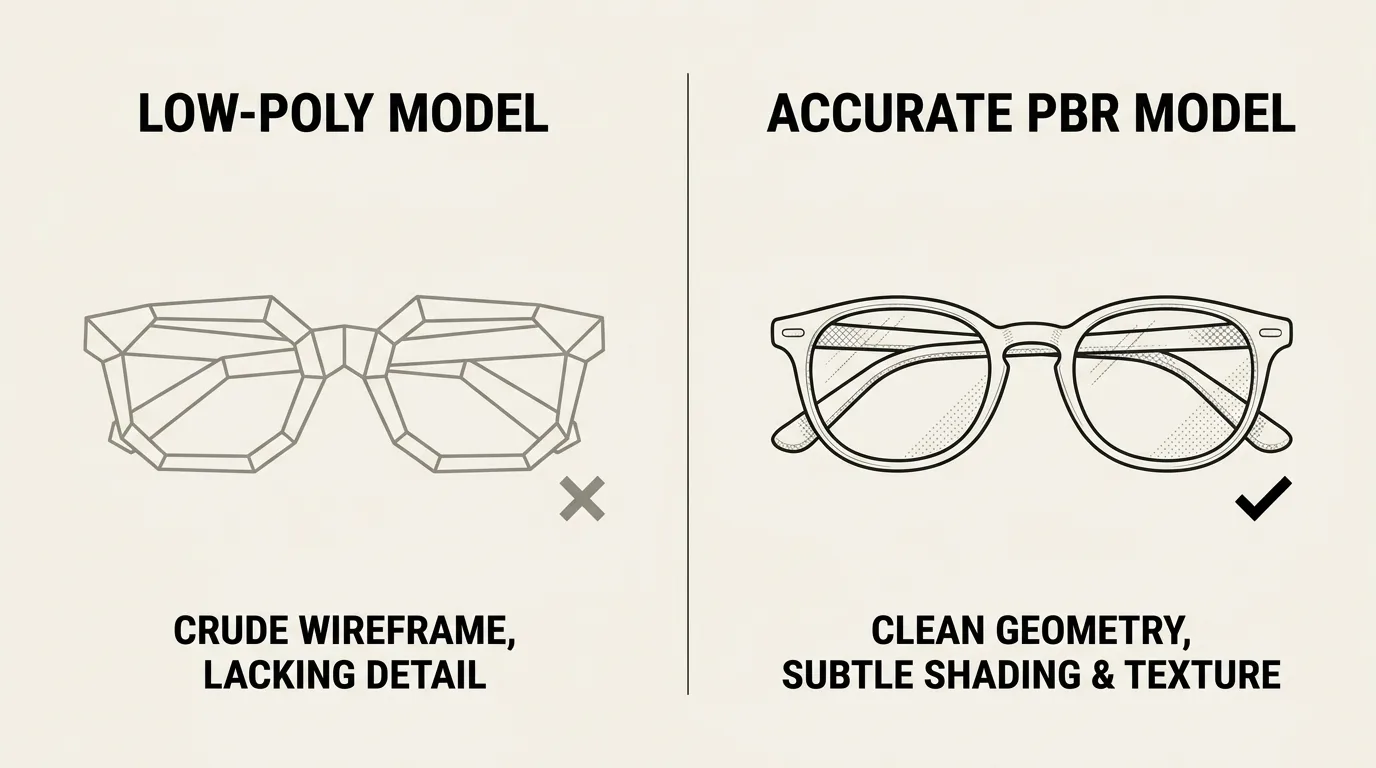
TryOn Virtual uses full 3D GLB models with PBR (physically-based rendering) materials, which means acetate looks like acetate, metal looks like metal, and gradient lenses render with the right light behavior. The difference is visible immediately.
The Conversion Data for Eyewear Try-On
Across stores running TryOn Virtual, consistent patterns emerge (TryOn Virtual merchant data):
- Up to 32% higher conversion on product pages with try-on enabled
- Up to 45% fewer returns when customers have tried frames on virtually before purchasing
- 2.5x longer engagement on product pages with try-on active — a signal that customers are genuinely engaging rather than bouncing
The more interesting data point: try-on acts as a filter. Customers who use it and then buy are significantly more confident in their purchase. Post-purchase satisfaction scores are higher, return initiation rates are lower, and repeat purchase rates improve. The try-on is not just a novelty — it's doing the job a physical mirror would do in a brick-and-mortar store.
How to Add Virtual Try-On to Your Shopify Glasses Store
Step 1: Install TryOn Virtual from the Shopify App Store
Install the app and authorize the standard permissions. The app connects directly to your Shopify product catalog — no manual product syncing required.
Step 2: Get Your 3D Frame Models
This is the step most merchants underestimate. You have two options:
Upload existing models — if your eyewear supplier or manufacturer provides GLB or GLTF files, you can upload them directly. Many major frame brands now provide these on request.
Generate models from photos — TryOn Virtual's AI pipeline can generate accurate 3D models from 4–6 product photos. This is the practical route for independent brands and smaller SKU catalogs. Upload front, side, and three-quarter angle shots; the engine builds the model automatically.
Model generation typically takes a few hours. Once complete, the model is permanently stored in your account and linked to the product.
Step 3: Enable the Try-On Widget on Product Pages
In your Shopify admin, go to Online Store → Themes → Customize. The TryOn Virtual block appears as a native Shopify theme extension — add it to your product page template and it appears automatically on every product with an associated 3D model.
No coding required. The widget works with every Shopify theme, including custom themes, without modification.
Step 4: Configure Try-On Mode
For glasses specifically, you can enable:
- Webcam AR — real-time try-on via camera
- Photo upload — static selfie swap
- Both — let the shopper choose (recommended)
Most eyewear merchants enable both modes. Data consistently shows that offering both increases try-on engagement rates by 20–30% compared to webcam-only, because a meaningful portion of shoppers prefer the photo approach.
Step 5: Test on Multiple Devices
Glasses try-on is particularly sensitive to mobile rendering — the face landmark detection that positions frames accurately behaves differently on older Android devices vs. iPhone. Test on at least three devices before going live: an iPhone, a mid-range Android, and desktop Chrome.
What to Expect After Launch
First two weeks: Try-on engagement rates typically start low (5–15% of product page visitors) and climb as returning visitors discover the feature. Don't judge it on week-one data.
First 30 days: Look at the conversion rate delta between visitors who used try-on and those who didn't. This is the clearest signal. In most eyewear implementations, the gap is visible within 30 days.
Returns: Return rate changes take 60–90 days to show in the data, since the purchase → return cycle has a lag. Track your return request rate by cohort (pre-launch vs. post-launch customers).
SEO side effect: Try-on increases session duration and reduces bounce rate on product pages. Both of these are signals Google weighs when ranking product pages. Eyewear brands typically see modest but measurable organic ranking improvements for frame-specific product pages within 2–3 months of adding try-on.
Common Mistakes Eyewear Brands Make With Try-On
Using low-quality models. If the 3D frame doesn't look like the physical frame, try-on actively damages conversion — it creates doubt rather than confidence. Always review the rendered model at full size on a product page before enabling.
Hiding the try-on button. The widget placement matters. Below the fold, or after the "Add to Cart" button, and most shoppers will never see it. Place it immediately adjacent to the product images, above the fold.
Only enabling webcam mode. Not every shopper is comfortable turning on their camera in a work environment or on mobile. Photo upload removes the friction entirely.
Not tracking try-on engagement separately. Without analytics on try-on usage, you're flying blind. TryOn Virtual includes built-in analytics showing engagement rate, try-on-to-purchase conversion, and session data by device type.
Is Virtual Try-On Worth It for Smaller Eyewear Brands?
The honest answer: it depends on your traffic volume. If you're getting fewer than 500 product page views per month, try-on is unlikely to move your revenue numbers meaningfully in the short term — the absolute conversion gain is too small at low volume.
If you're getting 1,000+ product page views per month, the math becomes compelling fast. A 2× improvement on a 2% baseline conversion rate (from 2% to 4%) on 1,000 visitors and an average order value of $150 is $3,000 additional monthly revenue. That's the kind of return that makes try-on a no-brainer.
For brands with larger catalogs (50+ SKU frames) or higher-priced optical (prescription eyewear, luxury sunglasses), the case is even stronger — the higher the price point, the more a shopper needs to feel confident before buying.
Frequently Asked Questions
How do I add eyewear to my Shopify store with virtual try-on?
Install TryOn Virtual from the Shopify App Store, add the native theme-extension block to your product page, and either upload your existing GLB frame models or generate them from product photos. The try-on button then appears automatically on every frame with a 3D model — no coding, and it works on any Shopify 2.0 theme. The full walkthrough is in the Shopify integration guide.
Is there a Shopify app for selling glasses with try-on?
Yes. TryOn Virtual is a native Shopify app built for eyewear — it adds real-time AR and AI photo-swap virtual try-on for glasses directly to your product pages. It handles optical frames and sunglasses, renders accurate lens tints and frame materials, and runs in the browser with no app download for your shoppers.
Do I need 3D models before I can sell glasses on Shopify with try-on?
You need a 3D model per frame, but you don't need a 3D artist. If your supplier provides GLB/GLTF files you can upload them; otherwise the AI model builder generates accurate frame models from 4–6 catalog photos in minutes, so you can launch from the photos you already have.
Get Started
TryOn Virtual is available on the Shopify App Store. The free Starter plan includes 25 try-on sessions a month and 3 free 3D model generations — enough to test on your best-selling frames and see the conversion data before committing to a paid plan.
For a deeper walkthrough of the Shopify integration, see the dedicated setup page — it covers theme blocks, asset management, and the analytics dashboard in detail.
If your catalog is large or you need custom 3D model generation, book a demo and we'll walk through your specific situation.
This article is part of The Complete Guide to Virtual Try-On in Ecommerce — our full breakdown of try-on types, product categories, ROI, and platform options.