What Is AI Swap Virtual Try-On?
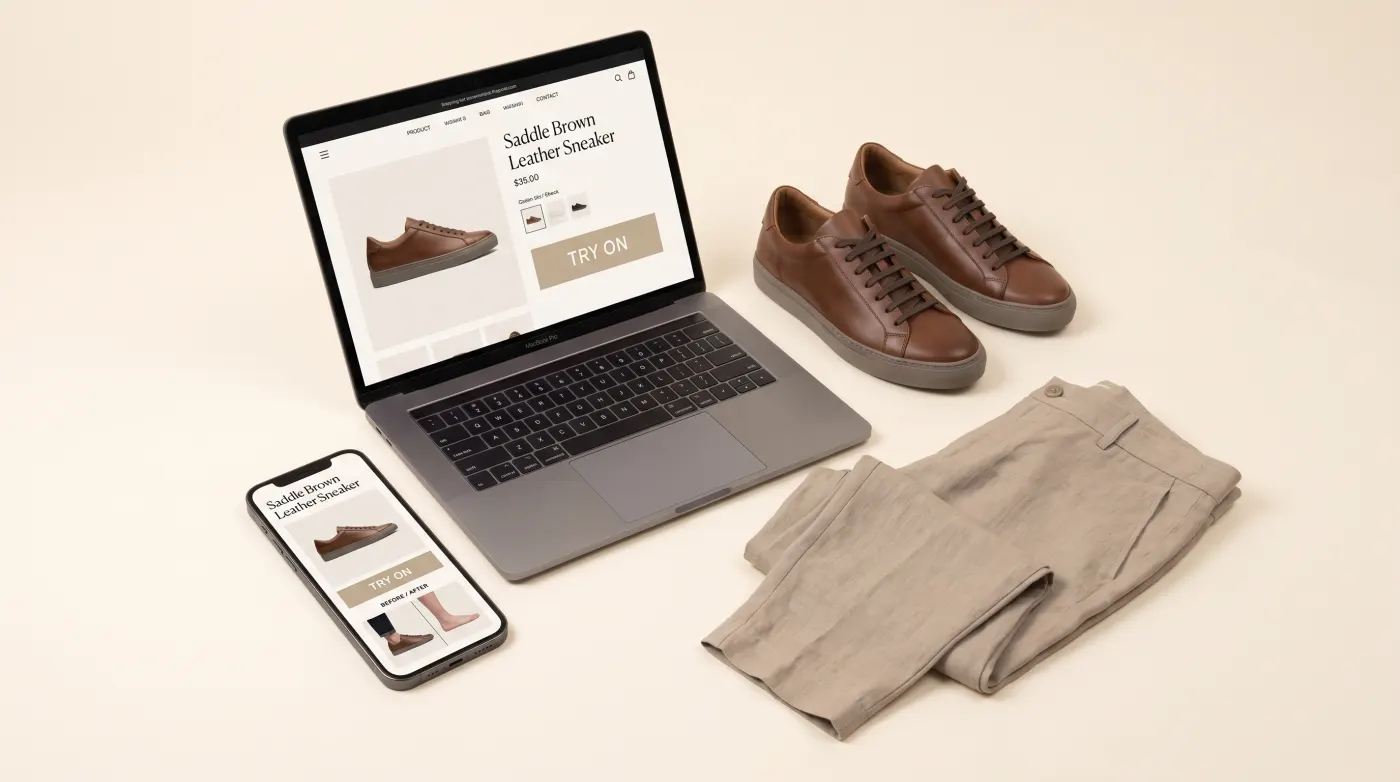
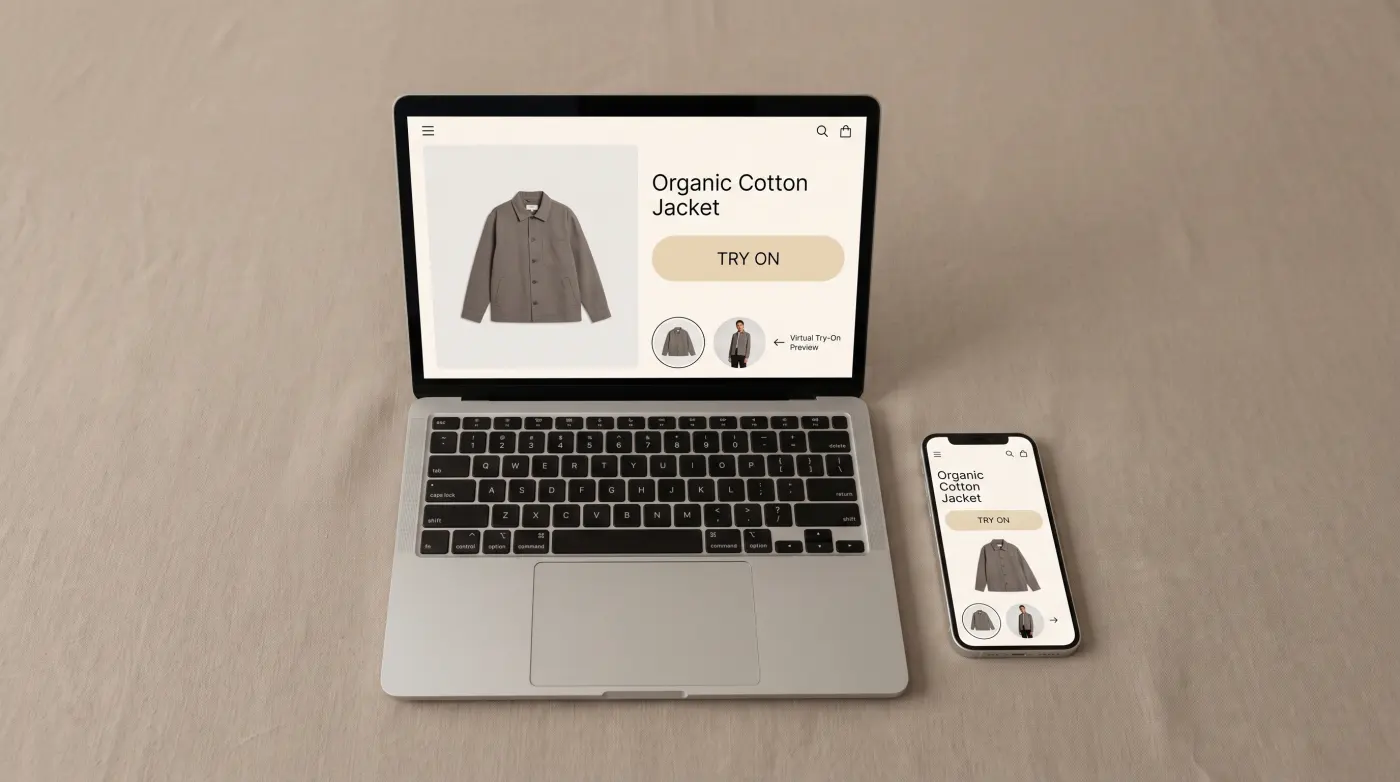
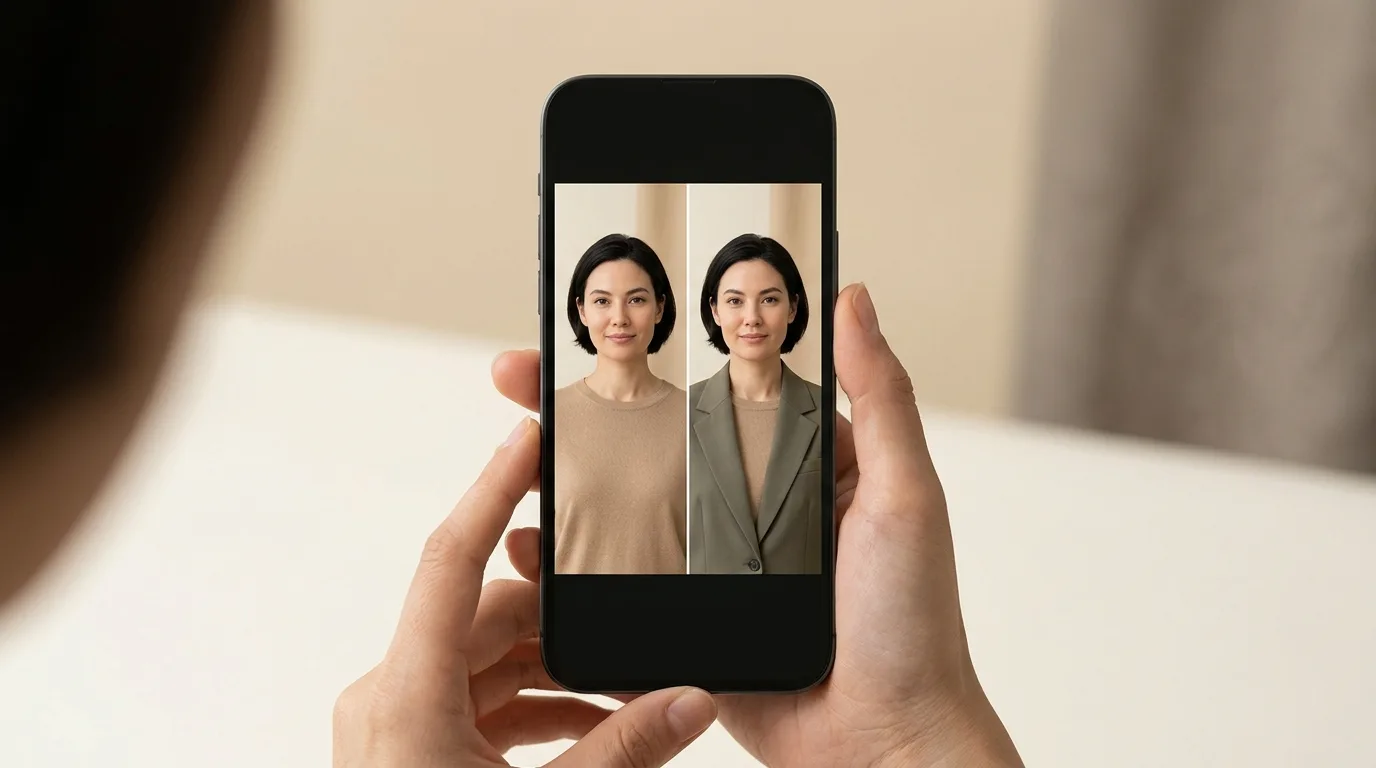
AI swap virtual try-on is a photo-based approach to helping customers visualize products on themselves. Instead of using a live webcam and 3D models — the standard AR try-on approach — AI swap lets customers upload a single photo and receive a realistic composite image of themselves wearing the product.
The technology has matured rapidly over the past two years. What once produced uncanny, obviously-edited results now generates images that are nearly indistinguishable from real photographs. For fashion brands, this opens a powerful new channel for reducing returns and increasing purchase confidence.
How It Differs from AR Try-On
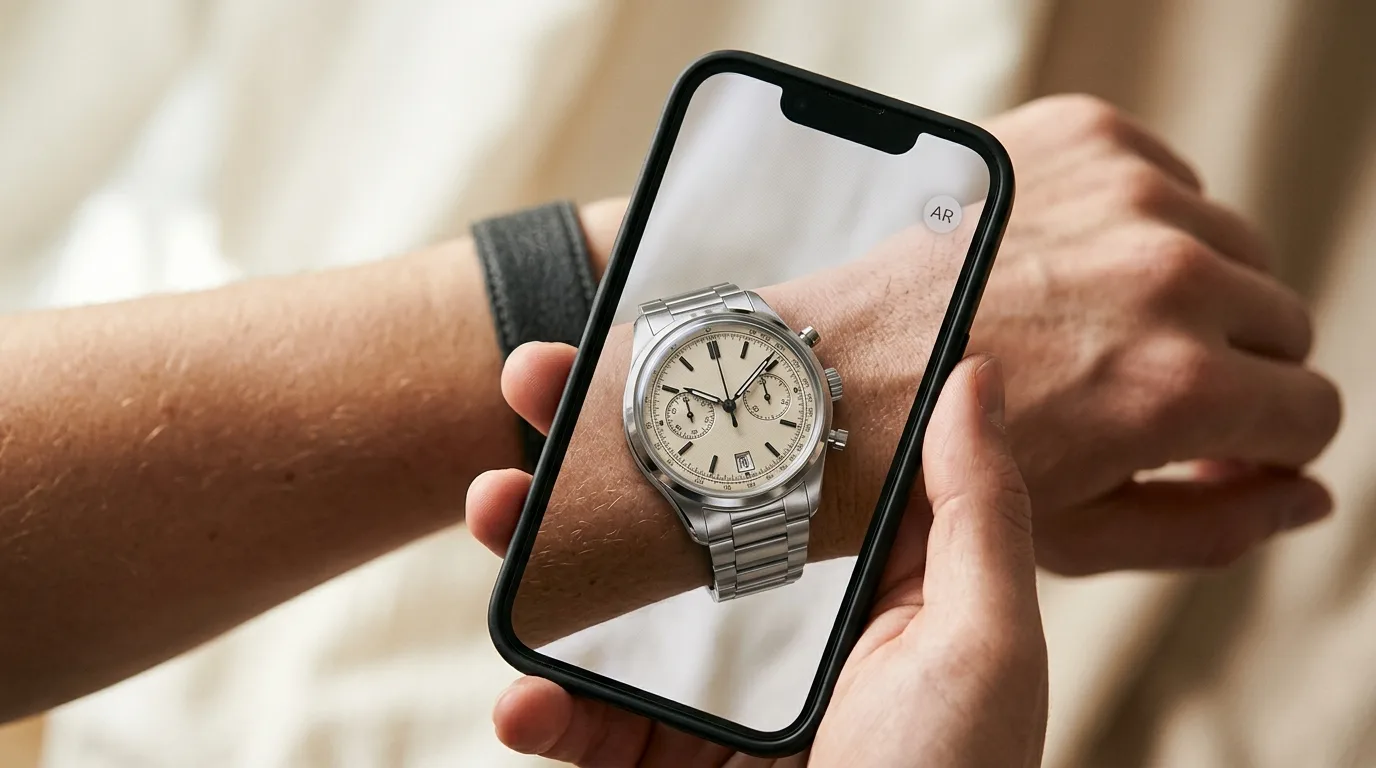
Traditional AR virtual try-on relies on three components: a live camera feed, real-time body or face tracking, and a 3D model rendered on top of the video stream. It works beautifully for categories like eyewear, where precise frame alignment matters and customers want to see the product from multiple angles in real time.
AI swap takes a fundamentally different approach. There is no live camera — just a static photo. There is no 3D model — the AI works directly with 2D product images. And there is no real-time rendering — the engine processes the image server-side and returns a result.
This distinction has practical implications. AR try-on requires 3D assets (GLB, GLTF, or USDZ files) for every product, which can be expensive and time-consuming to produce. AI swap only needs standard product photography that merchants already have. For brands with hundreds or thousands of SKUs, the difference in setup cost is significant.
How the AI Swap Pipeline Works
The process behind an AI swap result involves several stages, each handled by specialized AI models working in sequence.
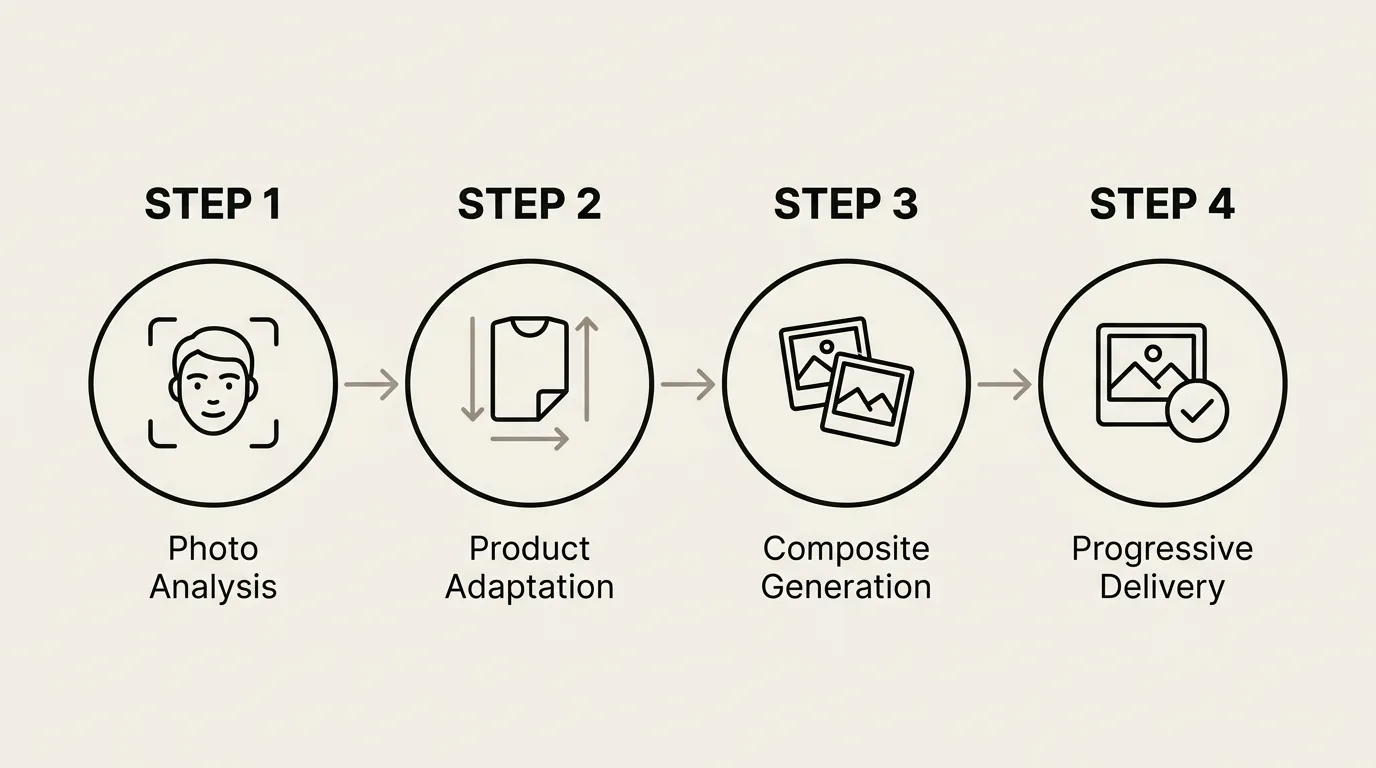
Step 1: Photo Analysis
When a customer uploads their photo, the engine analyzes body pose, lighting conditions, skin tone, and background composition. This analysis determines how the product image needs to be transformed to look natural in the scene.
Step 2: Product Adaptation
The flat product image is warped, shaded, and color-corrected to match the photo's perspective and lighting. For clothing, this means the garment conforms to the customer's body shape. For eyewear, frames align with facial geometry. For watches, the product matches wrist proportions.
Step 3: Composite Generation
The adapted product image is blended into the original photo. The engine handles occlusion (parts of the body that should appear in front of or behind the product), shadow generation, and edge blending to produce a seamless result.
Step 4: Progressive Delivery
To keep customers engaged during processing, TryOn Virtual uses a progressive preview system. A low-resolution blurry preview appears within seconds, giving the customer an immediate sense of the result while the full-resolution image finishes rendering. This approach significantly reduces abandonment during processing, which typically takes 10–20 seconds end to end.
Use Cases Across Fashion Categories
AI swap virtual try-on is not limited to a single product type. The technology adapts to five major categories:
Clothing is the largest use case. Tops, dresses, jackets, and full outfits can all be swapped onto a customer photo. This category benefits the most from AI swap because creating 3D models for soft, draped fabrics is extremely difficult and expensive.
Eyewear works with both AI swap and traditional AR. AI swap is useful for merchants who want to offer try-on without investing in 3D models for every frame style.
Watches are rendered on the wrist with accurate proportions, giving customers a sense of case size relative to their own wrist.
Jewelry — necklaces, earrings, and rings — can be visualized in context, helping customers evaluate scale and style against their own features.
Shoes round out the supported categories, letting customers see footwear in context with their outfit.
Why Merchants Are Adopting AI Swap
The business case for AI swap is compelling across several dimensions.
Lower setup cost. No 3D modeling pipeline means merchants can launch virtual try-on with their existing product photography. A catalog with 500 SKUs that would take months to model in 3D can be swap-enabled in days.
Broader category coverage. AR try-on works well for rigid products like eyewear and watches, but struggles with soft goods like clothing. AI swap handles all categories from a single integration.
Reduced returns. When customers see a realistic image of themselves wearing a product, they make more confident purchase decisions. Early adopters report return rate reductions of 25-45%, depending on the product category.
Higher conversion. The try-on experience itself drives engagement. Customers who use AI swap are more likely to add products to their cart and complete checkout compared to those who only view standard product photos.
Privacy and Trust
A common concern with photo-based try-on is privacy. Customers are uploading personal photos, and brands need to handle that data responsibly.
TryOn Virtual shows a consent screen before any upload. The customer's photo is sent to our AI processing providers (OpenAI and Google Gemini, on paid business tiers) only to generate that one try-on result, then deleted within 24 hours. It is never used for model training. Real-time AR modes, by contrast, process camera frames on the shopper's device, and those frames never leave it. Clear, mode-specific handling simplifies GDPR compliance and builds customer trust.
Getting Started
Merchants can enable AI swap through the Shopify app or the standalone merchant panel. Product images are uploaded through the dashboard, and the widget handles the customer-facing experience automatically.
For brands exploring virtual try-on for the first time, AI swap is often the fastest path to launch. No 3D pipeline, no complex asset preparation — just upload product images and go live. Explore the full AI Swap Try-On feature page or check out our analytics dashboard to see how you can measure the impact.
This article is part of The Complete Guide to Virtual Try-On in Ecommerce — our full breakdown of try-on types, product categories, ROI, and platform options.