Footwear carries some of the highest return rates in ecommerce — sizing and "it didn't look how I expected" send a big share of shoes straight back. For an online shoe store, that's margin lost to return shipping and restocking on every order that doesn't stick. Virtual shoe try-on tackles it on the product page: it lets shoppers see the shoe on before they buy. But footwear works differently from glasses or watches, and getting it right means understanding those differences.
Why shoes aren't like eyewear or watches
Real-time AR — the live camera overlay you've seen for glasses and watches — depends on tracking a stable point (a face, a wrist). Feet move, angle, and are often out of frame while someone browses on a couch. So shoes don't rely on live AR.
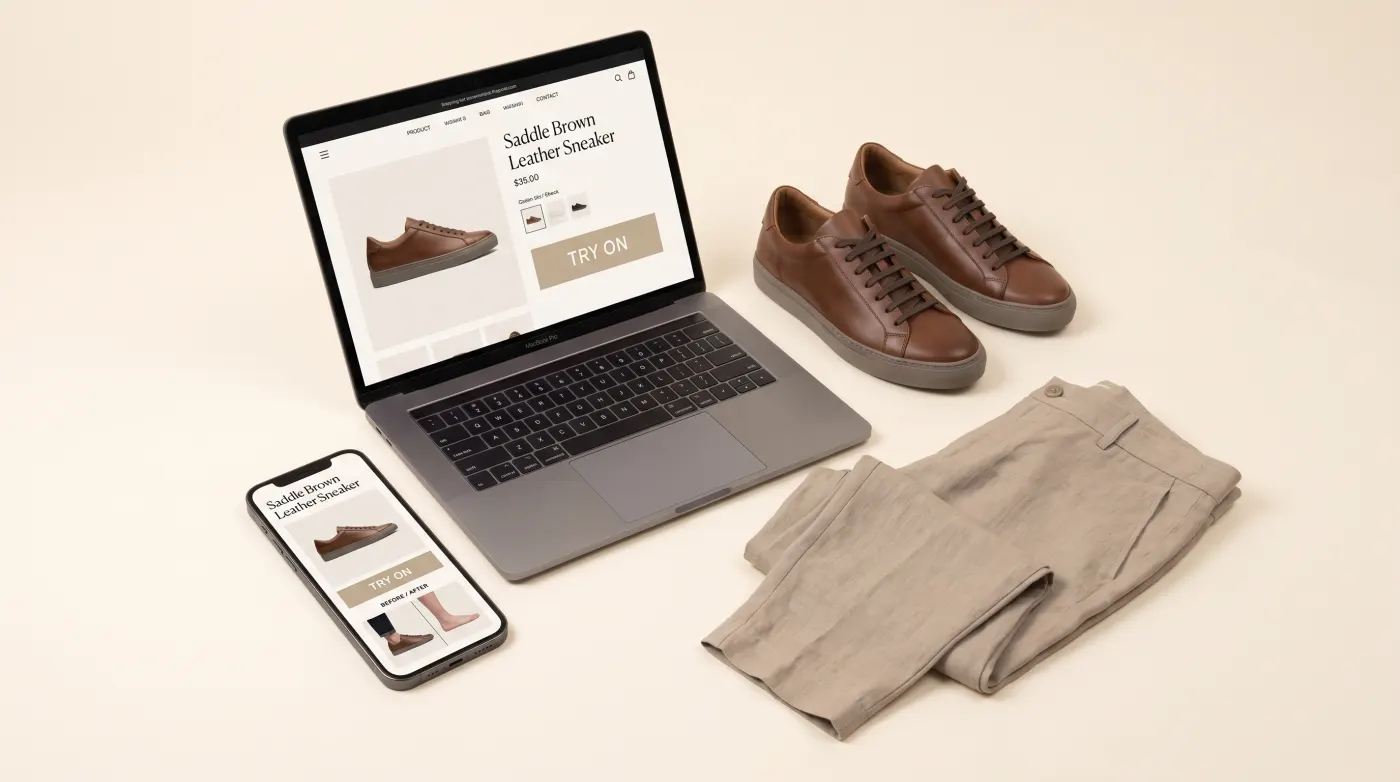
Instead, footwear uses AI photo-swap: the shopper provides a photo (or picks a model) and AI renders your shoe onto them, showing how it looks worn — style, proportion, and how it pairs with an outfit. It works from your existing product images, with no 3D model required. We break the mechanics down in AI Swap Virtual Try-On: How It Works, and you can see it live on the shoes try-on page.
Sizing is the real problem virtual try-on helps with
Most shoe returns come down to fit. Virtual try-on doesn't measure your foot — but it removes the other half of the uncertainty: "will this actually look right on me?" When a shopper can see the silhouette on a real body instead of guessing from a floating product shot, they buy with more confidence and send back fewer "not what I pictured" orders. Pair it with a clear size guide and you address both halves of the fit problem.
It varies by shoe type
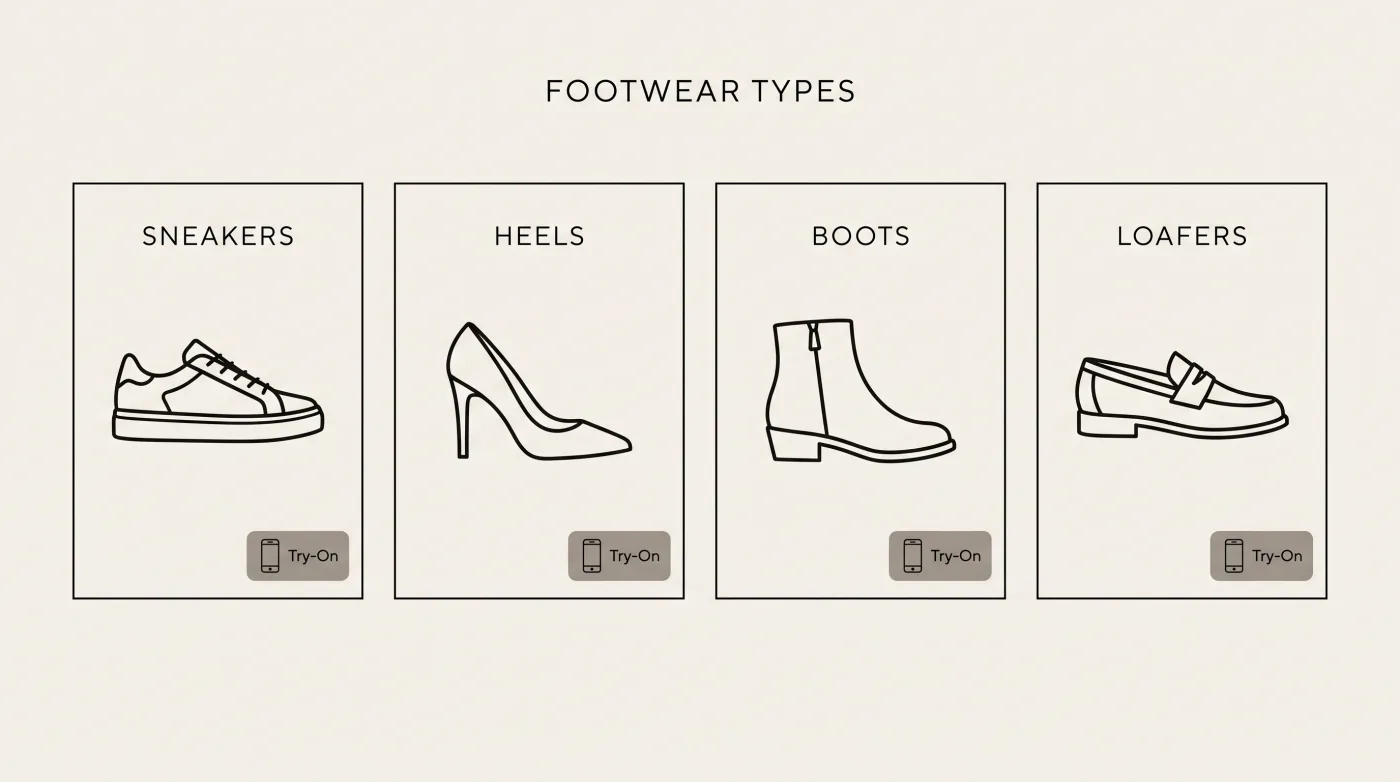
Different footwear categories have different try-on stakes:
- Sneakers & trainers — style and colorway matter most; shoppers want to see the silhouette with everyday outfits.
- Heels & dress shoes — proportion and how they change a leg line drive the decision.
- Boots — shaft height and how they sit with trousers or a dress is the question buyers can't answer from a catalog shot.
- Flats & loafers — subtle, but "does this look right on me" still moves conversion.
A good virtual try-on lets shoppers judge all of that on a real body, per style.
What makes it believable: materials
Footwear lives or dies on material realism. Leather, suede, canvas, patent and mesh each catch light differently, and a try-on that flattens them reads as fake. Quality AI rendering preserves texture and finish so a suede boot looks like suede, not a sticker. (The same physically-based-rendering thinking that makes eyewear convincing applies here — see PBR rendering explained.)
Adding shoe try-on to your store
You don't need 3D models or a studio reshoot — just your product photos and a tool that supports AI photo-swap for footwear:
- Pick a tool that does apparel/footwear photo-swap (many AR-only apps only do accessories). Compare options in Best Virtual Try-On Apps for Shopify (2026).
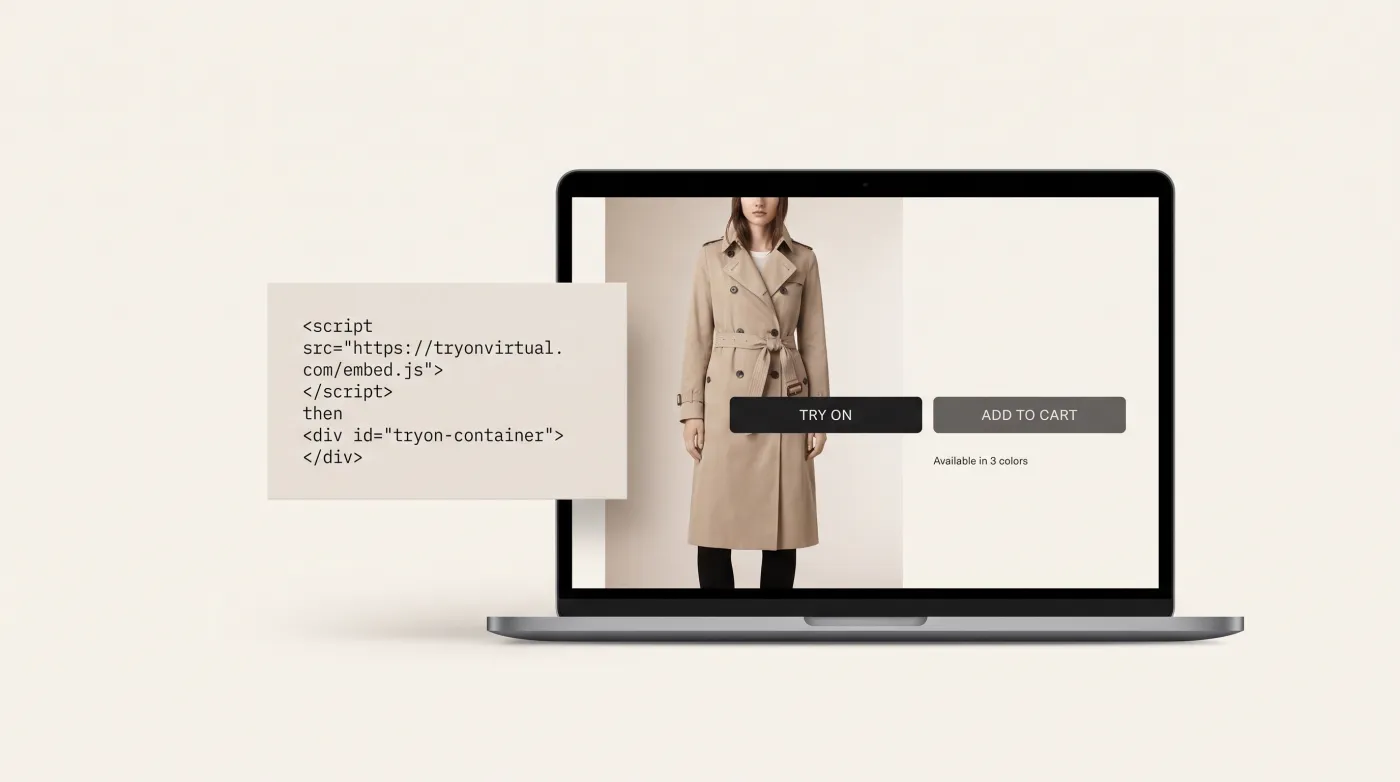
- Connect your catalog — one-click on Shopify, or a script tag / merchant panel on WooCommerce, Magento and custom stores. See virtual try-on beyond Shopify.
- Add a "Try On" button to shoe product pages, near add-to-cart.
- Start with your highest-return styles — where try-on pays off fastest.
For the full apparel-side playbook, the guide to creating a fashion try-on feature covers the same flow in depth.
Measure the impact
Enable analytics from day one and watch try-on activation, try-on-to-cart rate, and returns on styles with try-on versus without — the virtual try-on analytics guide covers what to track. That's also how you'll build the evidence for a proper before/after case study once the numbers accumulate.
Frequently asked questions
Do shoppers need to photograph their feet? No. AI photo-swap renders the shoe on a photo or model — it's about showing the look on a body, not scanning the foot.
Does virtual try-on fix sizing? It removes the "will it look right on me" uncertainty and reduces style-related returns; pair it with a size guide to also tackle fit.
Which platforms does it work on? Shopify, WooCommerce, Magento and custom storefronts, via a one-click app, script tag, or merchant panel.
Ready to add shoe try-on to your store? Start free with TryOn Virtual — AI photo-swap for footwear and apparel, live on your product pages in minutes.
This article is part of The Complete Guide to Virtual Try-On in Ecommerce — our full breakdown of try-on types, product categories, ROI, and platform options.