If you sell eyewear, watches, or jewelry and you've started looking into "letting customers try before they buy," you've probably run into two very different things wearing similar names: the smart mirror (a physical screen on your shop floor) and virtual try-on (software that runs in the customer's browser).
They get lumped together — "interactive mirror," "magic mirror," "virtual mirror," "AR try-on" — but they solve the problem from opposite ends. One is hardware you install in a location. The other is code that reaches anyone with a phone. Choosing the wrong one is an expensive mistake, and the marketing around smart mirrors rarely tells you when you don't need one.
This guide breaks down what each actually is, what they cost, where each genuinely wins, and how to decide — without the vendor spin.
The Short Version
- Virtual try-on is software. It runs on your website and works on every device a shopper already owns. Cost scales with usage, not square footage. It reaches 100% of your online traffic.
- A smart mirror is hardware. It's a large display with a camera, running try-on software, physically installed in a store. It reaches the people standing in front of it — and only them.
- For the vast majority of retailers, virtual try-on is where you start. It's cheaper, it's faster to deploy, and the people who can't decide whether to buy are overwhelmingly online, not in your store.
- Smart mirrors earn their cost in specific situations: flagship stores, luxury experiences, high foot traffic, and brands that want a physical "wow" moment. They're an addition to virtual try-on, not a replacement for it.
If you only read this far: start with virtual try-on, and add a smart mirror later if and when a physical location justifies it.
What Is a Smart Mirror, Really?
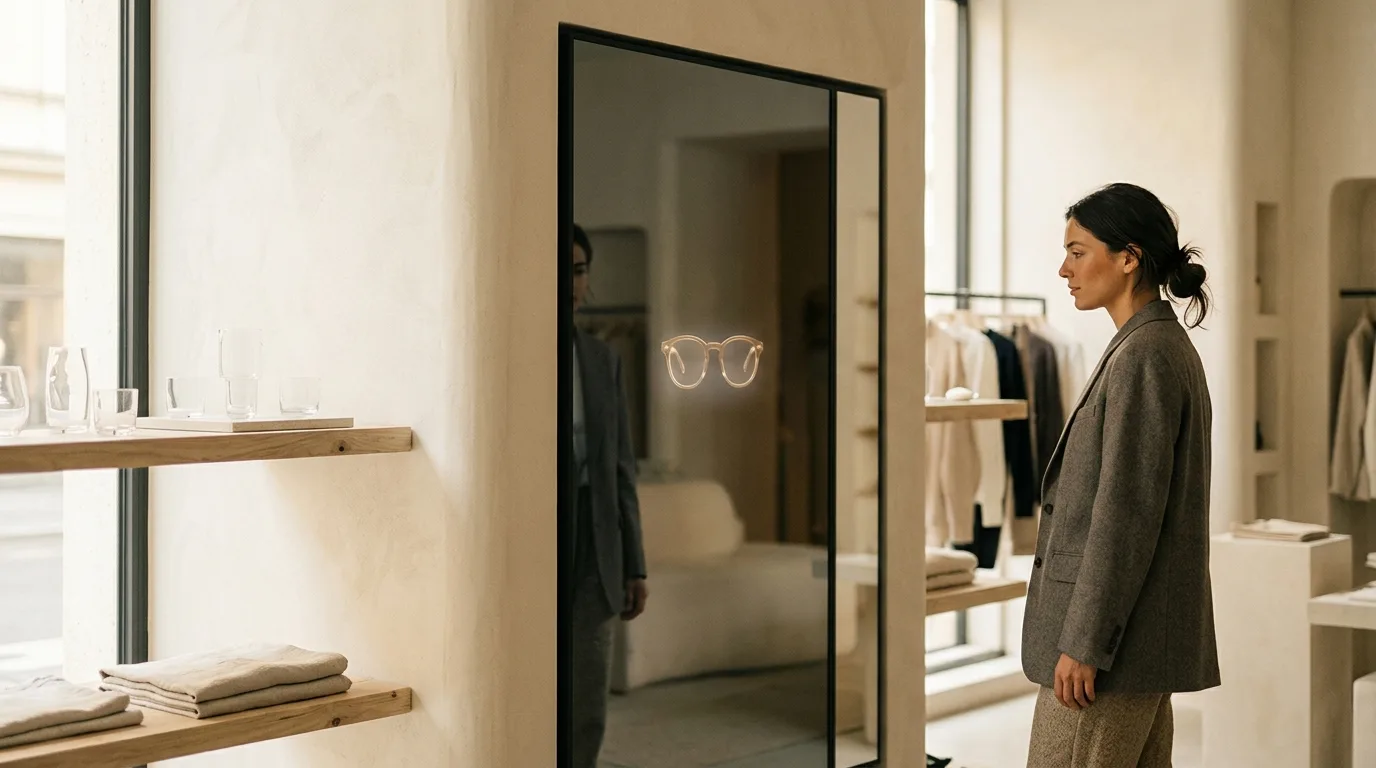
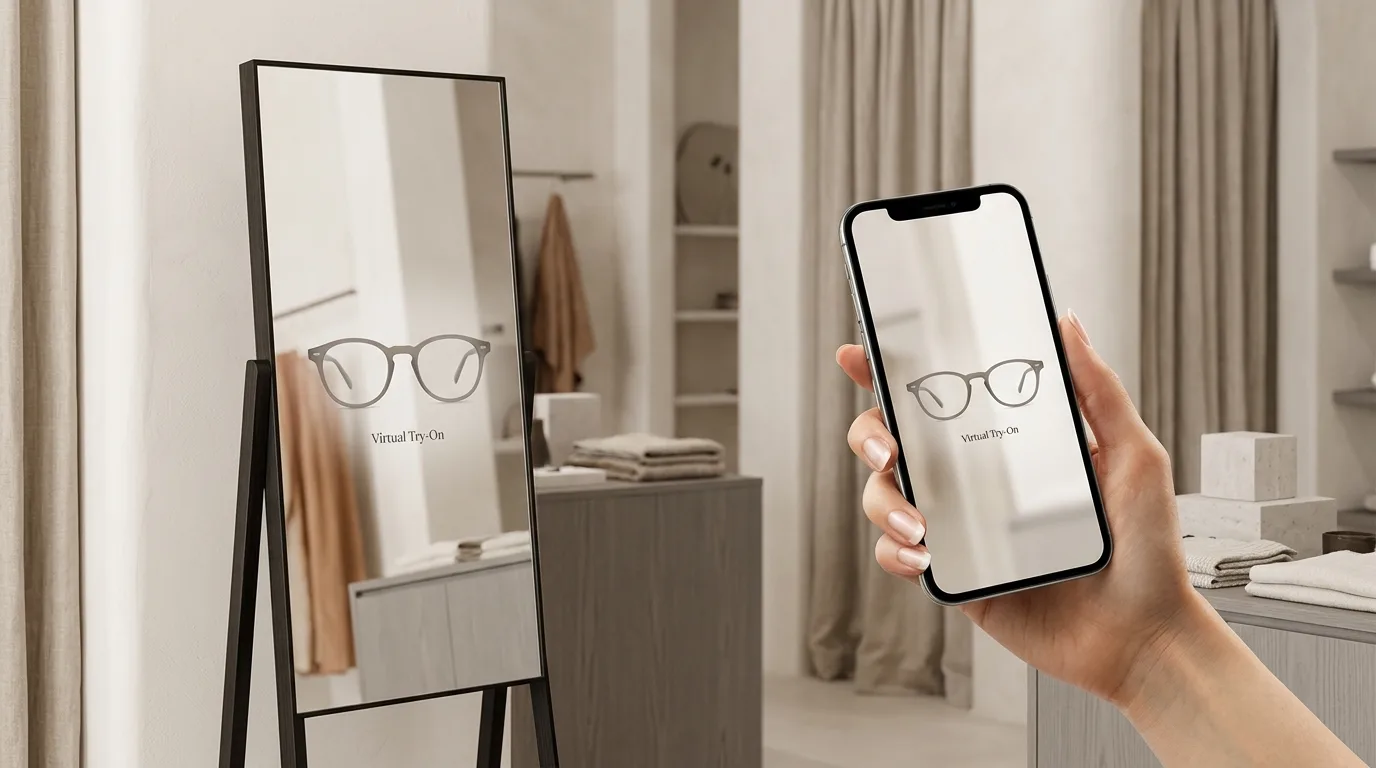
A retail smart mirror — also sold as a "magic mirror," "interactive mirror," or "virtual mirror" — is a vertically mounted display with a built-in or attached camera. The shopper stands in front of it, and instead of (or alongside) their reflection, they see themselves with products digitally applied: glasses on their face, a watch on their wrist, jewelry at their neckline.
Behind the glass, it's running the same category of technology as web-based try-on — face and body tracking, 3D rendering — but packaged into a fixed physical unit. The costs come from the things software doesn't have:
- Hardware: the display, camera, mounting, and often a custom enclosure to match the store's design.
- Installation: mounting, power, network, and floor space that could otherwise hold inventory.
- Maintenance: a device running continuously in a public space needs upkeep, cleaning, and occasional repair.
- One location, one screen: it serves the customers physically in front of it, during opening hours, one at a time.
A single well-built retail smart mirror unit typically runs into the thousands of dollars before you account for the software, and that cost repeats for every screen in every location.
What Is Virtual Try-On?
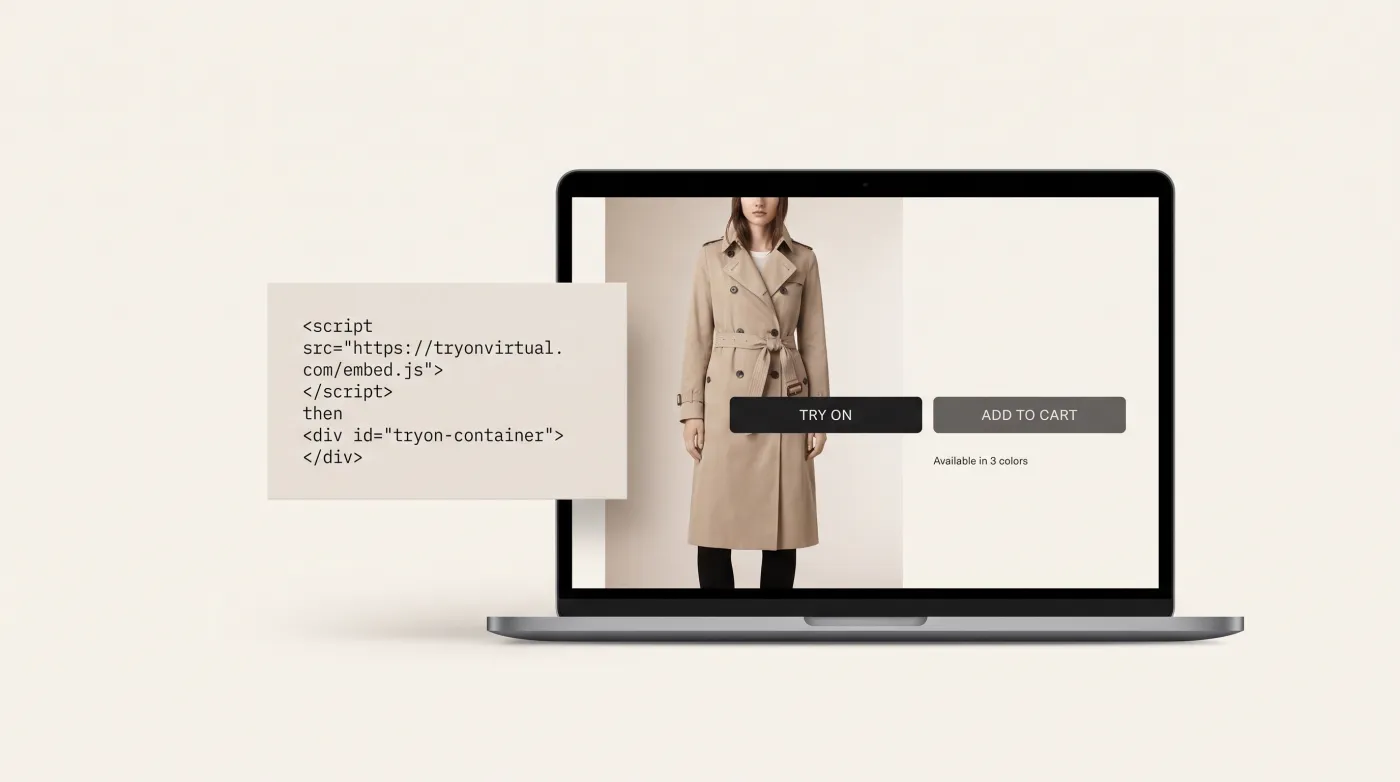
Virtual try-on is the same core experience delivered as software, directly inside your online store. The shopper clicks a "Try On" button on a product page and sees the product on themselves — through their own webcam in real time, or by uploading a photo for an AI swap.
There's no hardware to buy and nothing to install in a physical space. It runs in the browser on the device the customer already has: their phone, tablet, or laptop. Modern implementations like TryOn Virtual use AI face tracking with 468 facial landmarks and physically based 3D rendering so the product looks accurate, not like a flat sticker.
The economics are completely different from hardware:
- No per-location cost. One integration serves your entire website — and therefore your entire online audience, worldwide, 24/7.
- It scales with usage, not real estate. You pay for try-on sessions, not square footage. A free tier lets you measure the impact before committing.
- It deploys in minutes, not weeks. On Shopify, it's an app install and a theme toggle — no developer required.
- Privacy-first. With browser-based try-on, face tracking happens locally on the customer's device. No images or biometric data leave their browser.
Smart Mirror vs Virtual Try-On: Side by Side
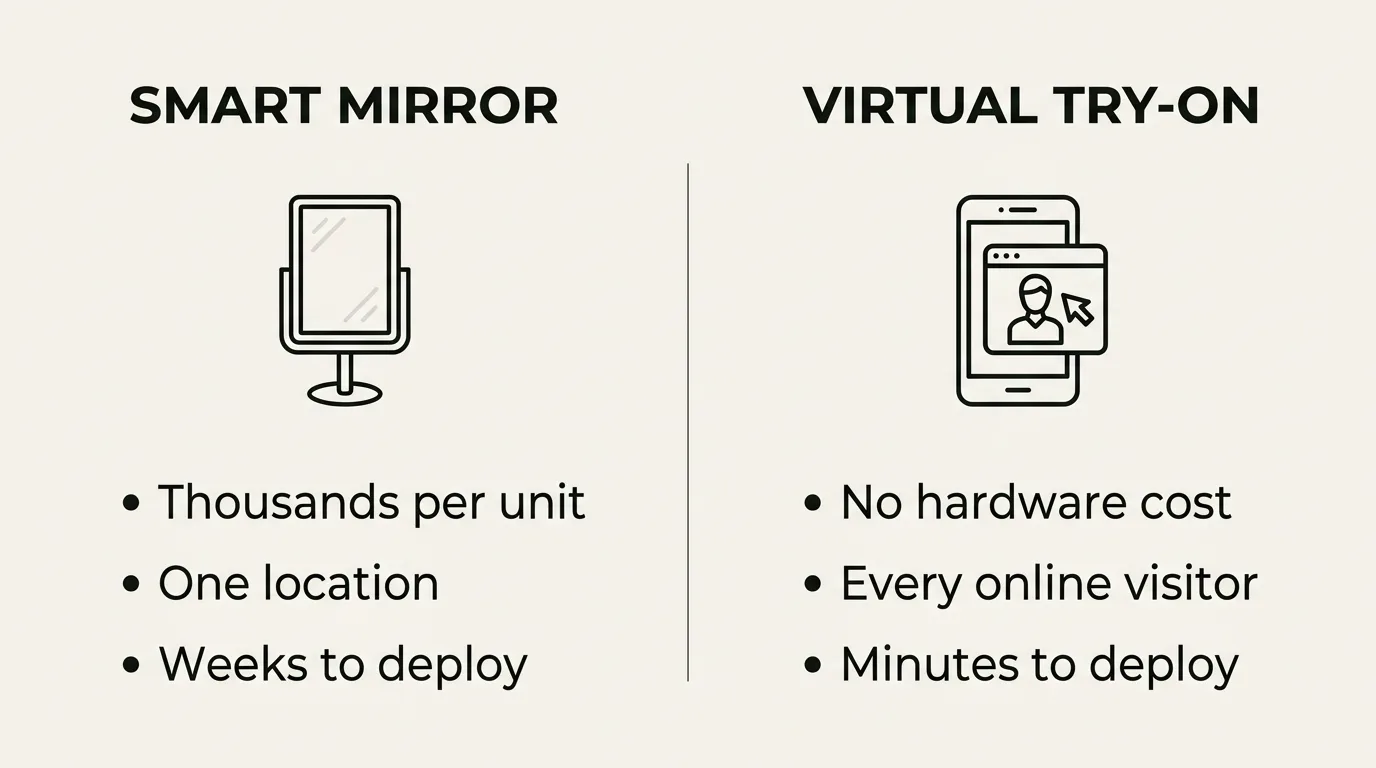
| Dimension | Smart Mirror | Virtual Try-On (Web) |
|---|---|---|
| What it is | Physical display + camera in-store | Software on your website |
| Reach | People in that store, during hours | Every online visitor, anywhere, 24/7 |
| Upfront cost | Thousands per unit (hardware + install) | None — software integration |
| Ongoing cost | Maintenance + the software | Scales with try-on sessions |
| Deployment time | Weeks (procure, install, configure) | Minutes (app + theme toggle on Shopify) |
| Scales by | Buying more physical units | Flipping a switch — no marginal hardware |
| Best at | In-store "wow," flagship experiences | Removing online purchase hesitation |
| Where buyers hesitate | Already in-store, often ready to buy | On the product page — the exact moment of doubt |
| Analytics | Per-location, in-store dwell | Full funnel: try-on rate, conversion, returns |
The row that matters most is the second-to-last one. The customers who most need help deciding are the ones who can't physically touch the product — your online shoppers. Someone standing in your store has already self-selected: they made the trip, they can pick the frames up, they can ask a staff member. Your abandoned-cart problem lives online, and that's exactly where virtual try-on operates.
The Cost Math
This is where the decision usually becomes obvious. Consider a brand with one store and a Shopify site doing a few thousand product-page views a month.
Smart mirror path:
- One unit: several thousand dollars upfront
- Installation, enclosure, network: more
- Reaches: the foot traffic of one store
- Want a second location covered? Buy another unit.
Virtual try-on path:
- Upfront hardware: $0
- Reaches: 100% of online traffic, every location's catalog, every device
- A free Starter plan (25 sessions/month plus 3 free AI-built 3D models) lets you measure conversion lift before spending anything
- Paid plans scale with usage — Essentials at $15/mo, Growth at $49/mo, Scale at $149/mo
For the price of a single smart mirror, you can run web-based virtual try-on across your entire catalog for years and actually measure whether it moves revenue. That's why the honest recommendation for most retailers is: prove the value online first, cheaply, then decide whether a physical mirror is worth it for a specific store.
Where Smart Mirrors Genuinely Win
This isn't a takedown of smart mirrors — they're the right tool in specific cases. A retail smart mirror earns its cost when:
- You have a flagship or high-footfall store. A mirror that thousands of people pass weekly amortizes its cost in engagement and brand impression.
- The in-store experience is the brand. Luxury eyewear, premium watches, and jewelry boutiques sell an experience. A beautifully enclosed interactive mirror reinforces that the same way good lighting and fixtures do.
- You want to extend catalog access on a small floor. A mirror lets a shopper "try" frames you don't physically stock, turning limited shelf space into an effectively unlimited catalog.
- You're building a true omnichannel story. When the in-store mirror and the website run the same engine and share analytics, you get a unified view of how customers interact across channels.
That last point is the key one. The smart mirror is most powerful not as a standalone gadget, but as the physical end of a system that's already working online.
Where Virtual Try-On Wins
- The decisive moment is online. A shopper deciding whether glasses suit their face is most often doing it at home, on a product page, at 11pm. Virtual try-on answers the question at the exact point of hesitation.
- Reach is the whole game in ecommerce. A mirror reaches one store's visitors. Try-on reaches everyone who lands on your site — including the 60%+ on mobile.
- It's measurable from day one. You can see try-on engagement rate, the conversion gap between users and non-users, and returns over time — all in the analytics dashboard. Hardware ROI is much harder to isolate.
- The downside risk is near zero. A free tier and a few-minute setup mean testing virtual try-on costs you almost nothing. A smart mirror is a committed capital purchase.
The Hybrid Model: Why It's Not Actually "Either/Or"
The framing of "smart mirror vs virtual try-on" is useful for deciding where to start, but the strongest setup uses both — and crucially, both running on the same engine.
This is the part most comparisons miss. If your in-store mirror and your website use different vendors, you've built two disconnected systems: two product catalogs to maintain, two sets of 3D assets, two analytics silos, and two inconsistent customer experiences.
When they share one platform, the picture changes:
- The 3D models you create for online try-on are the same models the mirror displays in-store — build once, use everywhere.
- A customer who tries frames on the mirror and the same frames at home gets a consistent result, because it's the same rendering engine.
- Analytics unify across channels, so you can finally see the full journey instead of two halves.
TryOn Virtual is built this way on purpose. The web virtual try-on is live today, and the Smart Mirror platform runs the identical AI engine for in-store deployments. That means you can start online now and add a physical mirror later without rebuilding anything — your catalog and assets carry straight over.
How to Decide: A Simple Framework
Work top to bottom and stop at the first "yes":
- Are you selling online and have shoppers hesitating on product pages? → Start with web virtual try-on. This is almost everyone. It's cheap, fast, and measurable.
- Do you have a flagship or high-traffic physical store where experience drives the brand? → Add a smart mirror on top of your online try-on — same engine, unified analytics.
- Are you a pure brick-and-mortar with no ecommerce? → A smart mirror is your try-on play. But seriously consider adding even a basic online store first; the online audience is usually larger than the foot traffic.
- Enterprise or multi-location with both online and physical demand? → Run both from one platform from the start so you don't end up stitching two vendors together later.
The mistake to avoid: buying a smart mirror because it's impressive before you've captured the much larger, much cheaper online opportunity sitting on your product pages right now.
Frequently Asked Questions
Is a smart mirror just virtual try-on with extra steps? Technically they share the same underlying try-on technology, but they're not interchangeable. A smart mirror packages it into physical hardware for in-store use; virtual try-on delivers it as software to every online shopper. The hardware adds cost and limits reach to one location — but adds a physical, branded experience that software can't replicate on a shop floor.
Which is cheaper, a smart mirror or virtual try-on? Virtual try-on, by a wide margin. It has no hardware or installation cost and often starts free. A single retail smart mirror unit runs into the thousands before software, and that cost repeats per screen and per location.
Do I need a smart mirror to offer virtual try-on in my store? No. Customers can use virtual try-on on their own phones — including while standing in your store. Many retailers get the in-store benefit simply by adding a "Try On" button to the product pages customers browse on their phones, with no hardware at all.
Can customers tell the difference in quality? The rendering quality depends on the engine, not the form factor. A web try-on using accurate 3D models and PBR materials looks as realistic as the same model on a mirror. A cheap mirror with poor models looks worse than good software. The 3D asset quality matters more than the screen.
What about privacy with in-store cameras? Web virtual try-on processes face tracking locally in the shopper's browser — no images leave their device. In-store mirrors should be evaluated on their specific data handling, since a camera in a public space raises different considerations. Ask any mirror vendor exactly what's captured and where it's stored.
Can I start online and add a smart mirror later? Yes — and that's the recommended path. If both run on the same platform, your product catalog and 3D assets carry over directly, so adding an in-store mirror later doesn't mean rebuilding your try-on setup.
The Bottom Line
Smart mirrors and virtual try-on solve the same problem — will this look good on me? — from opposite directions. The mirror answers it for the person standing in your store. Virtual try-on answers it for everyone else, which in ecommerce is almost everyone.
For most retailers, the right move is clear: start with web-based virtual try-on, because it's cheap, fast, reaches your entire audience, and proves its value with hard numbers. Then, if a physical location justifies it, add a smart mirror running the same engine so the two reinforce each other instead of becoming two systems to maintain.
See virtual try-on live → or explore the Smart Mirror early access program →. Curious where retail try-on is heading next? Read the future of AR in retail.
This article is part of The Complete Guide to Virtual Try-On in Ecommerce — our full breakdown of try-on types, product categories, ROI, and platform options.