Two Approaches to 3D Virtual Try-On
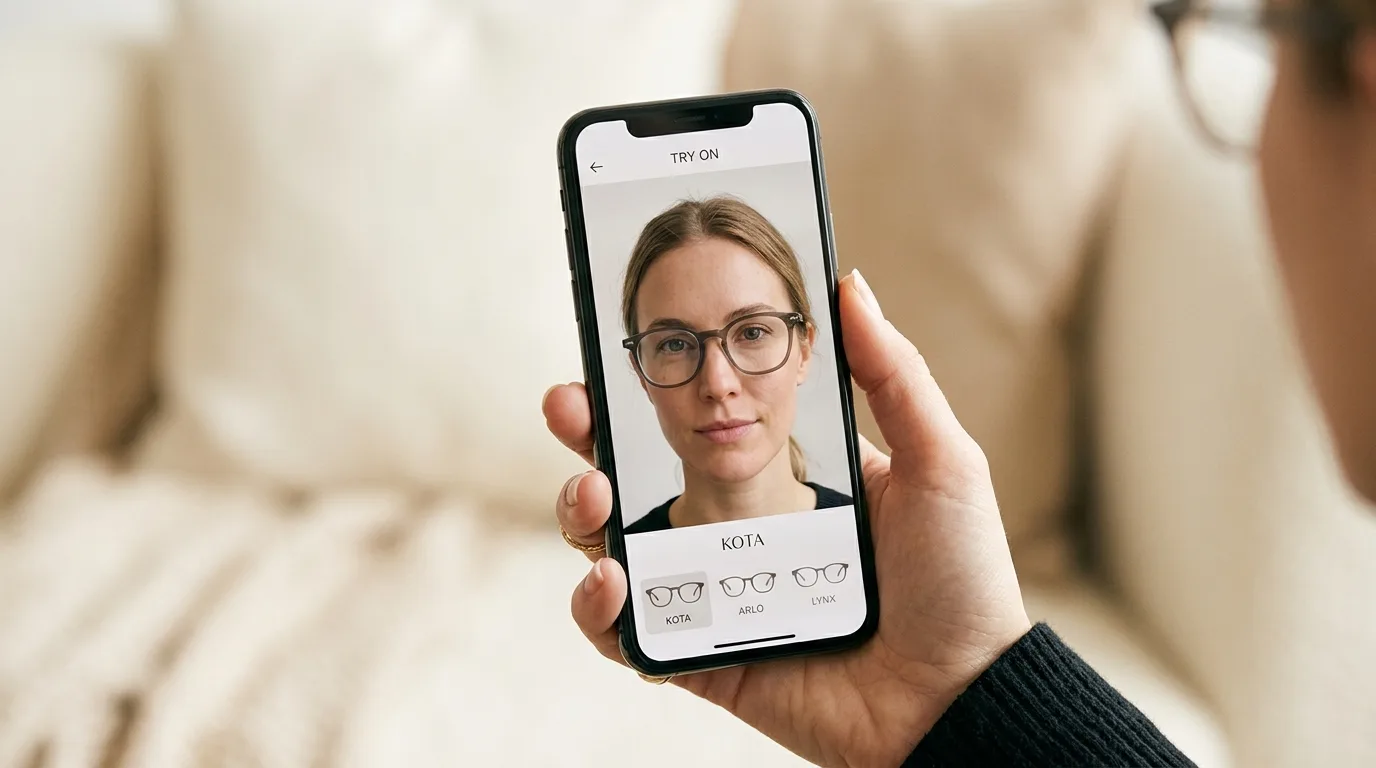
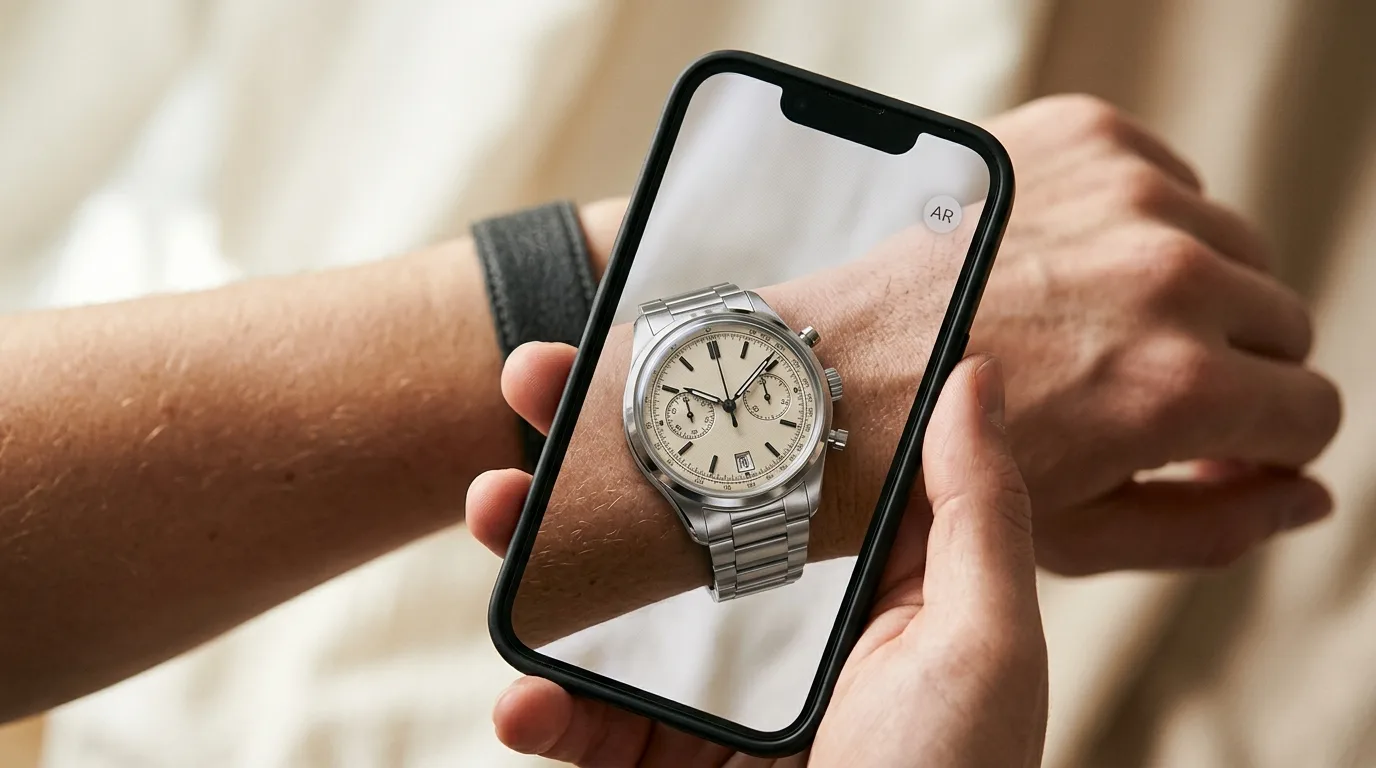
When brands implement 3D virtual try-on — the kind where customers see products rendered in real time on a live camera feed — they face a fundamental technology choice: full 3D models or semi-3D assembly assets.
Both approaches use the same face or body tracking technology and render products in the browser using WebGL. The difference lies in how the product itself is represented, and that difference has significant implications for cost, performance, visual quality, and scalability.
Full 3D: The Traditional Approach
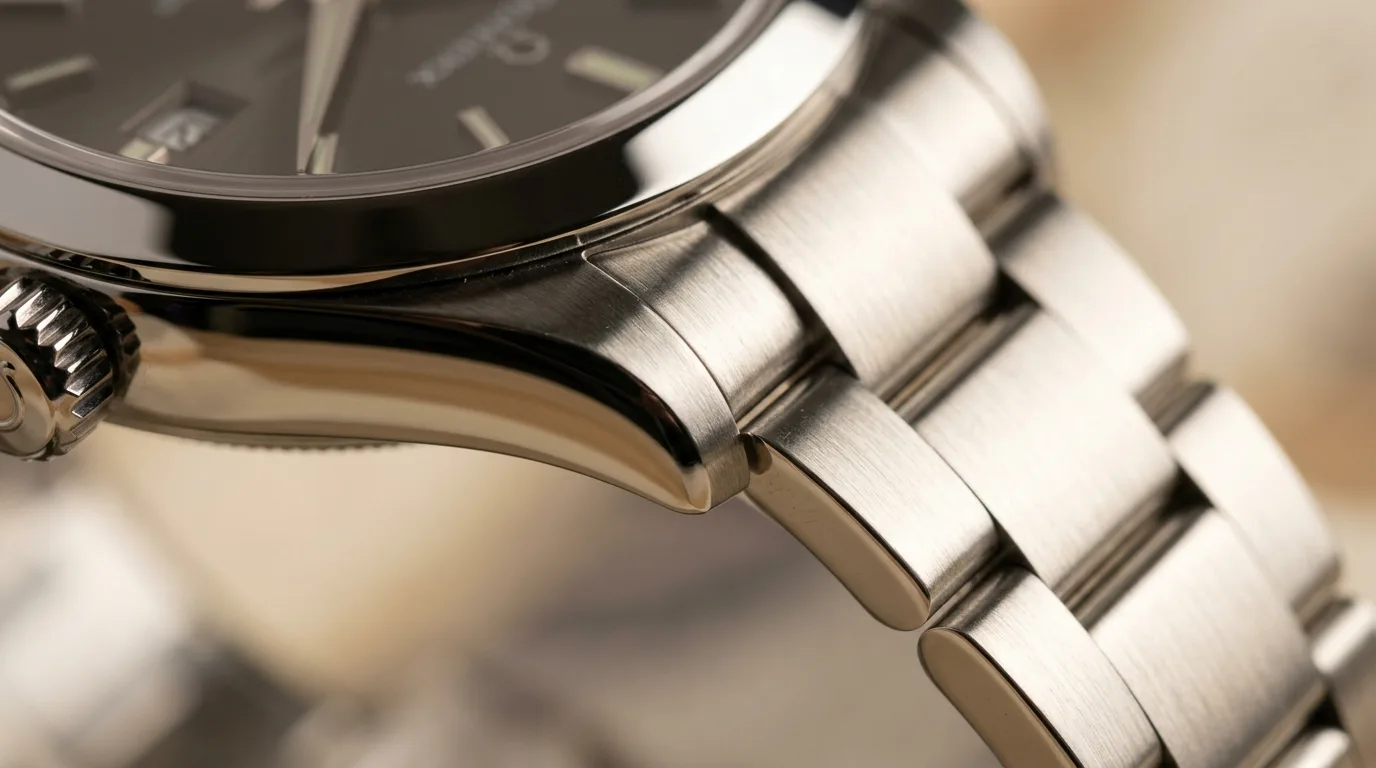
Full 3D virtual try-on uses complete 3D models — typically in GLB or GLTF format — that represent every surface, material, and geometric detail of the product. For eyewear, this means a fully modeled frame with lenses, hinges, temples, and nose pads. For watches, a complete case, dial, crown, and strap.
How Full 3D Models Are Created
Creating a full 3D model for virtual try-on typically involves:
- 3D scanning or manual modeling: The physical product is either scanned using photogrammetry or modeled by a 3D artist in software like Blender or Maya
- Material authoring: PBR (Physically Based Rendering) materials are created for each surface — metal textures, lens coatings, rubber grips, leather grain
- Optimization: The model is optimized for web delivery — reducing polygon count, compressing textures, and ensuring the final file is under 2-5 MB
- Quality assurance: Each model is tested in the try-on environment to verify alignment, scale, and material accuracy
Strengths of Full 3D
- Maximum realism: Full PBR materials with environment reflections, transparency, and accurate light interaction
- Complete interactivity: Customers can view the product from any angle, zoom, and see every detail
- Material accuracy: Metal finishes, lens tints, leather textures, and fabric weaves are physically accurate
- Animation support: Temple arms can open and close, watch crowns can rotate, jewelry can dangle naturally
Limitations of Full 3D
- High production cost: A single GLB model can cost $50-$200+ to produce, depending on complexity
- Slow turnaround: Creating and optimizing models takes days to weeks per product
- Large file sizes: Even optimized models are 1-5 MB, impacting load times on slow connections
- Scaling challenges: A catalog of 500 products requires 500 individually produced 3D models
Semi-3D: The Assembly Approach
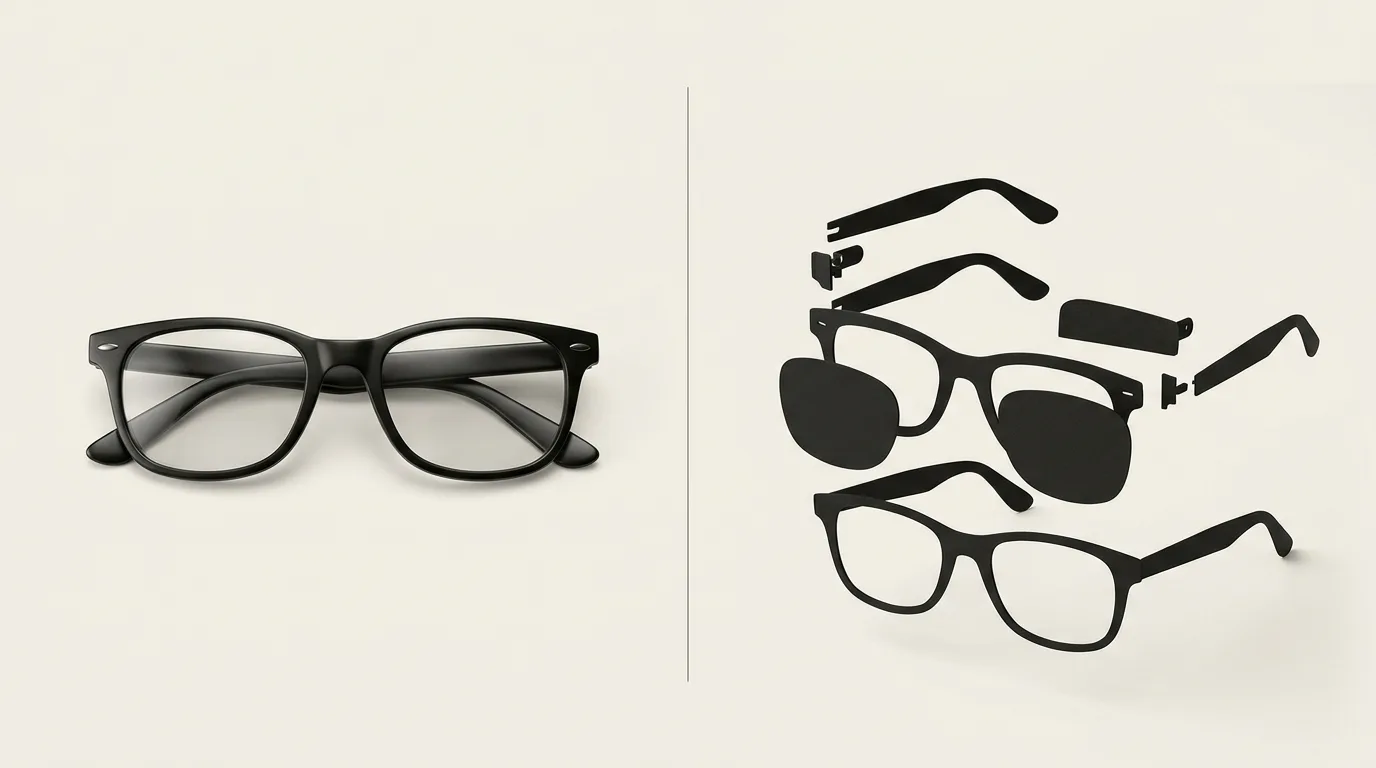
Semi-3D — sometimes called "assembly assets" or "layered 3D" — takes a different approach. Instead of modeling the entire product as a single 3D mesh, the product is decomposed into flat or low-geometry layers that are assembled and rendered in real time.
How Semi-3D Assets Work
Consider a pair of eyeglasses. In the semi-3D approach, the frame might be represented as:
- A front-facing frame image with transparency (the face-on view)
- Simplified temple geometry (low-poly 3D arms)
- A lens layer with shader-based tint and reflection effects
These components are assembled at render time. The frame image is mapped onto a plane that tracks the user's face. The temples are extruded as simple geometry. The lens effects are applied via shaders rather than modeled surfaces.
The result looks convincing in the context of a live camera feed, even though it is not a complete 3D model.
Strengths of Semi-3D
- Much lower production cost: Assets can be created from product photography with minimal manual work, often 70-80% cheaper than full 3D
- Faster turnaround: Semi-3D assets can be prepared in hours rather than days
- Smaller file sizes: Typically 50-200 KB per product, compared to 1-5 MB for full 3D
- Easier to scale: Product photography can be partially automated, making it feasible to cover large catalogs
- Better mobile performance: Lower GPU requirements and faster load times on mid-range devices
Limitations of Semi-3D
- Limited viewing angles: The product looks best from the primary viewing angle (front-facing) and may lose realism at extreme angles
- Simplified materials: Shader-based effects approximate PBR materials but cannot match the fidelity of full 3D
- Less interactivity: Zoom and rotation may be limited compared to full 3D models
- Category-dependent quality: Works excellently for eyewear and flat accessories, less convincingly for highly three-dimensional products like shoes
When to Use Which
The choice between full 3D and semi-3D depends on your specific product category, catalog size, budget, and quality requirements.
Full 3D is the better choice when:
- Visual fidelity is paramount: Luxury brands where material accuracy defines the product (premium eyewear, fine watches, high-end jewelry)
- The product is highly three-dimensional: Items with complex geometry that look wrong when simplified (shoes, helmets, bulky accessories)
- The catalog is small: A brand with 20-50 hero products can invest in full 3D models cost-effectively
- You need animation: Temple animation for eyewear, articulated watch bands, or dangling jewelry elements require full 3D
Semi-3D is the better choice when:
- The catalog is large: Hundreds or thousands of SKUs where full 3D is cost-prohibitive
- Speed to market matters: You need try-on live in weeks, not months
- Products are relatively flat: Eyewear frames, watches (face-on), flat jewelry, and similar items work well as assembled layers
- Mobile performance is critical: Your audience is predominantly mobile and bandwidth-constrained
- You are testing product-market fit: Start with semi-3D to validate demand before investing in full 3D
The Hybrid Approach
Many brands use both approaches within the same catalog. Hero products — bestsellers and premium items — get full 3D treatment. The long tail of the catalog uses semi-3D assets to ensure coverage. The TryOn Virtual widget handles both asset types seamlessly, so customers experience a consistent interface regardless of which approach is used for a given product.
Performance Comparison
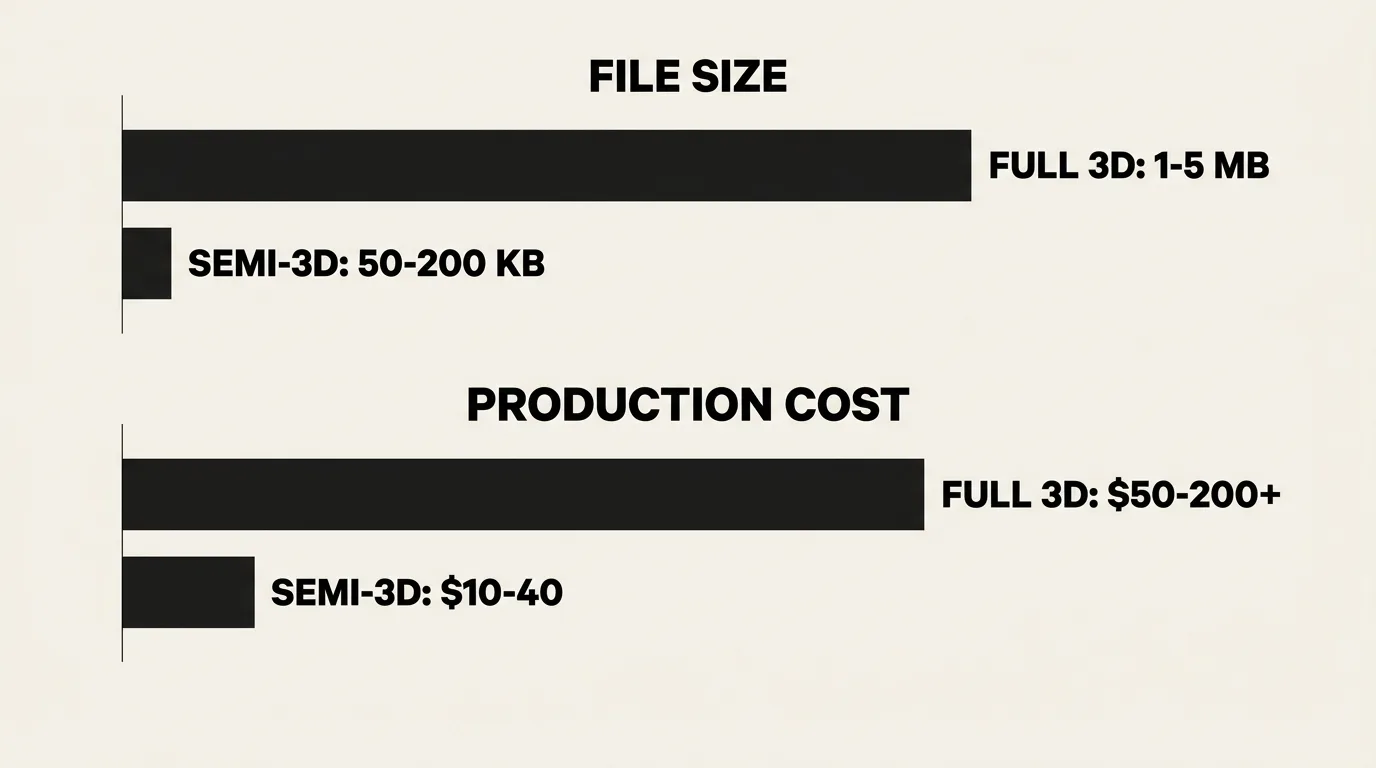
Real-world performance benchmarks illustrate the trade-offs:
| Metric | Full 3D (GLB) | Semi-3D (Assembly) |
|---|---|---|
| Asset file size | 1-5 MB | 50-200 KB |
| Initial load time (4G) | 2-5 seconds | Under 1 second |
| GPU memory usage | 40-120 MB | 10-30 MB |
| Frame rate (mid-range phone) | 25-40 FPS | 55-60 FPS |
| Production cost per asset | $50-$200+ | $10-$40 |
| Production time per asset | 2-10 days | 2-8 hours |
These numbers vary by product complexity, but the magnitude of difference is consistent. Semi-3D assets are roughly 5-10x cheaper, 5-10x smaller, and deliver noticeably better performance on mobile devices.
Looking Ahead
The line between full 3D and semi-3D is blurring. Advances in AI-powered 3D generation are reducing the cost of full 3D models, while semi-3D rendering techniques are getting more sophisticated. We expect the hybrid approach to become the standard — with AI automating much of the 3D production pipeline and semi-3D techniques filling gaps where full 3D is not yet cost-effective.
For merchants evaluating their options today, the key takeaway is that virtual try-on does not require a massive upfront investment in 3D modeling. Semi-3D assets make it feasible to launch quickly and at scale, with full 3D reserved for products where the investment delivers clear returns.
Learn more about 3D rendering technology on our PBR Rendering page, or explore the full virtual try-on platform to see both approaches in action.
This article is part of The Complete Guide to Virtual Try-On in Ecommerce — our full breakdown of try-on types, product categories, ROI, and platform options.