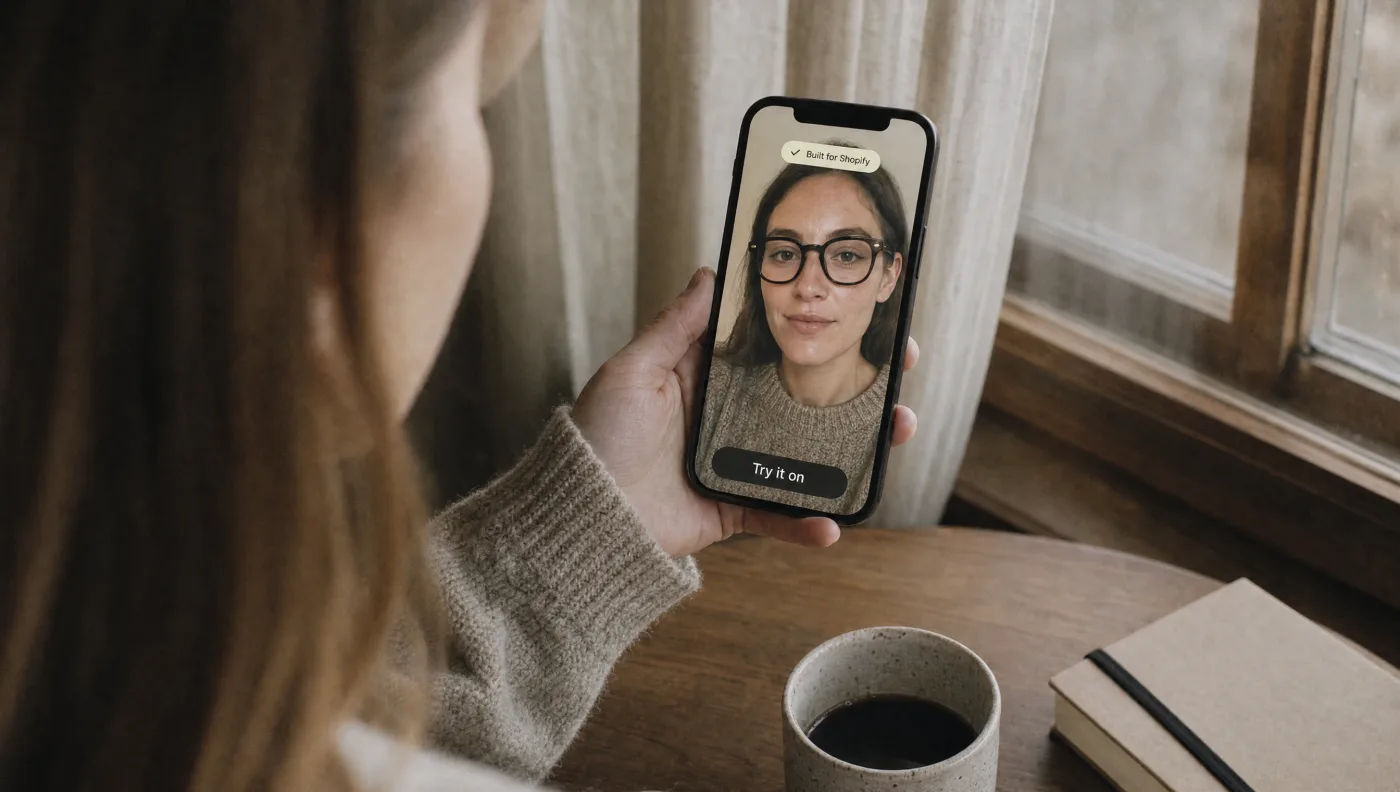
TryOn Virtual is now Built for Shopify. The badge is live on our Shopify App Store listing, next to Shopify's own one-line description of it: the app "meets our highest standards for performance, design, and integration."
Shopify calls Built for Shopify "the highest level of recognition and achievement that an app can reach." It isn't a paid placement or a popularity award. Shopify's app review team checks the app against a published list of requirements, and only then grants the status.
This post explains what those requirements are, and what they mean for a merchant running try-on on their product pages.
What Built for Shopify Means
Built for Shopify is Shopify's quality programme for apps. To earn it, an app has to clear three bars:
- Track record. At least 50 net installs from active stores on paid Shopify plans, at least five reviews, and a strong recent rating. TryOn Virtual holds 5.0★ from 8 reviews on the App Store.
- A manual review. Shopify's reviewers go through the app against every requirement and send back anything that needs fixing before approval.
- An annual re-check. Status isn't permanent. Shopify reviews every Built for Shopify app each year, and an app that stops meeting the standards has 60 days to fix it or loses the badge.
The requirements themselves fall into four groups.
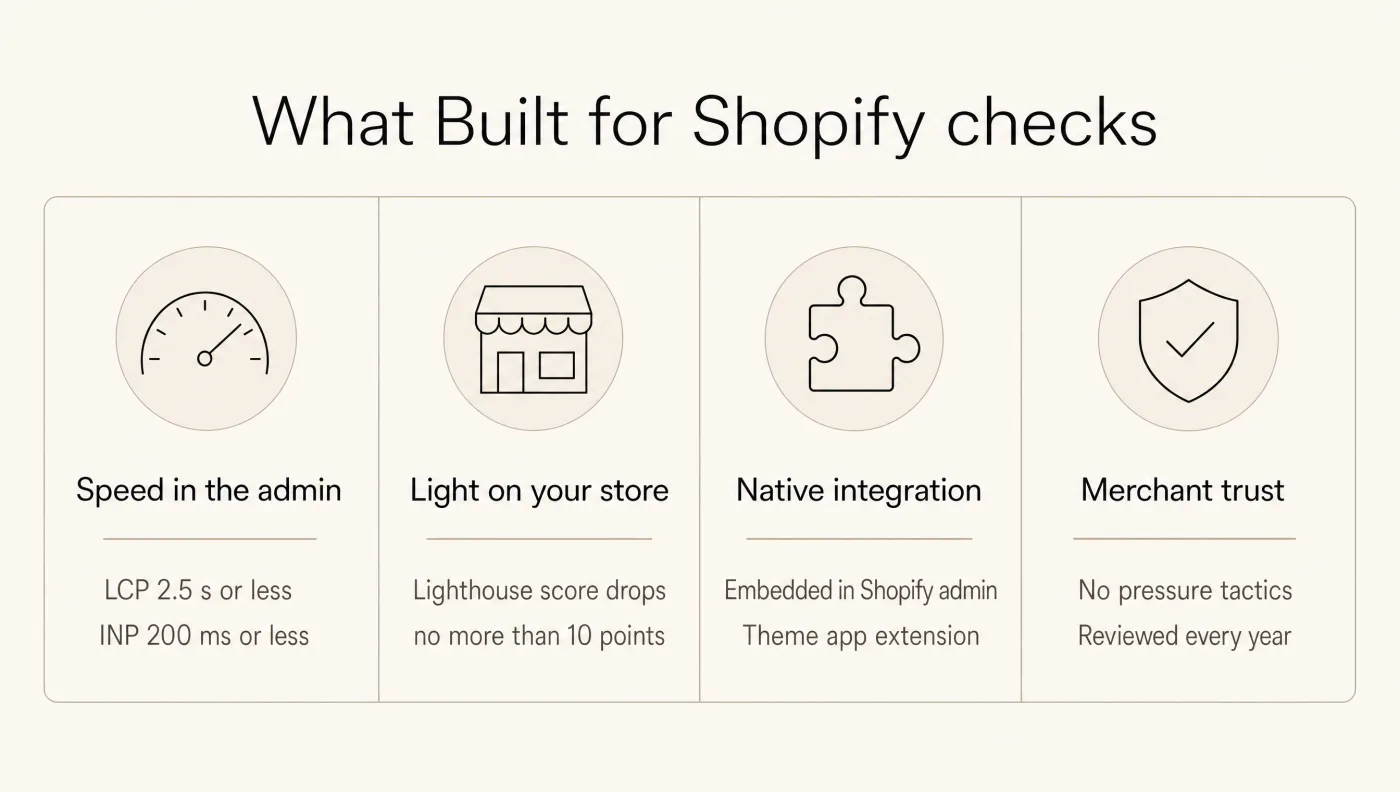
1. Speed in the Shopify admin
Shopify measures the app's real-world performance inside the admin, from actual merchant sessions, at the 75th percentile over 28 days:
- Largest Contentful Paint of 2.5 seconds or less
- Cumulative Layout Shift of 0.1 or less
- Interaction to Next Paint of 200 milliseconds or less
These are the same Core Web Vitals Google uses to judge websites. In practice, the TryOn Virtual dashboard loads quickly and responds without lag while you set up products, generate 3D models and read your try-on analytics.
2. Light on your storefront
This is the requirement that matters most for a try-on app. Shopify requires that an app must not lower your store's Lighthouse performance score by more than 10 points.
Try-on runs on your product pages, the pages that sell. A heavy script there costs you speed, and speed costs you conversions. TryOn Virtual loads the try-on button with the page and fetches the try-on experience itself only when a shopper opens it, so your product page stays fast for the shoppers who never tap "Try it on".
3. Native integration
Built for Shopify apps have to feel like part of Shopify:
- Embedded in the admin. You manage TryOn Virtual inside your Shopify admin, signed in with your Shopify account. No separate login to set up.
- Theme app extension. The try-on button is added to your theme as an app block you place in the theme editor. TryOn Virtual doesn't rewrite your theme files, and when you remove the app, the button goes with it. No leftover code to clean up.
- Key information up front. The app's home page shows your setup status and the numbers that matter.
4. Design and merchant trust
Shopify also reviews how the app treats you. Built for Shopify apps must follow Shopify's admin design conventions and accessibility contrast standards, work on mobile, and avoid pressure tactics: no countdown timers, no promised results, no promotions that keep coming back after you dismiss them. Premium features have to be clearly labelled.
What It Means for Your Store
If you're choosing a virtual try-on app, the badge answers several questions before you install:
- Will it slow down my product pages? Shopify has checked that it doesn't, beyond a strict limit.
- Will it leave a mess in my theme? No. It installs through a theme app extension and removes cleanly.
- Is the admin pleasant to use? It has passed Shopify's design and usability review.
- Will it stay that way? Shopify re-checks it every year.
On the Shopify App Store you can filter search results to show only Built for Shopify apps. TryOn Virtual now appears in that filter.
What TryOn Virtual Does
For anyone meeting us for the first time: TryOn Virtual adds virtual try-on to your product pages, with two modes in one app.
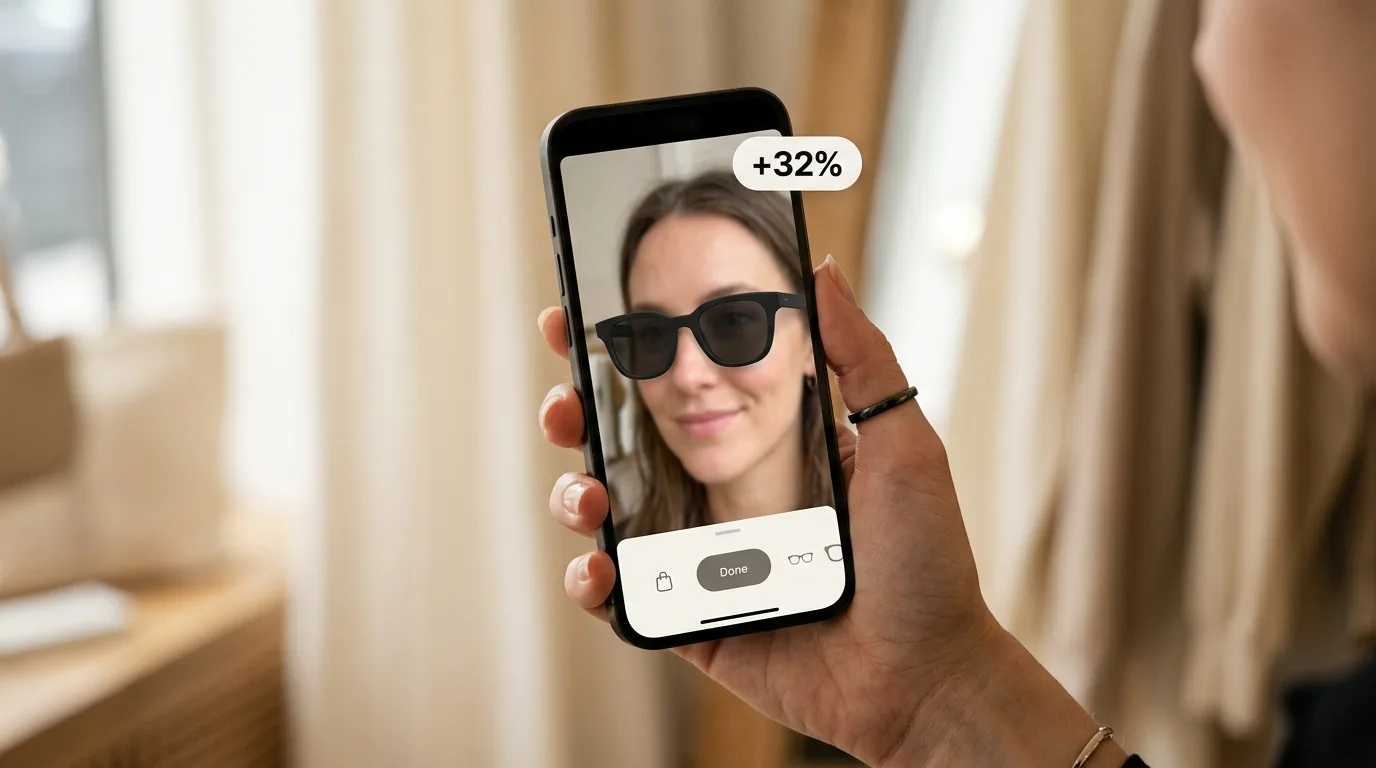
- Real-time AR for eyewear and watches. Shoppers see the product on their face or wrist through their camera, in the browser, with nothing to download. Earring, necklace and bracelet AR is in beta. Live AR camera frames stay on the shopper's device. See how eyewear try-on works →
- AI photo swap for clothing, shoes and jewelry. A shopper uploads one photo and sees themselves wearing the product, typically in 10–20 seconds. See how AI photo swap works →
No 3D artist needed for eyewear: TryOn Virtual generates the 3D model from up to 4 of your product photos, and it goes live in the try-on widget. About 400 stores use TryOn Virtual today.
Try It Free
The free Starter plan includes 25 try-on sessions a month and 3 free 3D models. Paid plans start at $15 a month and every paid plan has a 7-day free trial. Compare plans →
Install TryOn Virtual from the Shopify App Store →
Thank you to every merchant who installed the app, sent feedback and left a review. Built for Shopify is Shopify's recognition, but you got us there.
FAQ
What is the Built for Shopify badge?
Built for Shopify is a status Shopify awards to apps that meet its highest standards for performance, design and integration. The badge appears on the app's card everywhere it shows in the Shopify App Store. Shopify's app review team checks each app manually and re-reviews it every year.
Is TryOn Virtual Built for Shopify?
Yes. TryOn Virtual: AR & AI Try-On has Built for Shopify status. The badge is shown on its Shopify App Store listing.
Does a virtual try-on app slow down a Shopify store?
It can, which is why Built for Shopify sets a limit: an app must not lower a store's Lighthouse performance score by more than 10 points. TryOn Virtual meets that requirement by loading the full try-on experience only when a shopper opens it.
What happens to my theme if I uninstall TryOn Virtual?
Nothing is left behind. The try-on button is a theme app extension block, so it is removed together with the app.